Building Your First Data Pipeline with Python and Airflow
A beginner-friendly, step-by-step guide to building your first ETL pipeline — extract data from an API, transform it with pandas, and load it into a database, all scheduled and automated with Apache Airflow.
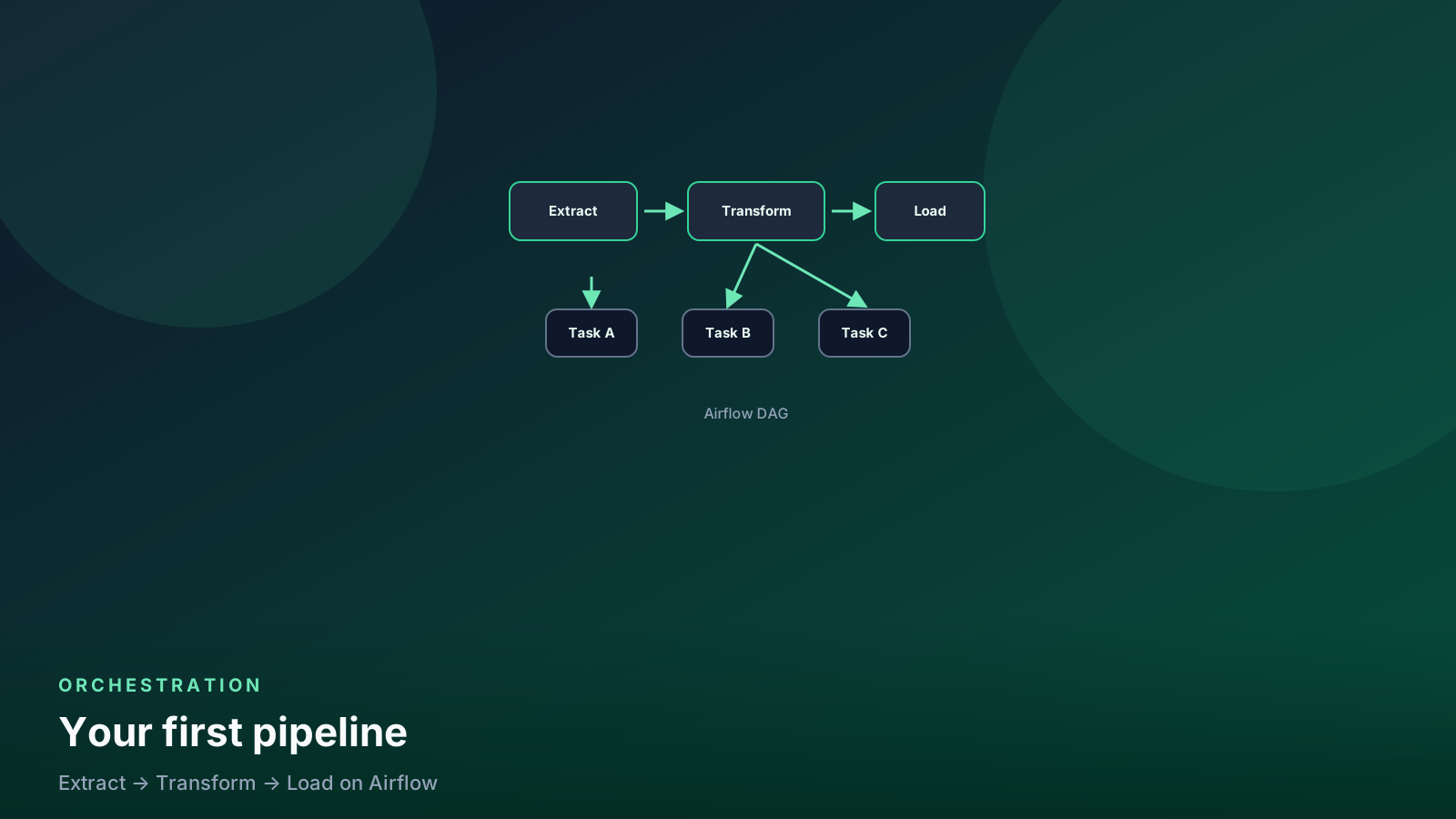
- ✓A data pipeline is Extract → Transform → Load (ETL), and Airflow schedules and monitors each step automatically.
- ✓Always make your tasks idempotent (safe to re-run) so that retries and backfills never create duplicate data.
- ✓Test with `airflow dags test` before enabling the scheduler — catch bugs on your laptop, not at 3 a.m.
- ✓Never pass large datasets through XCom — write files or tables between tasks, and pass only the file path.
Table of contents
- What is a data pipeline?
- What we are building
- Prerequisites
- Step 1: Run Airflow with Docker
- Step 2: Write the DAG
- Step 3: Test before you enable the schedule
- Idempotency (why the DELETE is there)
- ds is the day you meant, not the clock
- Catchup is a loaded gun
- A quality gate before load
- Docker locally, then a real scheduler
- What not to put in XCom
- Where to go next
- FAQ
What is a data pipeline?
A data pipeline is a series of automated steps that move data from one place to another. Think of it like an assembly line in a factory:
- Extract — Grab raw data from a source (an API, a database, a file)
- Transform — Clean it up, fix column names, filter bad rows
- Load — Put the clean data into a database or warehouse where analysts can use it
Apache Airflow is the tool that schedules and monitors these steps. It’s like a smart alarm clock for your code — it runs your pipeline on a schedule, retries if something fails, and shows you what happened in a dashboard.
In this tutorial, you’ll build a complete pipeline on your laptop: pull weather data from a free API, clean it with Python, and load it into a database. The same patterns work when you later scale to Snowflake, BigQuery, or any production warehouse.
flowchart LR
  api[Public API] --> extract[Extract task]
  extract --> transform[Transform with pandas]
  transform --> load[Load to Postgres]
  load --> warehouse[(Warehouse)]
What we are building
Three tasks, one daily run:
- Extract — hourly weather from the Open-Meteo API
- Transform — types and column names in pandas
- Load — append into Postgres, then upsert if you re-run the day
Prerequisites
- Python 3.10+
- Docker (easiest local Airflow)
- Basic SQL
If Docker is not an option, a local venv + airflow standalone works.
The DAG code is the same.
Step 1: Run Airflow with Docker
curl -LfO 'https://airflow.apache.org/docs/apache-airflow/stable/docker-compose.yaml'
docker compose up airflow-init
docker compose up -d
Open http://localhost:8080. Default compose credentials are in the
official doc for your Airflow version — do not assume airflow/airflow
on a shared machine.
Put DAGs in the dags/ folder the compose file mounts.
Step 2: Write the DAG
Create dags/weather_pipeline.py:
from datetime import datetime, timedelta
from pathlib import Path

import pandas as pd
import requests
from airflow.decorators import dag, task
from airflow.models import Variable


DATA_DIR = Path("/opt/airflow/data/weather")


@dag(
    schedule="@daily",
    start_date=datetime(2026, 1, 1),
    catchup=False,
    default_args={"retries": 2, "retry_delay": timedelta(minutes=5)},
    tags=["tutorial"],
)
def weather_pipeline():
    @task
    def extract(logical_date: str) -> str:
        DATA_DIR.mkdir(parents=True, exist_ok=True)
        url = (
            "https://api.open-meteo.com/v1/forecast"
            "?latitude=52.52&longitude=13.41&hourly=temperature_2m"
        )
        raw = requests.get(url, timeout=30)
        raw.raise_for_status()
        path = DATA_DIR / f"{logical_date}.json"
        path.write_text(raw.text, encoding="utf-8")
        return str(path)

    @task
    def transform(path: str, logical_date: str) -> str:
        import json

        payload = json.loads(Path(path).read_text(encoding="utf-8"))
        df = pd.DataFrame(payload["hourly"])
        df["time"] = pd.to_datetime(df["time"])
        df = df.rename(columns={"temperature_2m": "temp_celsius"})
        df["run_date"] = logical_date
        out = DATA_DIR / f"{logical_date}.parquet"
        df.to_parquet(out, index=False)
        return str(out)

    @task
    def load(parquet_path: str) -> None:
        from sqlalchemy import create_engine, text

        conn = Variable.get(
            "WAREHOUSE_URI",
            default_var="postgresql://user:pass@warehouse:5432/analytics",
        )
        engine = create_engine(conn)
        df = pd.read_parquet(parquet_path)
        run_date = str(df["run_date"].iloc[0])
        with engine.begin() as cxn:
            cxn.execute(
                text("delete from hourly_weather where run_date = :d"),
                {"d": run_date},
            )
            df.to_sql("hourly_weather", cxn, if_exists="append", index=False)

    day = "{{ ds }}"
    load(transform(extract(day), day))


weather_pipeline()
Two upgrades from the “hello world” version:
- Tasks pass paths, not the whole JSON, through XCom.
- Load deletes the run date first, so a retry does not duplicate rows.
Create hourly_weather once (or let the first to_sql create it, then
tighten types).
Step 3: Test before you enable the schedule
docker compose exec airflow-scheduler airflow dags list
docker compose exec airflow-scheduler airflow dags test weather_pipeline 2026-08-20
dags test runs the DAG for one logical date without the scheduler.
Fix import errors here, not at 3 a.m.
Then enable the DAG in the UI. Three tasks should go green.
Idempotency (why the DELETE is there)
Airflow retries. You will also backfill. If load only appends, every
retry doubles the day.
Patterns that work:
- Delete-then-insert for the partition (
run_date,ds,hour) INSERT … ON CONFLICT/MERGEon a natural key- Write to a dated table and swap
What does not work: “the API is only called once so we are fine.” The API is not the only thing that retries.
ds is the day you meant, not the clock
{{ ds }} is the logical date of the run. datetime.now() is
when the worker happened to start. A retry at 03:12 and a backfill
of last Tuesday must write the same partition.
# wrong — every retry is a new "now"
run_date = datetime.utcnow().date().isoformat()

# right — the interval the DAG is covering
run_date = "{{ ds }}"
The extract URL should also take that date when the API allows it. A forecast endpoint that only returns “today” is a teaching shortcut. A production extract keys on the data interval.
flowchart LR
  interval[Data interval 2026-08-20] --> extract[Extract for that day]
  extract --> files["/data/weather/2026-08-20.*"]
  files --> load[Delete + insert that partition]
One logical date, one folder, one warehouse partition. Retries overwrite, they do not append a second now().
Catchup is a loaded gun
This DAG has catchup=False. That is correct for a first tutorial.
If you later set catchup=True and move start_date back a year,
the scheduler will enqueue hundreds of runs. Do that only when:
- Every task is idempotent on
ds - The API and warehouse can take the burst
- You have a pause plan (
max_active_runs=1is a start)
@dag(
    schedule="@daily",
    start_date=datetime(2026, 1, 1),
    catchup=False,
    max_active_runs=1,
    default_args={"retries": 2, "retry_delay": timedelta(minutes=5)},
)
A backfill you intend is airflow dags backfill (or the UI) for
a date range — not a surprise queue after a config edit.
A quality gate before load
A transform that returns an empty frame is a success unless you say otherwise. I fail the DAG when the day should have rows.
@task
def assert_rows(path: str) -> None:
    df = pd.read_parquet(path)
    if df.empty:
        raise ValueError(f"no rows for {path}")
    if df["temperature_c"].isna().all():
        raise ValueError("all temperatures null")
Put assert_rows between transform and load. Green is not
a row count. More patterns:
Python data quality.
Docker locally, then a real scheduler
# Official Airflow Docker Compose is enough to learn.
# Pin image digests the same way you pin pipeline jobs:
#   /blog/docker-pinned-images-for-pipelines/
curl -LfO https://airflow.apache.org/docs/apache-airflow/stable/docker-compose.yaml
docker compose up airflow-init
docker compose up
The UI on localhost is not proof the DAG will survive a
worker restart. Run airflow dags test weather_etl 2026-08-20
until extract → transform → load is boring, then enable
the schedule in a non-prod environment.
Hub: Airflow.
What not to put in XCom
XCom is a metadata store. A 50 MB dataframe in XCom will hurt the metadata database. Write Parquet or a staging table. Pass the path or the table name.
Where to go next
- Assert row counts and nulls between transform and load. See data quality checks.
- Parameterize lat/long with an Airflow Variable or DAG param.
- Swap Postgres for Snowflake (
SnowflakeOperatoror a Python hook) once the shape is right. - Compare orchestrators in Airflow vs Dagster vs Prefect.
If you want more practice after this tutorial, use interview prep or the Airflow practice test.
FAQ
Why did a retry double yesterday’s rows?
load appended. Delete the run_date partition (or MERGE on
the grain) before you insert. Idempotency is a write pattern, not
a scheduler setting.
Should I pass the pandas DataFrame through XCom? No. Write Parquet or a staging table. Pass the path. XCom is for small metadata.
What is the difference between ds and data_interval_end?
ds is the interval start as YYYY-MM-DD. Daily DAGs usually
key partitions on ds. Hourly DAGs need the hour, not just the
day — use data_interval_start or ts.
Is airflow dags test the same as a scheduled run?
It executes the tasks for one logical date without the scheduler
queue. Use it to catch import and type errors. It is not a
substitute for one real scheduled run in a non-prod environment.
When do I turn catchup on?
When you want historical intervals and every task can safely
rewrite those partitions. Leave it off until you have proven
that with a manual backfill of two days.
Senior Data & AI Engineer · SnowPro Core & Gen AI Certified
4+ years building production data platforms on Snowflake, Databricks, AWS, and Azure. I write from hands-on experience with Medallion architectures, dbt, Airflow, PySpark, and Snowflake Cortex AI. Every tutorial on this blog reflects real pipeline decisions — not documentation rewrites.
Read more about the author →