Snowflake Time Travel: How It Works, What It Costs, and When It Is Not a Backup
A practical guide to Snowflake Time Travel and Fail-safe: retention, UNDROP, cloning at a timestamp, storage cost, and a restore runbook you can test.
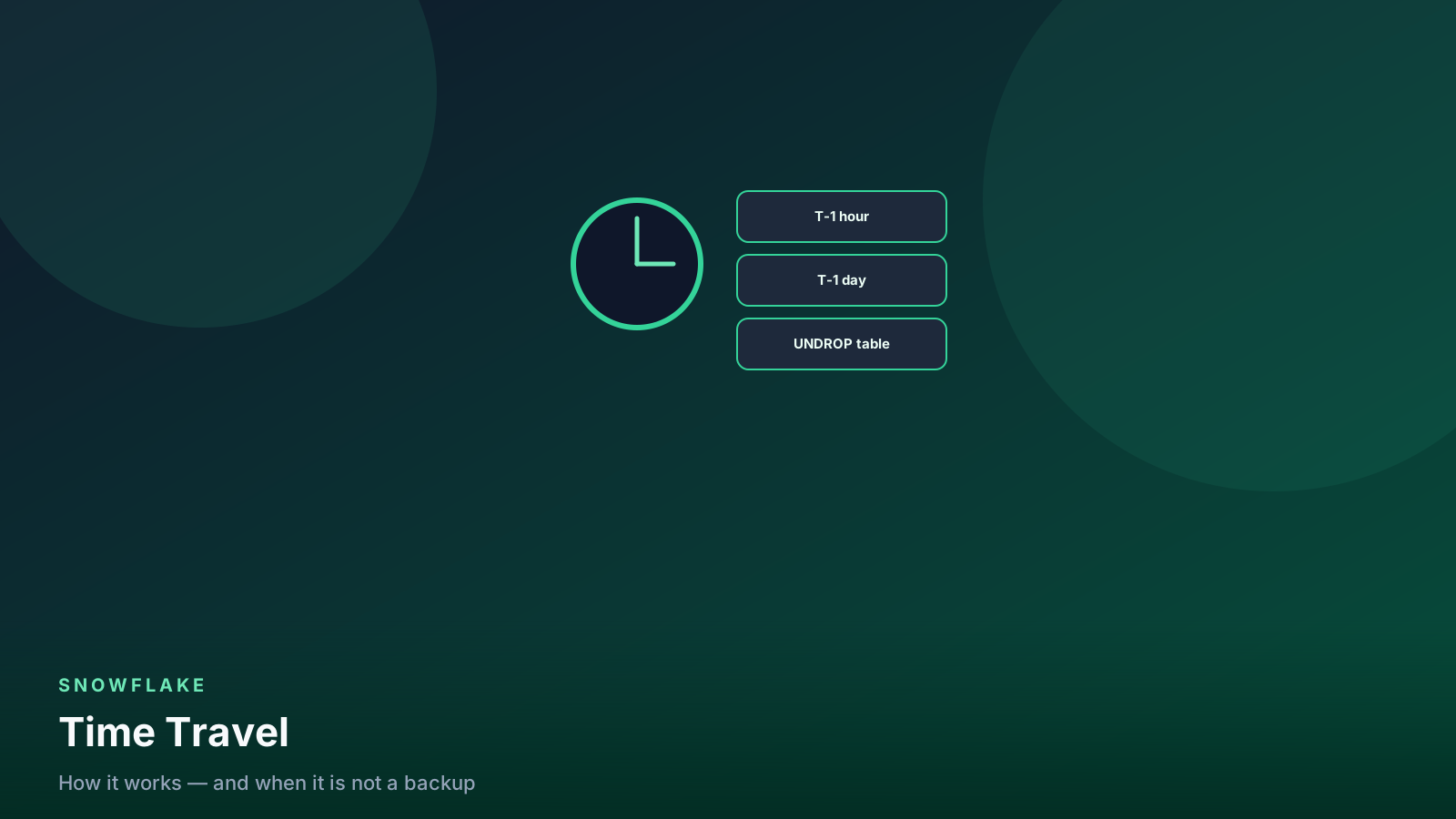
- ✓Time Travel is point-in-time query and undrop — not a disaster-recovery backup.
- ✓Standard accounts get 1 day; Enterprise can set 0–90 days per object.
- ✓Fail-safe is a 7-day Snowflake-operated recovery window after Time Travel ends.
- ✓Retention is a storage bill. Transient gold tables skip Fail-safe — do not do that.
Table of contents
Snowflake Time Travel is the feature people quote in interviews and then mis-use in production. It lets you query a table as it existed earlier, undrop objects, and clone from a timestamp. It does not replace backups, cross-region replication, or a tested restore runbook.
This post is the mental model, the SQL you will actually type on a Friday incident, and the cost knobs that stop history from becoming the largest line item.
The mental model
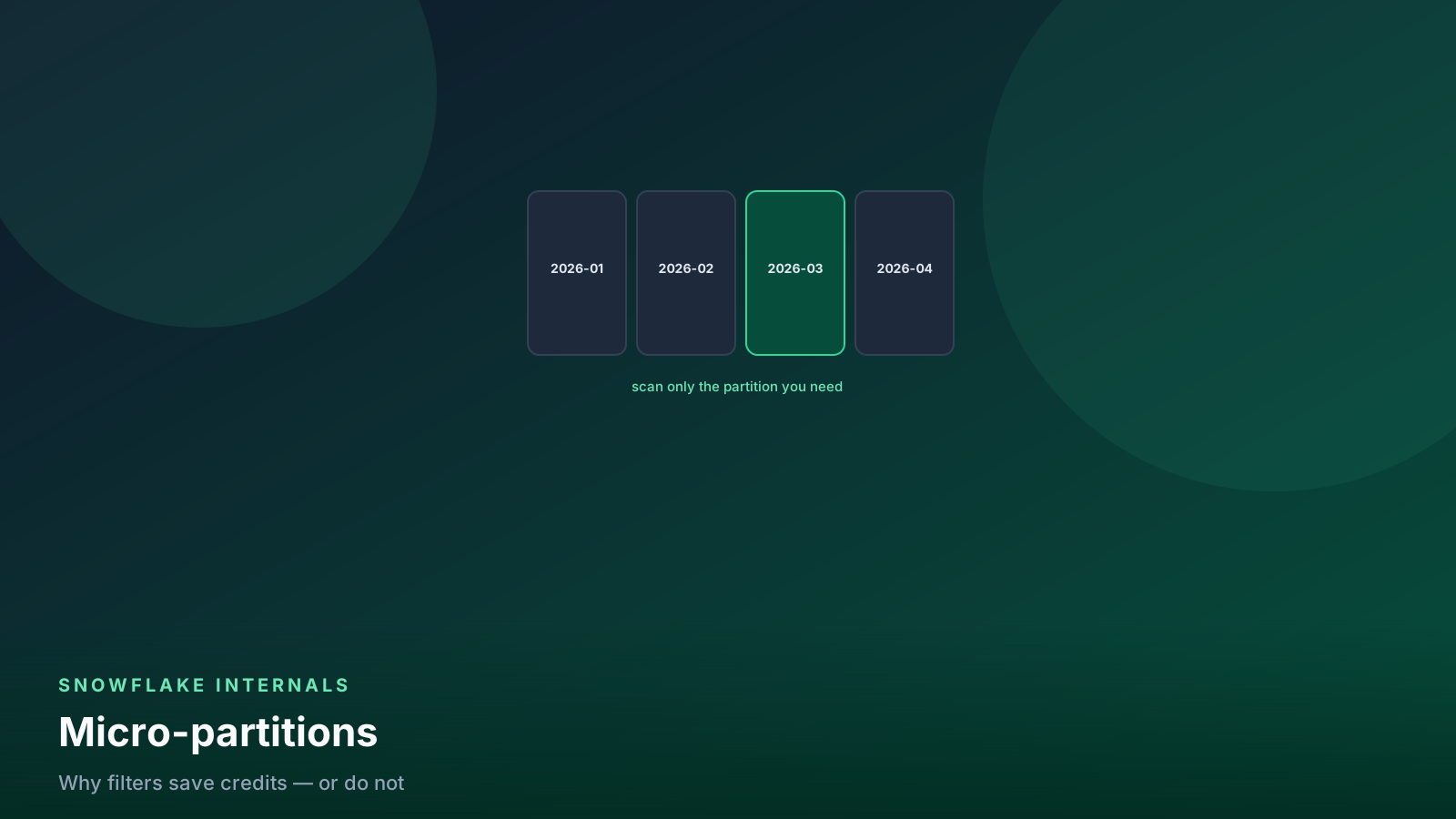
Snowflake does not edit a micro-partition in place. Every INSERT, UPDATE, DELETE, or MERGE writes new files and re-points metadata. Old files stay readable for the Time Travel window, then enter Fail-safe, then disappear.
flowchart LR
  write[INSERT / UPDATE / DELETE] --> current[Current table]
  current --> tt[Time Travel window]
  tt --> fail[Fail-safe 7 days]
  fail --> gone[Purged]
That is why Time Travel works and why it costs storage. You are paying to keep previous versions of partitions.
Self-serve recovery lives only in the Time Travel window. After that, Fail-safe is a Support ticket — and only for permanent tables.
flowchart TD
  incident[Bad DELETE or DROP] --> window{Still inside retention?}
  window -->|yes| self[UNDROP or clone AT timestamp]
  window -->|no| fs{Permanent table + Fail-safe left?}
  fs -->|yes| ticket[Open a Support case]
  fs -->|no| gone[Gone — restore from a real backup]
Self-serve vs Support. Draw this on the runbook before Friday.
Query as of a time
Three forms cover almost every restore:
-- relative offset (seconds)
select *
from analytics.gold.orders
at (offset => -60 * 60 * 2);

-- exact timestamp (respect session timezone)
select *
from analytics.gold.orders
at (timestamp => '2026-08-21 09:00:00'::timestamp_tz);

-- the statement that wrecked the table
select *
from analytics.gold.orders
before (statement => '01b2c3d4-0000-1111-2222-333344445555');
BEFORE (STATEMENT => …) is the right form when someone ran a DELETE
without a WHERE and you have the query ID from the History page.
Check the session timezone first. A timestamp that looks “local” in the worksheet may not be the timezone the table was written in.
show parameters like 'TIMEZONE';Count first. Confirm you are looking at the right damage before you clone or UNDROP:
select
  (select count(*) from analytics.gold.orders) as now_rows,
  (select count(*)
   from analytics.gold.orders
   at (timestamp => '2026-08-21 09:00:00'::timestamp_tz)) as then_rows;
If then_rows is not what you expected, you have the wrong timestamp
or the wrong table. Stop.
UNDROP and clones
Dropped by mistake:
undrop table analytics.gold.orders;
undrop schema analytics.gold;
undrop database analytics;
UNDROP only works inside the Time Travel window. After that you are in Fail-safe and you are opening a ticket, not running SQL.
Clone at a timestamp when you need a subset, not a full rollback:
create table analytics.gold.orders_fix clone analytics.gold.orders
  at (timestamp => '2026-08-21 09:00:00'::timestamp_tz);
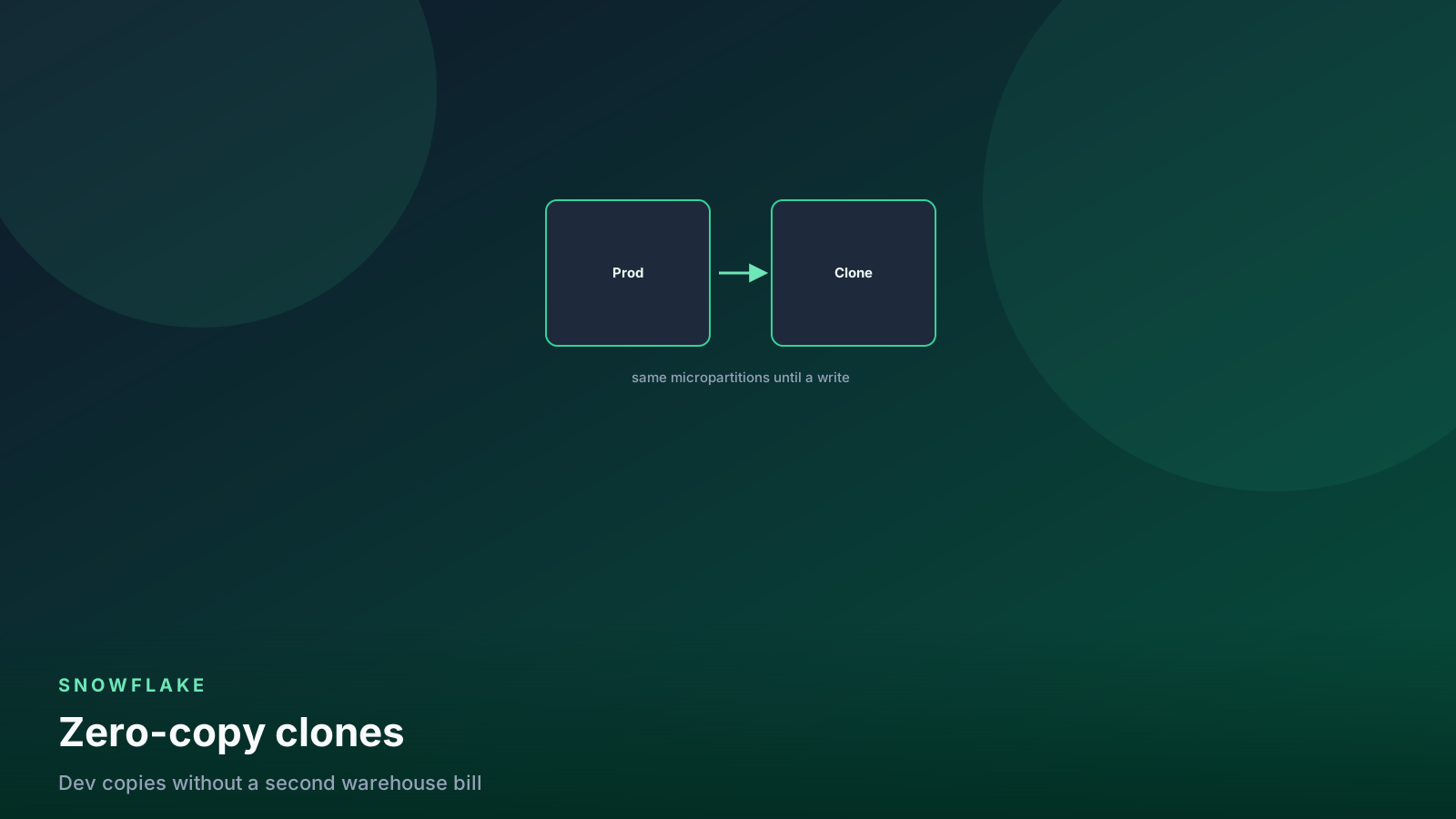
Zero-copy clone means you pay only for pages that diverge after the clone.
Use the clone to INSERT the good rows back, or to swap names after a
review.
-- recover rows deleted after 09:00 without rolling the whole table
insert into analytics.gold.orders
select *
from analytics.gold.orders_fix f
where not exists (
  select 1
  from analytics.gold.orders o
  where o.order_id = f.order_id
);
Retention knobs
alter table analytics.gold.orders set data_retention_time_in_days = 7;

show parameters like 'DATA_RETENTION_TIME_IN_DAYS'
  in table analytics.gold.orders;
Defaults:
| Edition / object | Typical Time Travel | Fail-safe |
|---|---|---|
| Standard | 1 day | 7 days (Snowflake-operated) |
| Enterprise+ | 0–90 days per object | 7 days after Time Travel |
| Transient / temporary | Short or none | None |
Transient and temporary tables cannot use Fail-safe. Do not put irreplaceable gold tables on transient storage to “save money.” You are deleting the last recovery path.
Account-level default is not a substitute for setting retention in the same PR that creates the table.
What this costs
Historical partitions bill as storage, not as a special Time Travel SKU. Longer retention on a multi-terabyte bronze table is a real invoice.
Practical policy I use:
- Gold / facts: 7 days on Enterprise. Enough to catch a bad dbt run.
- Silver: 3–7 days depending on rebuild cost.
- Bronze landing / raw dumps: 1 day, or transient if the source can replay.
- Dev clones: 0 or 1 day. Do not copy prod retention into every sandbox.
Pair this with the cost guide. Compute and storage are different conversations; Time Travel is storage.
A rough storage check (lagged, account_usage):
select
  table_catalog,
  table_schema,
  table_name,
  active_bytes / power(1024, 3) as active_gb,
  time_travel_bytes / power(1024, 3) as time_travel_gb,
  failsafe_bytes / power(1024, 3) as failsafe_gb
from snowflake.account_usage.table_storage_metrics
where table_schema = 'GOLD'
order by time_travel_bytes desc
limit 20;
If Time Travel storage on a landing table dwarfs the live table, your retention is a habit, not a policy.
flowchart LR
  live[Live micropartitions] --> bill[Storage invoice]
  hist[Time Travel copies] --> bill
  fail[Fail-safe copies] --> bill
Three storage piles. Only the first one is “the table.”
What this is not
- Not a backup. A dropped database after Fail-safe is gone. Use replication or account-level recovery for region loss and bad actors.
- Not free. Trim retention on huge staging tables.
- Not forever. After the window,
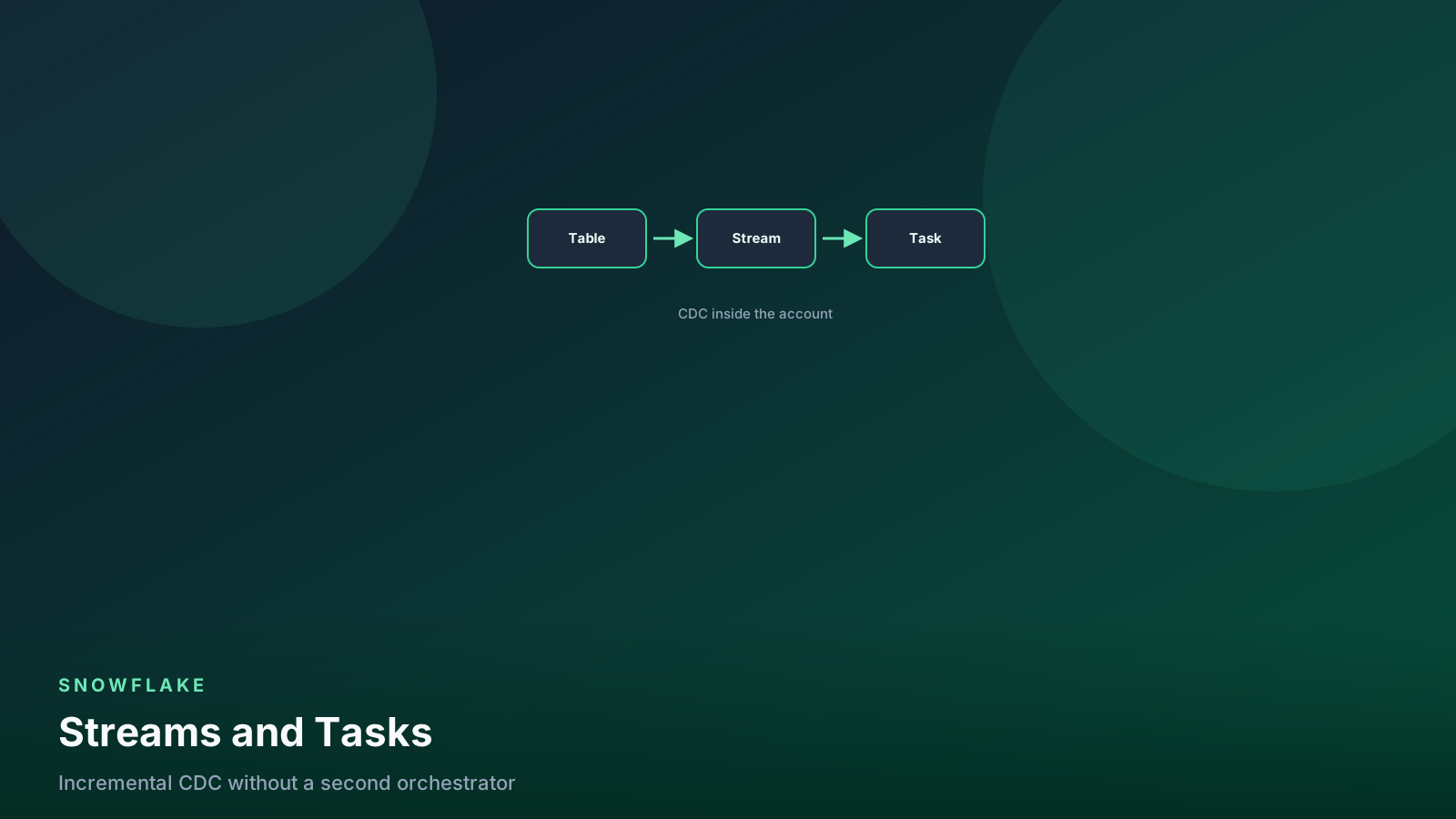
ATqueries fail. Test the path. - Not a CDC log. Streams are for incremental pipelines. Time Travel is for “what did this table look like.”
A restore runbook you can actually test
Write this down before the incident:
- Identify the object and the last good time (query History, dbt run timestamp, or a known load).
SELECT count(*)at that time vs now. Confirm you are looking at the right damage.- Clone at the timestamp into a
_fixtable. Do not UNDROP prod as the first move if other writers are live. - Diff keys. Review a sample with the owner.
- Insert or swap. Record the query IDs in the incident ticket.
- If Time Travel has expired, page Support for Fail-safe and expect hours, not minutes.
Practice steps 1–4 on a disposable table every quarter. A runbook nobody has run is fiction.
Streams are not Time Travel
A stream is a change feed for a pipeline. Time Travel is “what did
this object look like.” Do not use AT inside a daily incremental
model as a substitute for a stream or an incremental key. You will
re-scan history and still miss the CDC contract.
create or replace stream analytics.silver.orders_stream
  on table analytics.silver.orders;
Use the stream (or an incremental watermark) for loads. Use Time Travel for incidents and audits.
CREATE TABLE AS at a timestamp is the audit copy when you do
not want a clone you will keep writing:
create table analytics.audit.orders_2026_08_21 as
select *
from analytics.gold.orders
at (timestamp => '2026-08-21 09:00:00'::timestamp_tz);
That is a full copy. You pay storage immediately. Use it for a compliance extract, not for a Friday rollback — the clone is cheaper for that.
Account default is the fallback, not the policy:
show parameters like 'DATA_RETENTION_TIME_IN_DAYS' in account;If this is 1 and gold tables never set their own value, a bad dbt run on Sunday is gone by Tuesday on Standard.
Who can UNDROP
UNDROP is a privilege. If every analyst can drop and undrop gold,
you do not have a restore story — you have a race. Grant drop on
gold to the role that runs deploys. Document who pages Snowflake
Support when Fail-safe is the only path.
FAQ
Can I query Fail-safe with AT?
No. Fail-safe is not self-serve SQL. After Time Travel ends you open
a ticket, and only for permanent tables still inside the Fail-safe
window.
Does a zero-copy clone duplicate Time Travel storage immediately? Not at clone time. You share micropartitions until either side writes. Storage grows as the clone or the source diverges.
Is UNDROP enough if writers are still running?
Usually no. Clone at a timestamp into a _fix table, diff, then
insert or swap. UNDROP as the first move on a live table is how you
fight the next load.
What if the table is transient? You may still have a short Time Travel window. You do not have Fail-safe. That is why gold should not be transient.
Does Time Travel replace cross-region replication? No. Region loss, account compromise, and “we dropped the database eight days ago on Standard” are backup/replication problems.
What this means for data engineers
Set retention explicitly when you create the table. Gold facts: 7 days is a sane Enterprise default. Bronze: 1 day or transient only if the source can replay. Document who can UNDROP and how you page Snowflake during Fail-safe.
Time Travel is a seatbelt. It is not the airbag, the spare engine, or the other region.
Replication (or client-side exports) is what you use when the account is gone, the region is gone, or someone dropped the database eight days ago on Standard. Write that path down next to the UNDROP steps. If the only restore story is “we have Time Travel,” you have one failure mode you cannot survive.
Senior Data & AI Engineer · SnowPro Core & Gen AI Certified
4+ years building production data platforms on Snowflake, Databricks, AWS, and Azure. I write from hands-on experience with Medallion architectures, dbt, Airflow, PySpark, and Snowflake Cortex AI. Every tutorial on this blog reflects real pipeline decisions — not documentation rewrites.
Read more about the author →