Using LLMs Inside Data Pipelines: 4 Patterns That Actually Work in Production
Beyond chatbots: how data engineers use LLMs for entity extraction, data classification, documentation generation, and pipeline triage — with cost controls.
- ✓Use LLMs for messy text transforms, not for facts you already have in SQL.
- ✓Cap cost with batching, caching, and a cheaper model for classification.
- ✓Schema-validate every model output before it lands in a table.
- ✓Pin the model id: a silent upgrade is a schema change.
Table of contents
- When this is the wrong tool
- Pattern 1: Structured extraction from unstructured text
- Pattern 2: Classification and normalization
- Pattern 3: Documentation that writes itself
- Pattern 4: Failure triage
- Cost and reliability controls
- Evals that belong in the DAG
- A first production slice
- Pitfalls
- FAQ
- What this means for data engineers
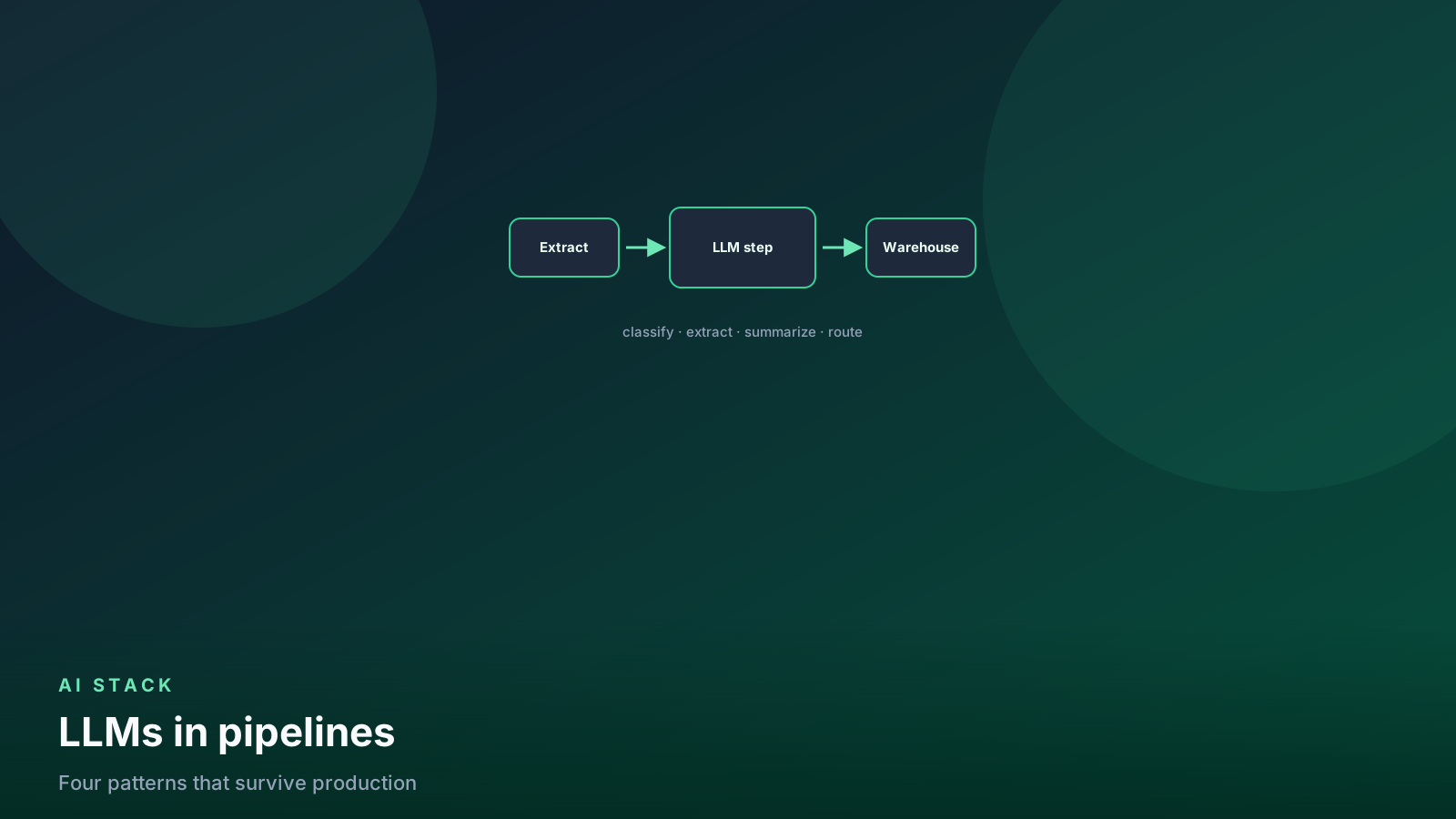
LLMs are becoming a transform step like any other — one that handles the messy, human-shaped data that regex never could. These four patterns have held up in production pipelines. The engineering is not the prompt. It is schema checks, caches, budgets, and evals.
If the fact already lives in a column, write SQL. The model is for text that was never designed to be queried.
flowchart LR
  raw[Unstructured text] --> dedup[Dedup + cache lookup]
  dedup -->|hit| out[Known label]
  dedup -->|miss| llm[LLM transform]
  llm --> json[Schema check]
  json -->|valid| table[Warehouse column]
  json -->|invalid| retry[Retry or quarantine]
Dedup first. Schema-check second. The model is the miss path, not the whole pipeline.
When this is the wrong tool
Skip the model when:
- The mapping is a dimension table you can maintain
- A regex or
split_partalready extracts the field at 99% - You need a join key — fuzzy model output is not a key
- The column is PII you are not allowed to send to a vendor
Use it when the input is tickets, contracts, emails, logs, or free-text survey fields and a closed schema would take a quarter to parse by hand.
Warehouse-hosted functions (no export) are covered in the Cortex guide. Same rules: pin the model, validate JSON, incremental only.
Pattern 1: Structured extraction from unstructured text
The killer app. Support tickets, contracts, reviews, logs — anything textual becomes queryable columns.
from openai import OpenAI
from pydantic import BaseModel, Field

class TicketFacts(BaseModel):
    product: str
    severity: str = Field(description="low | medium | high")
    is_churn_risk: bool
    summary: str

client = OpenAI()
EXTRACT_MODEL = "gpt-5-mini"

def extract(ticket_text: str) -> TicketFacts:
    response = client.chat.completions.parse(
        model=EXTRACT_MODEL,
        messages=[
            {"role": "system", "content": "Extract facts from the support ticket."},
            {"role": "user", "content": ticket_text},
        ],
        response_format=TicketFacts,
    )
    parsed = response.choices[0].message.parsed
    if parsed is None:
        raise ValueError("unparsed model output")
    if parsed.severity not in {"low", "medium", "high"}:
        raise ValueError(f"bad severity: {parsed.severity}")
    return parsed
Schema-enforced (structured) outputs changed the game: you get typed objects, not JSON-ish text you have to defensively parse. You still check enums. Models wander inside a schema.
Do not extract 20 fields in one call on day one. Start with three. Split
if validity drops. A second cheap classify for severity is often more
stable than one giant extract.
Pattern 2: Classification and normalization
Mapping free-text values onto your taxonomies — merchant names to categories, job titles to levels, addresses to regions. Cheaper models handle this well. A cache means each distinct value is classified once.
import hashlib
import json
from functools import lru_cache

CLASSIFY_MODEL = "gpt-5-mini"
ALLOWED = frozenset({"grocery", "fuel", "software", "travel", "other"})


def cache_key(raw_name: str) -> str:
    return hashlib.sha256(f"{CLASSIFY_MODEL}|{raw_name.lower().strip()}".encode()).hexdigest()


@lru_cache(maxsize=100_000)  # Redis or a warehouse table in production
def classify_merchant(raw_name: str) -> str:
    response = client.chat.completions.create(
        model=CLASSIFY_MODEL,
        messages=[{
            "role": "user",
            "content": (
                "Map this merchant to exactly one of: "
                f"{sorted(ALLOWED)}. Reply with the label only.\n{raw_name}"
            ),
        }],
        temperature=0,
    )
    label = response.choices[0].message.content.strip().lower()
    if label not in ALLOWED:
        raise ValueError(label)
    return label
In a real DAG, the cache is a table:
create table map.merchant_cache (
    cache_key text primary key,
    raw_name text,
    label text,
    model text,
    created_at timestamp
);
Join new distinct names against the cache, call the model for the miss set, write back, then join to the fact table. Never call per row on a fact that repeats the same 4,000 merchants across 40 million payments.
Deduplicate first. Most “we cannot afford LLMs” bills are “we classified the same string 12 million times.”
flowchart LR
  facts[Fact rows] --> distinct[Distinct raw values]
  distinct --> cache[Cache table]
  cache -->|hit| join[Join label to facts]
  cache -->|miss| batch[Batched LLM call]
  batch --> cache
Classify distinct strings once. Join the labels back. Never call per fact row.
Pattern 3: Documentation that writes itself
Generate first-draft column descriptions from schema + sample values,
then have humans review. Teams use this to fill empty description
fields in dbt YAML at scale. The LLM drafts; the engineer approves.
def draft_column_doc(name: str, dtype: str, samples: list[str]) -> str:
    shown = json.dumps(samples[:8])
    response = client.chat.completions.create(
        model=CLASSIFY_MODEL,
        messages=[{
            "role": "user",
            "content": (
                f"Write one sentence for a warehouse column.\n"
                f"name={name} type={dtype} samples={shown}\n"
                "Do not invent business rules you cannot see in the samples."
            ),
        }],
    )
    return response.choices[0].message.content.strip()
Ship the draft in a PR, not straight into prod. Wrong descriptions are
worse than empty ones — analysts will trust them. Pair with the
dbt tutorial habit: docs live next
to the model and get reviewed like SQL.
Pattern 4: Failure triage
Pipe the failing task’s logs into an LLM with your runbook and let it write the first Slack message: what failed, likely cause, suggested action. It will not replace on-call. “The failure is already summarized when you open the alert” is a real quality-of-life upgrade.
def triage(task_id: str, log_tail: str, runbook: str) -> str:
    response = client.chat.completions.create(
        model=EXTRACT_MODEL,
        messages=[{
            "role": "user",
            "content": (
                f"Task {task_id} failed. Using only the log and runbook, "
                "write: 1) what failed 2) likely cause 3) first command to run.\n\n"
                f"RUNBOOK:\n{runbook}\n\nLOG:\n{log_tail[-6000:]}"
            ),
        }],
    )
    return response.choices[0].message.content
Constraints that keep this from paging you with fiction:
- Truncate logs; do not paste 4 MB of Spark UI
- Put the runbook in the prompt so it cannot invent a playbook
- Label the Slack message as model-drafted
- Never auto-rerun or auto-merge from this output
Cost and reliability controls
- Batch and cache. Deduplicate first. Distinct values, not rows.
- Budget alarm. LLM steps scale with content, not just volume. Track spend per DAG run the way you track rows loaded.
- Validate like external input. Enums, ranges, JSON parse. Low confidence or invalid schema → quarantine table, not gold.
- Pin model versions. A silent upgrade is a schema change. Re-run the eval set before you bump, same as a library bump.
- Incremental windows. Do not
COMPLETEhistory on day one. Backfill in slices with a sampled cost check.
def should_quarantine(severity: str, confidence: float) -> bool:
    return severity not in ALLOWED or confidence < 0.7
Same idea as Python quality checks: fail the contract, quarantine the mess.
Token estimate before you scale:
cost ≈ distinct_values × (prompt_tokens + completion_tokens) × priceMeasure on 1,000 rows, then multiply. A bigger warehouse does not make an API cheaper.
Evals that belong in the DAG
Hand-label a sheet. 200 rows is enough to know if the taxonomy is coherent. If two humans disagree on 20% of the sample, the model will not save you — fix the labels first.
| Metric | Pattern |
|---|---|
| Precision / recall vs gold | Extract and classify |
| Schema validity rate | All of them |
| Cache hit rate | Classify |
| Cost per 1k distinct values | Classify / extract |
| Triage usefulness | Weekly thumbs-up from on-call, not BLEU |
def precision(pred: list[str], gold: list[str]) -> float:
    ok = sum(p == g for p, g in zip(pred, gold))
    return ok / len(gold)
Log model, prompt_hash, and metric next to the run id. When someone
bumps the model and precision drops 8 points, you want that in the same
place you look for row-count drops.
Regression set: 50 nasty tickets you already got wrong once. Run them on every prompt or model change. Prompt edits without this set are folklore.
A first production slice
- Pick one column (merchant category, or ticket product).
- Label 200 rows.
- Classify or extract on that sample. Measure precision.
- Cache distinct inputs in a table.
- Incremental dbt model or Airflow task; schema tests on the output.
- Quarantine failures.
- Budget alarm on the vendor bill.
Do not start with a chatbot over the warehouse. That is a different design and a different risk review.
Pitfalls
Per-row calls on a high-cardinality fact. Dedup or go home.
Using the label as a join key. Map model output through a reviewed crosswalk to a durable dimension id.
COMPLETE in a BI dashboard. Every refresh is a new answer and a new bill. Materialize once.
Unpinned latest models. Quality and price move under you.
Sending masked-then-unmasked PII “just for the prompt.” If the column is masked, the model sees the mask or it does not see the column.
No human override. Gold tables need source = 'model' | 'human' and
a path to correct a row.
FAQ
Should I call the model per row on a 40 million row fact? No. Deduplicate. Classify the distinct set. Cache. Join back.
Can I use the model label as a join key? No. Map it through a reviewed crosswalk to a durable dimension id.
What if 3% of rows fail the schema check? Quarantine them. Do not coerce a default you will later treat as gold.
Is an unpinned latest model fine if I freeze the prompt?
No. A silent model upgrade is a schema change. Pin the model id and
re-run the eval set before you bump.
Should COMPLETE live in a BI dashboard? No. Materialize once. Every refresh is a new answer and a new bill.
When is SQL the better tool? When the fact already lives in a column or a dimension table. The model is for text that was never designed to be queried.
What this means for data engineers
Treat the LLM as a flaky-but-useful external API: cache it, validate it, budget it, version it. Do that, and it is the most useful transform added to the toolbox in a decade. Skip those controls and it is a quiet way to load fiction into gold.
Senior Data & AI Engineer · SnowPro Core & Gen AI Certified
4+ years building production data platforms on Snowflake, Databricks, AWS, and Azure. I write from hands-on experience with Medallion architectures, dbt, Airflow, PySpark, and Snowflake Cortex AI. Every tutorial on this blog reflects real pipeline decisions — not documentation rewrites.
Read more about the author →