Snowflake Cortex AI for Data Engineers: SQL Functions, Not Another Chatbot
How to use Cortex LLM functions inside pipelines — COMPLETE, CLASSIFY, EMBED — with cost controls, schema checks, retries, and a warehouse-native RAG shape.
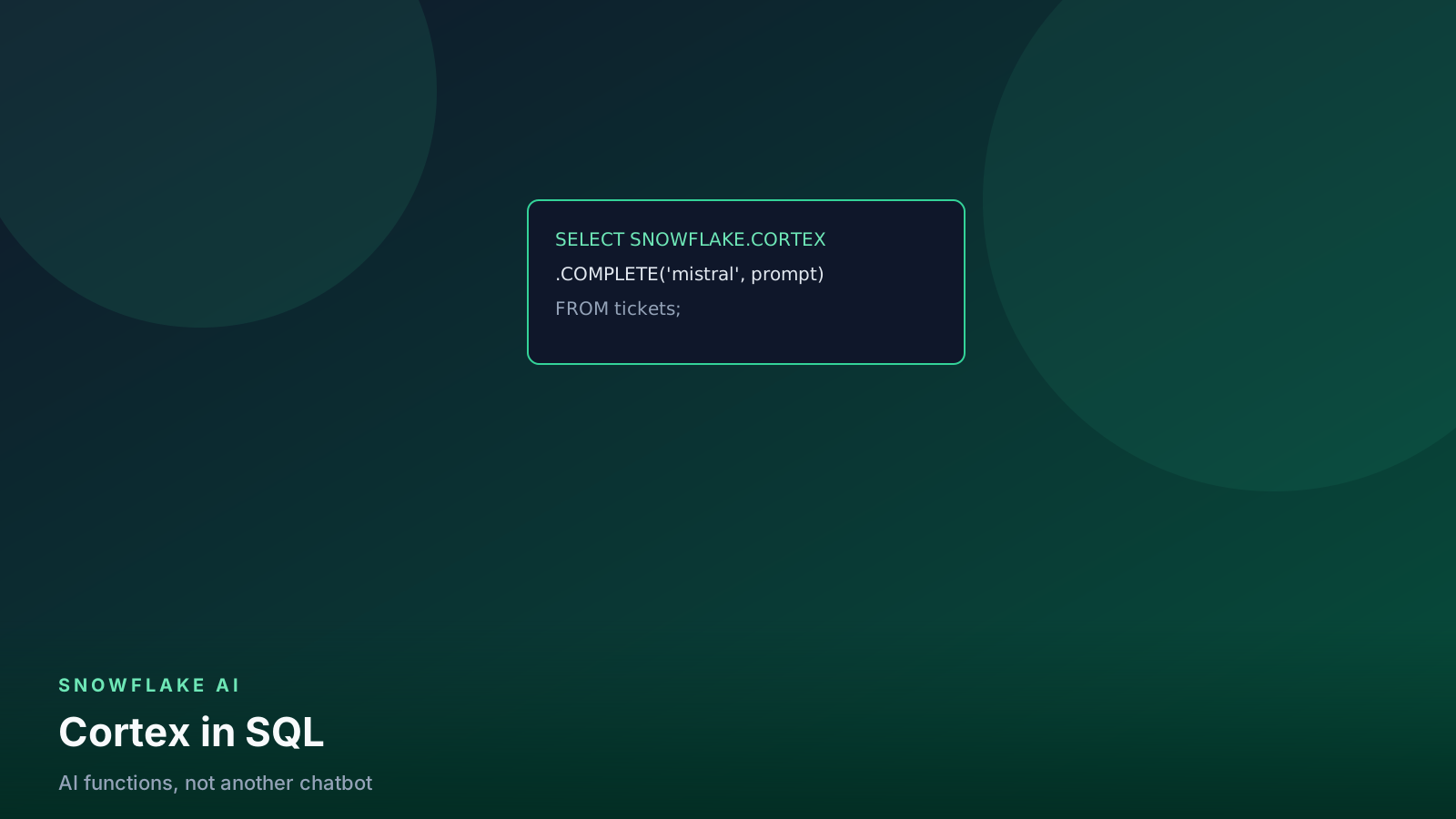
- ✓Cortex runs LLMs next to the data — no export to a third-party API by default.
- ✓Treat COMPLETE and CLASSIFY as transform steps with schema validation and retries.
- ✓Embeddings plus Cortex Search is warehouse-native RAG, not a replacement for evals.
- ✓Pin the model name, batch incrementally, and bill Cortex separately from warehouse credits.
Table of contents
- What Cortex is (and is not)
- Where Cortex sits in a pipeline
- The function families you will actually use
- Structured extraction with COMPLETE
- Quarantine pattern
- Classification at warehouse scale
- Embeddings and a RAG-shaped search
- Cost and governance
- Pitfalls I see in reviews
- A first production slice
- Incremental hash so you do not re-pay
- FAQ
- What this means for data engineers
Most “AI on Snowflake” demos are a Streamlit chat box. Useful for a lunch demo; useless as a pipeline. Cortex matters to data engineers because the functions are SQL (and Snowpark) and the data never has to leave the account for the default hosted models.
This guide is the production version: how the functions actually sit in a DAG, what breaks, what it costs, and when you should not use them.
What Cortex is (and is not)
Cortex is a set of in-account AI functions. You call them like any other SQL function. Snowflake hosts the models. You do not stand up an endpoint, rotate an OpenAI key, or copy tickets into a third-party SaaS to classify them.
It is not:
- A replacement for dbt tests or Great Expectations
- A reason to skip access policies
- A chat product you “turn on” for the company
If you want the assistant-side workflow (prompting for SQL, not running models in-warehouse), see the AI-assisted engineering post.
Where Cortex sits in a pipeline
flowchart LR
  bronze[Bronze table] --> filter[Incremental filter]
  filter --> fn[Cortex SQL function]
  fn --> parse[TRY_PARSE_JSON / schema check]
  parse -->|valid| gold[Gold column or table]
  parse -->|invalid| quarantine[Quarantine]
  bronze --> embed[EMBED_TEXT]
  embed --> search[Cortex Search or vector column]
You already orchestrate this with Tasks, dbt, or Airflow. The new piece is a model call with a token bill and a non-deterministic output.
Treat the model like an unreliable API: timeout, retry, validate, quarantine.
The function families you will actually use
Four families cover almost all DE work:
| Family | Typical functions | Use when |
|---|---|---|
| LLM text | COMPLETE, SUMMARIZE, TRANSLATE |
You need free-form or nested JSON |
| Labels | CLASSIFY_TEXT |
Closed label set |
| Extraction | EXTRACT_ANSWER |
One fact from a document |
| Vectors | EMBED_TEXT_*, Cortex Search |
Retrieval / RAG |
Pick the smallest function that can do the job. Classification is
cheaper and more stable than asking COMPLETE to “return a label.”
Structured extraction with COMPLETE
Support tickets, invoice notes, and CS emails are the usual first win.
select
  ticket_id,
  try_parse_json(
    snowflake.cortex.complete(
      'mistral-large2',
      concat(
        'Return JSON only. Keys: sentiment, product, urgency.',
        ' urgency must be one of low, medium, high.',
        ' Text:\n',
        ticket_body
      )
    )
  ) as extracted
from raw.support_tickets
where ingested_at >= dateadd('hour', -1, current_timestamp());
Rules that keep this from becoming a fire drill:
TRY_PARSE_JSONis mandatory. Models wander. Invalid JSON is a failed extract, not a NULL you silently load.- Pin the model name in code. A silent default swap changes quality and cost.
- Constrain the schema in the prompt and in a test. dbt
accepted_valuesonextracted:urgencycatches drift. - Incremental only. Do not
COMPLETEthe full history on day one.
Quarantine pattern
create or replace table analytics.quarantine.ticket_extracts as
select *
from analytics.staging.ticket_extracts
where extracted is null
   or extracted:urgency::string not in ('low', 'medium', 'high');
Same idea as any other bad extract. The model is just another source system that lies sometimes.
Classification at warehouse scale
select
  event_id,
  snowflake.cortex.classify_text(
    note,
    ['refund', 'bug', 'praise', 'other']
  ) as label
from raw.feedback;
Use classify when the label set is closed. Use COMPLETE when you need nested fields.
Do not COMPLETE a million rows on the largest model on day one. Sample 1,000 rows, measure tokens and agreement against a hand-labeled sheet, then batch.
-- sample first
select *
from raw.feedback
sample (1000 rows);
If two humans disagree on 20% of the sample, the model will not save you. Fix the label taxonomy first.
Materialize the label once. BI reads the column:
create or replace table analytics.gold.feedback_labels as
select
  event_id,
  label,
  labeled_at,
  model_name
from analytics.silver.feedback_labels
where label is not null;
Dashboard tiles that call CLASSIFY_TEXT on every refresh are a token
bill and a flickering metric.
Embeddings and a RAG-shaped search
select
  chunk_id,
  snowflake.cortex.embed_text_768('snowflake-arctic-embed-m', chunk) as vec
from docs.chunks;
This is the same retrieve-then-generate shape as our RAG pipeline guide, except the index can live next to governed tables.
You still need:
- Chunking that respects headings and tables
- ACL filters so retrieve cannot see another team’s docs
- An eval set (20–50 questions with expected chunk IDs)
Cortex Search helps with the serving side. It does not invent relevance.
flowchart TD
  docs[Governed documents] --> chunk[Chunk + metadata]
  chunk --> embed[EMBED_TEXT]
  embed --> index[Cortex Search / vector]
  q[User question] --> retrieve[Top-k with ACL]
  index --> retrieve
  retrieve --> gen[COMPLETE with citations]
Cost and governance
Cortex functions bill separately from warehouse credits. A cheap XS warehouse can still produce an ugly token invoice.
What to log every week:
QUERY_HISTORYfor warehouse time- Cortex usage views for tokens / function calls
- Row counts that went through each function
Practical controls:
- Row-access and masking still apply. Do not unmask PII “just for the prompt.” If the column is masked, the model should see the masked value or you should not send it.
- Batch size and warehouse size are independent knobs. A bigger warehouse does not make tokens cheaper.
- Cache identical prompts in a table if you reprocess unchanged
rows. Hash
model || prompt || source_text. - Resource monitors do not cap Cortex tokens. Watch both bills.
Estimate warehouse time with the cost guide. Token cost you measure from a sample, then multiply.
Pitfalls I see in reviews
Wrapping the filter column in a function. Same as any Snowflake
query: where date(created_at) = current_date() kills pruning. Filter
with a range, then call Cortex.
Putting COMPLETE in a BI dashboard. Every refresh is a token spend and a different answer. Materialize once, serve many times.
One giant prompt for a 40-column JSON. Split into classify + two extracts. Smaller schemas fail less.
No human override. Gold tables that analysts trust need a
source = 'model' | 'human' column and a path to correct a row.
Using Cortex as a join key. Fuzzy product names from a model are not keys. Map them to a dimension with a reviewed crosswalk.
A first production slice
Do this in one week, not a platform rewrite:
- Pick one column (ticket product, or refund vs bug).
- Label 200 rows by hand.
- Run CLASSIFY or COMPLETE on that sample. Measure precision.
- Wrap the call in an incremental dbt model or Task.
- Add JSON / accepted-value tests.
- Quarantine failures.
- Only then talk about a chat UI.
Incremental hash so you do not re-pay
select
  ticket_id,
  md5(concat_ws('|', 'mistral-large2', ticket_body)) as prompt_hash
from raw.support_tickets;
Store prompt_hash next to the extract. On the next run, skip rows
whose hash already has a valid JSON result. Unchanged tickets should
not hit the model again.
Token spend is its own ACCOUNT_USAGE view. Warehouse credits
will not explain a Cortex spike.
select
  function_name,
  model_name,
  sum(token_credits) as token_credits,
  count(*) as calls
from snowflake.account_usage.cortex_functions_usage_history
where start_time > dateadd('day', -7, current_timestamp())
group by 1, 2
order by token_credits desc;
Column names move with Snowflake versions. If the view is empty in your region, check the current Account Usage docs and the organization usage views. The habit is the same: name the model and the function before you argue about warehouse size.
flowchart LR
  row[New or changed row] --> hash[prompt_hash]
  hash --> hit{Seen before?}
  hit -->|yes| reuse[Reuse stored extract]
  hit -->|no| call[Cortex call]
  call --> store[Store JSON + hash]
Cache identical prompts. Tokens are not warehouse credits.
FAQ
Should COMPLETE live in a Looker explore? No. Materialize the column in ELT. Refreshing a dashboard should not call a model.
Do masking policies apply to Cortex prompts? Yes — the function sees what the role can see. Do not unmask PII “for the model.” If the column must not leave the account as plaintext, do not send it.
Is a bigger warehouse cheaper for Cortex? It can finish the surrounding SQL faster. It does not reduce token price. Batch size and model choice are the token knobs.
What if JSON parse fails on 3% of rows? Quarantine those rows. Do not coerce them into a default label you will later treat as ground truth.
Can I use Cortex as a join key? No. Map fuzzy names through a reviewed dimension. Model output is a column, not a primary key.
What this means for data engineers
You already know how to land, test, and incrementally load data. Cortex is another transform with worse SLAs. Start with one column. Pin the model. Validate the JSON. Watch the token line item like you watch warehouse credits.
If the product is “chat with the warehouse,” that is a different design and a different risk review. This post is for the pipeline sitting underneath.
Pin the model name in the same PR as the SQL. “Whatever the
default is this month” is how two weeks of labels become
incomparable. When you change the model, treat it as a breaking
schema change: new column or new table, new prompt_hash salt,
and a side-by-side sample before you cut gold over.
Senior Data & AI Engineer · SnowPro Core & Gen AI Certified
4+ years building production data platforms on Snowflake, Databricks, AWS, and Azure. I write from hands-on experience with Medallion architectures, dbt, Airflow, PySpark, and Snowflake Cortex AI. Every tutorial on this blog reflects real pipeline decisions — not documentation rewrites.
Read more about the author →