
The AI-Assisted Data Engineer: A Practical Daily Workflow
How to actually use AI coding assistants for pipeline work — SQL generation, dbt refactoring, debugging, and documentation — plus the failure modes to watch for.
- ai
- productivity
- copilot
All stacks · Career & tools
AI-assisted workflows, dev setups, and working faster as an engineer.
How to actually use AI coding assistants for pipeline work — SQL generation, dbt refactoring, debugging, and documentation — plus the failure modes to watch for.
The tooling around data work changed faster in the last three years than the decade before: AI assistants that write competent SQL, editors that refactor across a dbt project, and terminal workflows that automate the boring half of the job. Using them well is a skill, not a default.
These posts share concrete setups — AI-assisted coding that survives code review, editor and terminal configurations for data work, documentation habits that keep future-you sane, and the automation that turns recurring chores into scheduled scripts.
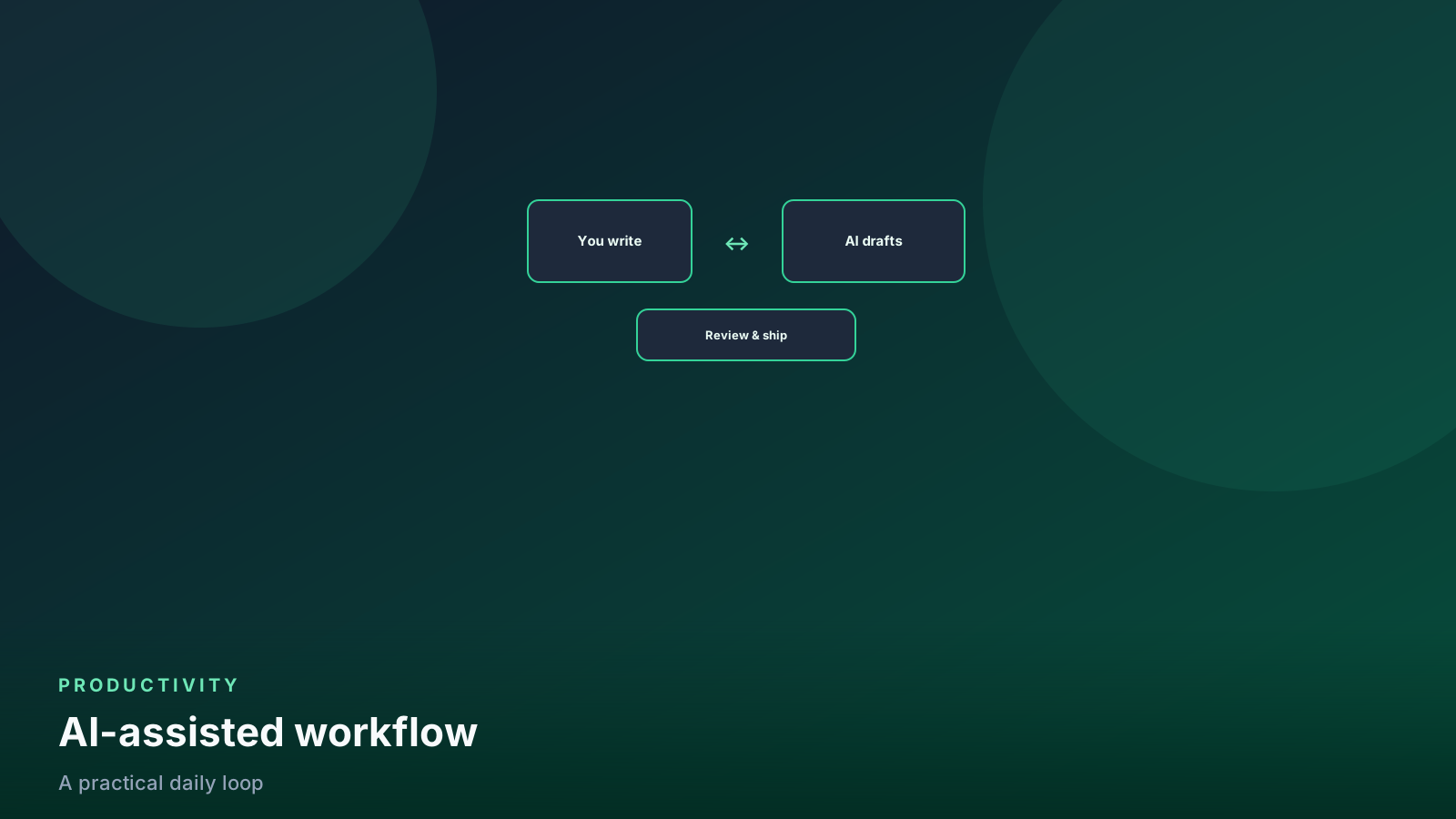
Substantially — for boilerplate SQL, test scaffolding, regex, and unfamiliar APIs. They are least reliable exactly where your business logic is subtle, so the productive stance is drafts-from-AI, correctness-from-you, enforced by tests and review.
Fast local feedback loops: sample data and DuckDB for instant SQL iteration, unit-testable transformation code, and a one-command dev environment. Minutes-long feedback loops compound into hours saved weekly.
The same way you keep human SQL from breaking production: dbt tests on grain and invariants, CI that builds changed models against real schemas, and review that focuses on join keys and filters — the places generated SQL goes quietly wrong.
The payoff is real but overrated compared to loop speed. Learn your editor's multi-cursor, fuzzy-file-open, and project-wide search first; those three deliver most of the benefit without a philosophy change.
A README that answers: what it produces, the grain, how to rerun it safely, and who to page. Plus inline comments only where intent is non-obvious. Documentation nobody maintains is worse than none — keep it small and true.
One email a week with our latest tutorials. No spam.
Newsletter signup is not live yet. Use the contact form if you want to be notified.