PySpark for Data Engineers: From Zero to Your First Production Job
Learn the PySpark DataFrame API, understand lazy evaluation and partitions, and avoid the classic mistakes that make Spark jobs slow.
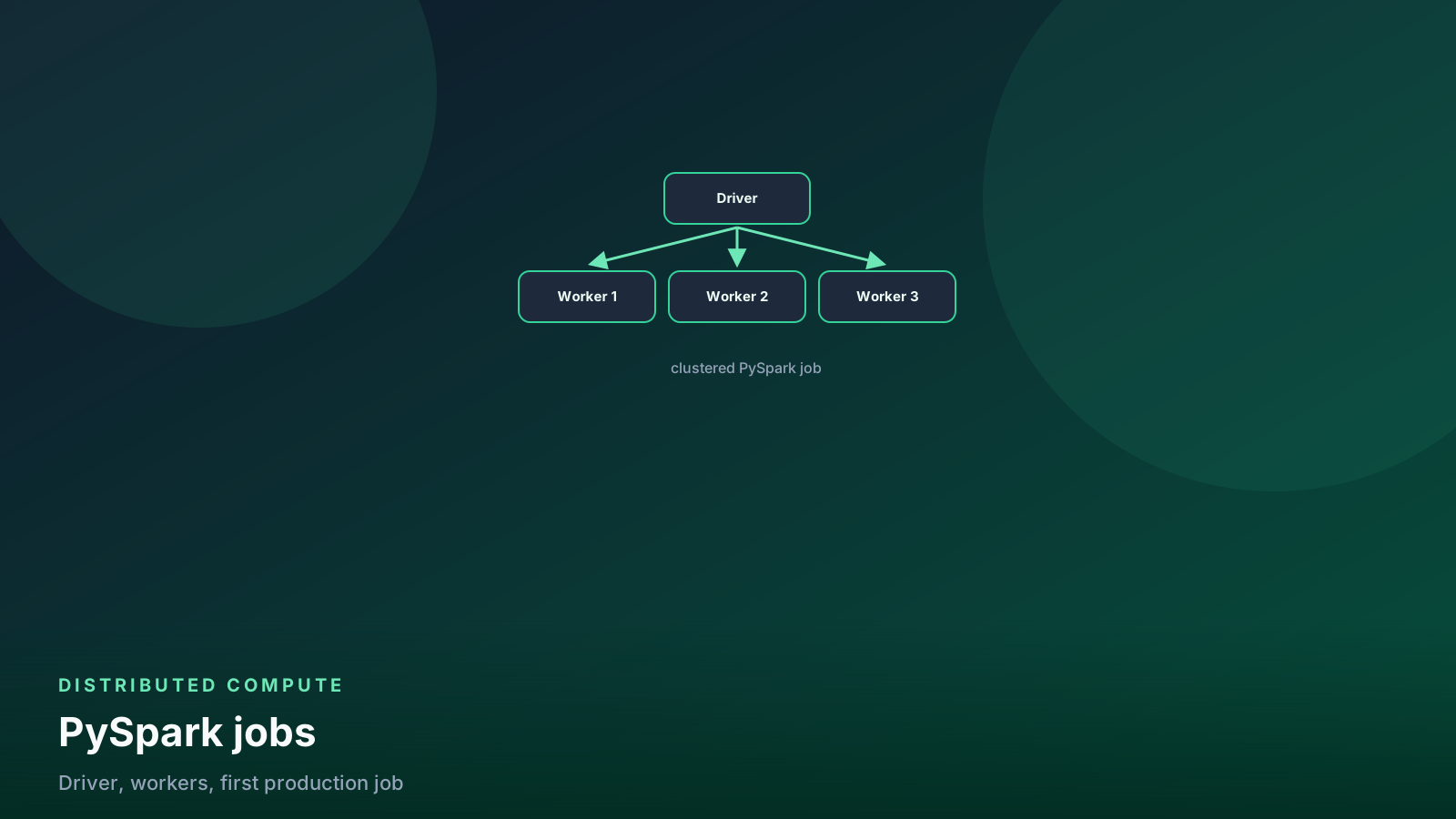
- ✓Spark jobs stay lazy until an action — plan the DAG before you collect.
- ✓Partitioning and shuffles explain most slow production jobs.
- ✓Prefer DataFrame API over RDDs for almost every data-engineering workload.
- ✓`collect()` and `count()` in a loop are how laptops become clusters and clusters become bills.
- ✓Broadcast the small side; fix skew before you add executors.
Table of contents
- Setting up locally
- The DataFrame API in one job
- Concept 1: lazy evaluation
- Concept 2: partitions and shuffles
- Skew
- Reads and writes you will use
- Windows without collecting to pandas
- UDFs: the last resort
- A job shape that survives retries
- Reading the Spark UI
- Pitfalls
- When NOT to use Spark
- FAQ
- Production checklist
Apache Spark is still the workhorse for data that does not fit on one machine. This guide is the PySpark you will actually use on a lake or a warehouse export — plus the two ideas that explain almost every slow job: lazy plans and shuffles.
If your working set fits in RAM on a laptop, start with DuckDB instead. Spark earns its complexity at large files, many partitions, and cluster I/O. The API below is the same one you will run on Databricks, EMR, or Dataproc.
flowchart LR
  files[Parquet / files] --> df[DataFrame plan]
  df --> shuffle[Shuffle if join or groupBy]
  shuffle --> action[Action: write / count]
  action --> out[(Output table)]
Setting up locally
You do not need a cluster to learn the API:
pip install pysparkfrom pyspark.sql import SparkSession
spark = (
SparkSession.builder
.appName("learning-spark")
.master("local[*]")
.config("spark.sql.shuffle.partitions", "8")
.getOrCreate()
)local[*] uses every core on the laptop. The DataFrame code is the
same on a 200-executor job. What changes is filesystem, memory, and
how badly a shuffle hurts.
spark.sql.shuffle.partitions defaults to 200. On a laptop that is
how you write 200 tiny files. Set it to something near your core
count while you learn. In production, set it from data size, not
from the default.
The DataFrame API in one job
from pyspark.sql import functions as F

orders = spark.read.parquet("s3://lake/orders/")

daily_revenue = (
    orders
    .filter(F.col("status") == "completed")
    .withColumn("order_date", F.to_date("created_at"))
    .groupBy("order_date", "country")
    .agg(
        F.sum("amount").alias("revenue"),
        F.countDistinct("customer_id").alias("customers"),
    )
)

(
    daily_revenue
    .repartition(8, "order_date")
    .write
    .mode("overwrite")
    .partitionBy("order_date")
    .parquet("s3://lake/marts/daily_revenue/")
)
If you know SQL and pandas, this reads naturally. Spark SQL is the same plan:
orders.createOrReplaceTempView("orders")
daily = spark.sql("""
    select
        to_date(created_at) as order_date,
        country,
        sum(amount) as revenue,
        count(distinct customer_id) as customers
    from orders
    where status = 'completed'
    group by 1, 2
""")
Use the DataFrame API or SQL. Do not drop to RDDs for warehouse work. RDDs skip the optimizer that makes the above fast.
Concept 1: lazy evaluation
Nothing in the chain runs until an action: write, count,
collect, show, head. Everything before that builds a logical
plan. Catalyst rearranges it — predicate pushdown, column pruning,
sometimes broadcast joins.
Practical consequences:
- Ten
.filter()calls are not ten passes. They fuse. df.count()in the middle of a pipeline is a full job. Do not sprinkle counts through production code “for logging.”df.cache()is a hint, not a gift. Cache only if you reuse the same plan and you have measured a second action. Unpersist when you are done.
# Debug the plan without running it
daily_revenue.explain(mode="formatted")

# One action. One job.
n = daily_revenue.count()
explain is how you confirm a filter reached the Parquet scan. If
you filter on a Python if over collect(), you already lost.
Concept 2: partitions and shuffles
A DataFrame is split into partitions. Tasks run one partition
each. filter and withColumn are narrow: they stay on the same
executor. groupBy, join, distinct, and most window
partitionBy keys require a shuffle — network I/O so matching
keys land together.
Shuffles are the expensive part. The Spark UI Stages tab is a shuffle map. If a stage is huge, you are paying for a wide transformation, not for “Python being slow.”
flowchart LR
  part[One partition] --> narrow[filter / withColumn]
  narrow --> same[Same executor]
  part --> wide[groupBy / join / distinct]
  wide --> shuf[Shuffle]
  shuf --> other[New partitions on other executors]
Narrow stays put. Wide moves keys across the network. That move is the bill.
Classic fixes:
# Broadcast the small side. The big fact table does not shuffle.
result = facts.join(F.broadcast(dim_products), "product_id")

# Or let AQE do it when the build side is small enough
spark.conf.set("spark.sql.adaptive.enabled", "true")
spark.conf.set("spark.sql.adaptive.autoBroadcastJoinThreshold", "64m")

# Right-size output files. Thousands of 2 MB Parquet files are a
# later job's startup tax.
(
    daily_revenue
    .coalesce(8)   # fewer partitions, no full shuffle
    .write.mode("overwrite").parquet("s3://lake/marts/daily_revenue/")
)
repartition(n) shuffles to n partitions. coalesce(n) only
shrinks, without a full shuffle. Use repartition by column when
the next reader needs even files. Use coalesce when you only
need fewer files after a wide stage already ran.
Skew
If one customer_id is 40% of the fact table, one task does 40% of
the join. Adding executors does not fix that. Salting, splitting the
hot key, or broadcasting the other side does. Look at task duration
variance in the UI before you “just scale the cluster.”
-- Run once on a sample. If one key is 40% of rows, more executors
-- will not help.
select
    customer_id,
    count(*) as n,
    count(*) * 1.0 / sum(count(*)) over () as share
from facts
group by 1
order by 2 desc
limit 20;
Reads and writes you will use
# Column prune: name columns. select * is a lake tax.
events = (
    spark.read
    .option("basePath", "s3://lake/events/")
    .parquet("s3://lake/events/dt=2026-08-28/")
    .select("event_id", "user_id", "event_type", "occurred_at")
)

# CSV only when you have no choice
raw = (
    spark.read
    .option("header", True)
    .option("inferSchema", False)  # infer twice = two jobs
    .schema(known_schema)
    .csv("s3://landing/orders/*.csv")
)

# Partitioned write for Hive-style lakes
(
    events
    .withColumn("dt", F.to_date("occurred_at"))
    .write
    .mode("overwrite")
    .partitionBy("dt")
    .parquet("s3://lake/silver/events/")
)
On Databricks, prefer Delta over bare Parquet so you get ACID and
MERGE. That path is
the lakehouse guide.
Windows without collecting to pandas
The same five patterns as warehouse SQL work in Spark. Do not
toPandas() a 40 GB frame to use pandas groupby.
from pyspark.sql.window import Window

w = Window.partitionBy("customer_id").orderBy(F.col("updated_at").desc())

latest = (
    raw_customers
    .withColumn("rn", F.row_number().over(w))
    .filter(F.col("rn") == 1)
    .drop("rn")
)
More patterns:
SQL window functions.
Spark SQL QUALIFY exists on recent runtimes; the CTE / filter
shape above works everywhere.
UDFs: the last resort
# BAD: Python UDF. Rows leave the optimizer, serialization tax.
@F.udf("string")
def country_name(code):
    return {"US": "United States"}.get(code, "Other")

# GOOD: expression the engine can optimize
mapping = F.create_map(F.lit("US"), F.lit("United States"))
df.withColumn(
    "country_name",
    F.coalesce(mapping[F.col("country")], F.lit("Other")),
)
If you truly need Python, pandas UDFs (Arrow batches) hurt less than
row-at-a-time UDFs. Built-in functions still win. I treat a UDF in a
PR as “prove there is no F.* equivalent.”
A job shape that survives retries
def main() -> None:
    spark = SparkSession.builder.appName("daily-revenue").getOrCreate()
    dt = spark.conf.get("spark.app.dt")  # pass from Airflow / jobs API

    orders = spark.read.parquet(f"s3://lake/orders/dt={dt}/")
    out = transform(orders)

    (
        out.write
        .mode("overwrite")
        .parquet(f"s3://lake/marts/daily_revenue/dt={dt}/")
    )
    spark.stop()


if __name__ == "__main__":
    main()
Overwrite a date partition, not the whole table, so a retry is idempotent. Orchestrate with Airflow or a Databricks job, not a cron that appends forever. See the Airflow tutorial for the scheduling habits; the Spark piece is “write a path you can replace.”
Reading the Spark UI
Open the UI before you add hardware:
- Jobs — one action, one job. Extra jobs mean extra
count/collect/ strayshow. - Stages — look for shuffle read/write. That is the tax.
- Tasks — min vs max duration. A long tail is skew or bad file sizes.
- Storage — cached DataFrames you forgot to unpersist.
spark.eventLog.enabled on a cluster lets you reopen a finished
job. Debugging from executor stderr alone is how people guess.
Pitfalls
collect()to the driver. The driver is one JVM. It is not your warehouse.inferSchemaon fat CSV every run. Two scans. Provide a schema.- Python loops over
df.collect(). That is pandas with extra steps and a cluster invoice. - Joining two huge tables without a broadcast or a pre-filter. Filter dates first. Then join.
- Writing 10,000 files and calling it a lake. Compact. Your next Spark job’s task launch time is a function of file count.
- Caching “just in case.” Memory pressure, eviction, and a false sense that the plan is cheap.
When NOT to use Spark
- Data fits on one machine with room to spare (tens of GB, not hundreds). DuckDB or Polars will start faster and fail in a stack trace you can read.
- The job is a few SQL queries on a warehouse that already holds the data. Run the SQL there.
- You need a streaming log with independent consumers. That is Kafka, not a Spark Structured Streaming job pretending to be a message bus.
- The team will not look at the Spark UI. Then Spark is a black box that times out.
FAQ
Why is the job still slow after I doubled executors? You paid for more tasks. If the stage is a shuffle or one key owns 40% of the join, the extra machines wait on the same bottleneck. Open the UI Stages tab before you scale.
Is take(100) safer than collect()?
take limits rows. collect brings the whole frame to the
driver. Neither belongs in a production loop. Write a path; read
a sample if you must debug.
When should I cache? When a second action reuses the same plan and you have measured it. Cache is a hint with a memory bill. Unpersist when the reuse is done.
coalesce or repartition before the write?
coalesce to shrink file count after a wide stage, no full
shuffle. repartition by column when the next reader needs even,
partition-aligned files.
Should I drop to RDDs to go faster? No. You leave Catalyst. Warehouse work stays on the DataFrame API or Spark SQL.
Do I need Spark if the extract fits on one machine? No. Start there. Graduate when files, partitions, or cluster I/O force it.
Production checklist
- DataFrame / Spark SQL only. No RDD “just because.”
- Schema declared on text sources. Partition filters on lake paths.
- Shuffle partition count and output file count are intentional.
- Broadcast or AQE configured for dimension joins.
- One write per date (or batch id). Retries overwrite the same path.
- No
count/collectin the hot path. Metrics from the write or from an accumulator you actually need. - Spark UI reviewed on the first production-sized run, not after the first timeout.
- Cluster type matches the work: job cluster that dies when the job dies, not an all-purpose notebook cluster left on overnight.
Spark is a query engine that happens to speak Python. Treat it like SQL: plan the scan, respect the shuffle, write files someone else can read. The rest is configuration you can learn from the UI instead of from folklore.
Senior Data & AI Engineer · SnowPro Core & Gen AI Certified
4+ years building production data platforms on Snowflake, Databricks, AWS, and Azure. I write from hands-on experience with Medallion architectures, dbt, Airflow, PySpark, and Snowflake Cortex AI. Every tutorial on this blog reflects real pipeline decisions — not documentation rewrites.
Read more about the author →