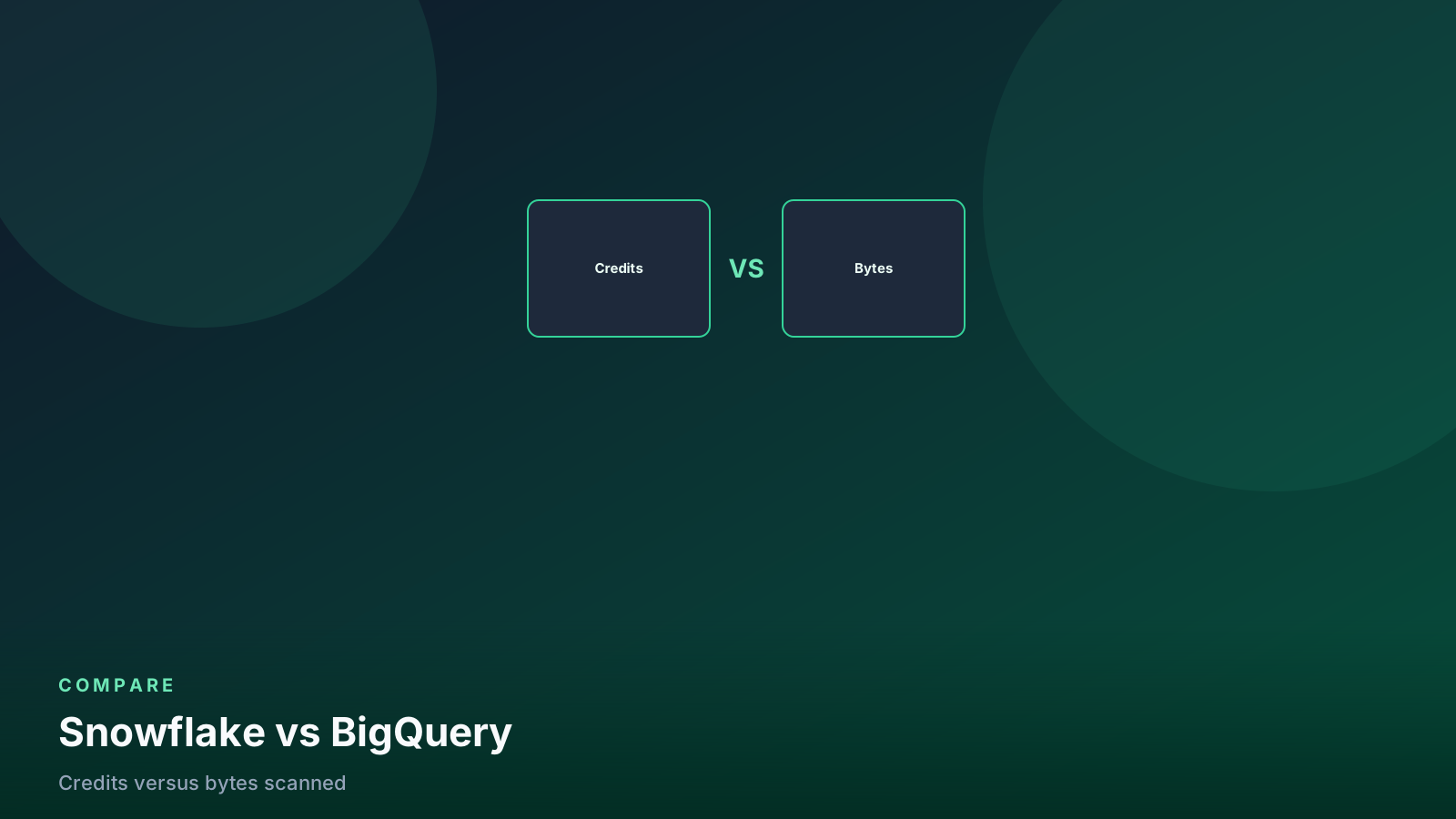
Snowflake vs BigQuery: Credits vs Bytes Scanned
The pricing models decide the architecture: warehouse-hours versus on-demand scans, plus multi-cloud vs GCP-native gravity.
- ✓BigQuery bills scans; Snowflake bills running warehouses. Optimize different things.
- ✓BigQuery is the default on GCP; Snowflake is the default when you need multi-cloud.
- ✓Partitioning/clustering (BQ) and auto-suspend (SF) are the first levers, not logos.
- ✓Reservations and editions change the BQ bill; they do not make `SELECT *` free.
Table of contents
- Two invoices, two optimization cultures
- Architecture gravity
- When BigQuery is simpler
- When Snowflake is simpler
- SQL and features (enough to choose, not a checklist war)
- Reservations vs warehouses
- Sharing and multi-cloud (the actual deal-breakers)
- A practical measurement week
- Pitfalls
- Decision rules
- FAQ
- What this means for data engineers
If you remember one difference: BigQuery charges for bytes a query reads; Snowflake charges for seconds a warehouse is awake.
Everything else — dialects, sharing, multi-cloud, “serverless” — is downstream of that. Teams that treat this as a logo contest rewrite the platform in two years. Teams that treat it as a billing model pick once and tune the right knobs.
flowchart LR
  bq[BigQuery] --> scan[Bytes scanned × rate]
  sf[Snowflake] --> wh[Warehouse size × time]
Two invoices, two optimization cultures
On-demand BigQuery is a scan tax. Partition, cluster, select
columns, stop SELECT * on a late-arriving fact table. A query that
finishes in 2 seconds on 40 TB still bills 40 TB if it read 40 TB.
Slot reservations and editions change how you pay (capacity vs
on-demand) but they do not make an unpartitioned full scan virtuous.
Details that actually move the number:
partitioning and clustering.
Snowflake is a runtime tax. A tiny query on a Large warehouse costs Large × time. A well-pruned query on a warehouse that never suspends costs idle. Auto-suspend, right-size, split BI from transform. Details: Snowflake cost techniques.
If you move a workload from BQ to Snowflake and keep “scan paranoia” but leave a warehouse at Medium all day, you will call Snowflake expensive. If you move the other way and keep “warehouse thinking” but never partition, you will call BigQuery a surprise.
| Lever | BigQuery | Snowflake |
|---|---|---|
| First knob | Partition + cluster + column prune | Auto-suspend + warehouse size |
| Disaster query | SELECT * on an unpartitioned fact |
Warehouse left running / oversized |
| Concurrency | Slots / reservations / editions | Multi-cluster warehouses |
| Storage | Cheap-ish; time travel / copies still exist | Cheap-ish; Time Travel retention is the quiet bill |
| Predictability | On-demand varies with scan; reservations flatten | Credits flatten if warehouses are disciplined |
Do not quote a blog’s “typical $/TB” or “typical $/credit” into a
board deck. Use your contract, your region, and a week of
INFORMATION_SCHEMA / ACCOUNT_USAGE.
Architecture gravity
BigQuery lives on GCP. Pub/Sub, Dataflow, GCS, Vertex, IAM — the joins are boring in a good way. Leaving GCP with the data in BQ is possible (extract, Omni, partner tools) and always a project.
Snowflake lives where you put the account (AWS, Azure, GCP). Storage and compute stay in that cloud. Multi-cloud accounts are a real pattern (a GCP account for a GCP-native source, an AWS account for the enterprise warehouse). That is still two Snowflake accounts and replication, not magic.
GCP-native path:
  Pub/Sub → Dataflow → GCS / BQ → scheduled queries / dbt

Snowflake path:
  COPY / Snowpipe / Kafka → stage → native or Iceberg tables → dbt
Neither path is “modern.” Both are production if the grain is honest and the bill has an owner.
When BigQuery is simpler
- The rest of the stack is already GCP.
- Analysts are fine with GoogleSQL and the BQ console / Looker / connected sheets.
- You want SQL without a warehouse to size. Serverless is real for the query engine. It is not real for cost — bytes still bill.
- Streaming inserts / storage write API into fact tables that you then query with partition filters.
- Analytics Hub / dataset sharing inside the Google customer base.
A badly written SELECT * on an unpartitioned table can still
produce a surprising invoice — that is what the
partitioning guide
is for.
-- BQ: make the expensive mistake fail
create table analytics.events (
  event_id string,
  user_id string,
  event_type string,
  occurred_at timestamp
)
partition by date(occurred_at)
cluster by event_type
options (require_partition_filter = true);
Dry-run every new dashboard SQL. Bytes × runs per month is the number that belongs in the runbook, not a feeling about “BQ being cheap for ad hoc.”
When Snowflake is simpler
- Multi-cloud, or a credible chance the warehouse is not allowed to live only on GCP.
- Data sharing with customers who are already on Snowflake (or will be). Secure Data Sharing is still the product to beat for “here is a live table in your account.”
- Workloads that stay warm: BI caches, frequent incremental dbt, many small queries. You pay to keep a warehouse ready; you save by suspending it. A stream of 200 tiny queries can be cheaper on a sitting Snowflake warehouse than as 200 on-demand BQ scans — or the reverse. Measure.
- You want Iceberg files in your bucket with warehouse SQL. BQ has BigLake / external tables; the muscle memory and sharing story are not the same.
-- Snowflake: make idle fail
alter warehouse bi_wh set
  auto_suspend = 60
  auto_resume = true
  warehouse_size = 'small';
SQL and features (enough to choose, not a checklist war)
| Topic | BigQuery | Snowflake |
|---|---|---|
| Dialect | GoogleSQL | Snowflake SQL |
| Semi-structured | JSON / STRUCT / JSON_QUERY |
VARIANT / LATERAL FLATTEN |
| Incremental transforms | Scheduled queries, dbt, Dataform | Tasks, dbt, Streams + Tasks |
| Time travel | Time travel / snapshots (confirm edition) | Time Travel + Fail-safe — see the Time Travel guide |
| ML in SQL | BQML | Cortex, Snowpark ML |
| Streaming | Storage Write API, Pub/Sub | Snowpipe, Kafka connectors |
| Open lake tables | BigLake, Iceberg (evolving) | Native + managed Iceberg |
| Sharing | Analytics Hub, authorized views | Secure Data Sharing, listings |
Dialect conversion is a week for a small project and a quarter for
a warehouse with 2,000 models. Do not treat “SQL is SQL” as a
migration plan. Window frames, QUALIFY, MERGE, scripting, and
UDF languages all differ in the corners that break CI.
Reservations vs warehouses
BigQuery editions and slot reservations are how you stop on-demand from being a random walk. You buy capacity. Queries queue or run inside that capacity. This is closer to “we have a warehouse” than people admit — you still size something, you just size slots.
Snowflake multi-cluster is how you stop a Monday dashboard stampede from queueing behind dbt. You still size warehouses, and you split them so transform cannot steal BI.
BQ reservation mistake: buy slots, never partition, burn the
  reservation on full scans, then buy more slots.

SF warehouse mistake: one Large for everything, never suspend,
  then “Snowflake is expensive.”
Same failure mode, different object name.
flowchart TD
  q[Same SELECT] --> bq[BigQuery on-demand]
  q --> sf[Snowflake]
  bq --> scan[Bytes scanned × rate]
  sf --> wh[Warehouse size × time awake]
  scan --> prune[Partition, cluster, name columns]
  wh --> sleep[Auto-suspend, right-size, split BI]
BQ bills what you read. Snowflake bills how long the warehouse stayed up. Tune the invoice you actually have.
Sharing and multi-cloud (the actual deal-breakers)
Already on GCP, consumers are GCP. BigQuery. Authorized views and Analytics Hub cover a lot. You do not need Snowflake for “another team in our org.”
Consumers are Snowflake customers, or you sell data as a
listing. Snowflake. Replicating BQ out so a customer can SELECT
in their Snowflake account is a product, not a connector you flip.
Two clouds, one warehouse team. Snowflake (or two warehouses and a hard life). BigQuery Omni exists for querying elsewhere; it is not the same as “we run one Snowflake account per cloud and replicate what we must.”
Regulator says the data stays in this cloud / this bucket. Either can work. Snowflake Iceberg and BQ external / BigLake both put files in your storage. Native tables in either platform are a different residency conversation — read the current shared- responsibility docs, do not trust a diagram from a conference.
A practical measurement week
Before you pick (or before you rage-quit the current bill):
If you are on BigQuery today
-- Approximate: jobs that scanned the most (adjust region/project)
select
  user_email,
  destination_table.dataset_id,
  total_bytes_billed,
  query
from `region-us`.INFORMATION_SCHEMA.JOBS_BY_PROJECT
where creation_time > timestamp_sub(current_timestamp(), interval 7 day)
  and job_type = 'QUERY'
  and state = 'DONE'
order by total_bytes_billed desc
limit 20;
If you are on Snowflake today
select
  warehouse_name,
  sum(credits_used) as credits
from snowflake.account_usage.warehouse_metering_history
where start_time > dateadd(day, -7, current_timestamp())
group by 1
order by 2 desc;
Then ask: are the expensive things scans we can prune or idle / size we can cut? That answer is the platform argument, not a Twitter thread.
-- Snowflake: full-partition scans. Prune or you are paying warehouse
-- time to read the same fact everyone already paid to store.
select
    query_id,
    warehouse_name,
    partitions_scanned,
    partitions_total,
    bytes_scanned,
    query_text
from snowflake.account_usage.query_history
where start_time > dateadd(day, -7, current_timestamp())
  and partitions_total > 0
  and partitions_scanned = partitions_total
  and execution_status = 'SUCCESS'
order by bytes_scanned desc
limit 20;
Pitfalls
- Comparing on-demand BQ to a Snowflake warehouse that never sleeps. You are comparing a taxi meter to a rental car you left running.
- Comparing reserved BQ slots to Snowflake without including the unused slot hours. Capacity you bought and did not use is still spend.
- Migrating 2,000 models because a new exec “prefers” a logo. Dialect + tests + IAM + sharing is the cost. The logo is the press release.
SELECT *in Looker / Tableau explores. On BQ this is a scan event. On Snowflake this is a warehouse event. Both are bad; the invoice line differs.- Assuming clustering on BQ equals clustering on Snowflake. Different maintainers, different bills. Read both docs.
- Using BigQuery as a queue or Snowflake as a document store. Wrong tool, right invoice.
- Omni / Iceberg / BigLake as a strategy without a writer. External tables do not invent a grain.
Decision rules
- Already on GCP, SQL-heavy, consumers are GCP → BigQuery unless sharing or multi-cloud forces Snowflake.
- Multi-cloud, or heavy Snowflake-to-Snowflake sharing → Snowflake unless the team is already fluent in BQ reservations, editions, and slot math.
- Warm, chatty BI + incremental dbt all day → model both bills for your query mix. Do not guess from a vendor’s “customer saved 40%” slide.
- Cold, huge, well-partitioned scans a few times a day → on-demand BQ is often the honest fit.
- You need open files in your bucket and warehouse SQL → either can, but Iceberg-on-Snowflake vs BigLake is an implementation choice after the cloud gravity decision.
If two rules conflict, gravity wins. Moving the warehouse off the cloud that holds the sources is more expensive than living with the second-best billing model.
FAQ
Is a 2-second BigQuery job cheap? If it scanned 40 TB, you billed 40 TB. Runtime is not the invoice.
Will a bigger Snowflake warehouse fix a missing partition filter? It will finish faster and cost more. Fix the prune first; size second.
Do reservations make SELECT * free on BigQuery?
No. You burn slots (or on-demand bytes) on columns nobody needed.
Name the columns.
Can I compare list price per TB to list price per credit?
Not usefully. Use a week of INFORMATION_SCHEMA / ACCOUNT_USAGE
and your contract.
When is idle the bigger problem than scans? On Snowflake, a Medium that never suspends. On BigQuery, idle is not the meter — scans are. Do not bring warehouse-idle thinking to an on-demand BQ bill.
What this means for data engineers
Optimize the thing the invoice measures. On BigQuery that is bytes
and partitions. On Snowflake that is warehouse time and size. Pick
the platform that matches your cloud and your sharing story, then
put the dry-run / ACCOUNT_USAGE queries in the Monday review.
The wrong reason to switch is a conference keynote. The right reason is a consumer you cannot serve, or a bill you can explain with SQL and still cannot accept.
Senior Data & AI Engineer · SnowPro Core & Gen AI Certified
4+ years building production data platforms on Snowflake, Databricks, AWS, and Azure. I write from hands-on experience with Medallion architectures, dbt, Airflow, PySpark, and Snowflake Cortex AI. Every tutorial on this blog reflects real pipeline decisions — not documentation rewrites.
Read more about the author →