DataLane

All stacks · Warehouses & analytics

BigQuery

Serverless analytics on Google Cloud.

BigQuery cover

Related reading

About BigQuery

BigQuery is the most serverless of the major warehouses: no clusters to size, no warehouses to resume, just SQL against a scanning engine that charges by bytes read or by reserved slots. That model makes the first query effortless and makes cost discipline a schema-design problem.

The tutorials here focus on the BigQuery-specific craft: partitioning and clustering that cut scans by orders of magnitude, on-demand versus capacity pricing decisions, scheduled queries and Dataform, and patterns for streaming inserts and external Iceberg tables.

What you'll learn here

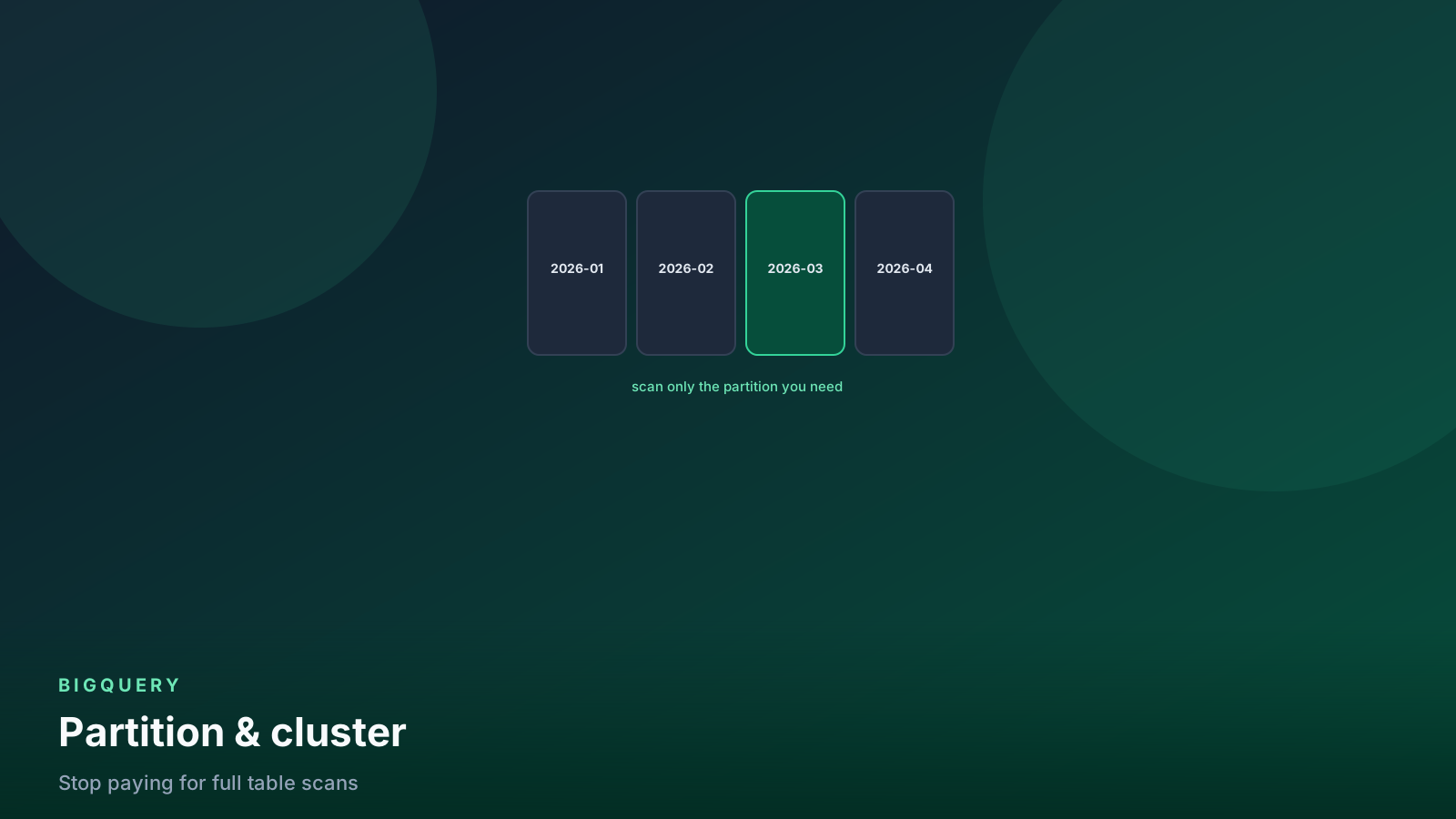
  • Partitioning and clustering design that turns TB scans into GB scans
  • The two pricing models — bytes scanned vs slot reservations — and when to switch
  • Cost controls: maximum bytes billed, quotas, and INFORMATION_SCHEMA audits
  • Streaming ingestion via the Storage Write API and CDC patterns
  • BigLake, Iceberg tables, and querying the lake without loading it

Frequently asked questions

How do I stop a single query from costing hundreds of dollars?

Set maximum_bytes_billed on queries or as a project default — the query fails fast instead of scanning 40 TB. Partition large tables by date, cluster by common filters, and never SELECT * on wide tables. Preview and dry-run both show estimated bytes before you run.

On-demand or slot reservations?

On-demand ($ per TB scanned) is right until your monthly scan spend is stable and high enough that reserved slots are cheaper — for many teams that crossover sits in the low thousands of dollars per month. Editions autoscaling makes reservations far less rigid than they used to be.

Partitioning vs clustering — which one first?

Partition by the column that bounds most queries (almost always event date), then cluster by the next most common filters like customer_id. Partitioning enables hard pruning and expiration; clustering sorts within partitions for finer-grained skipping.

Is BigQuery only useful inside GCP?

It is tied to GCP for hosting, but Omni queries data in S3 and Azure, external tables and BigLake read open formats, and the Storage Read API feeds external engines. If your organization is multi-cloud, the coupling is looser than it once was.

What surprises people about BigQuery costs?

That query cost depends on columns scanned, not rows returned. A LIMIT 10 on an unpartitioned table still scans everything the query references. Storage is cheap; careless scanning is what shows up on the invoice.

New BigQuery posts, straight to your inbox

One email a week with our latest tutorials. No spam.

Newsletter signup is not live yet. Use the contact form if you want to be notified.

↑↓ navigate openesc close