Snowflake Streams and Tasks: Incremental Apply, Schedules, and When Airflow Still Owns the Graph
CREATE STREAM on a table, consume it in a Task MERGE, SHOW STREAMS, stale offsets, and the cases where Airflow still orchestrates dbt and everything outside Snowflake.
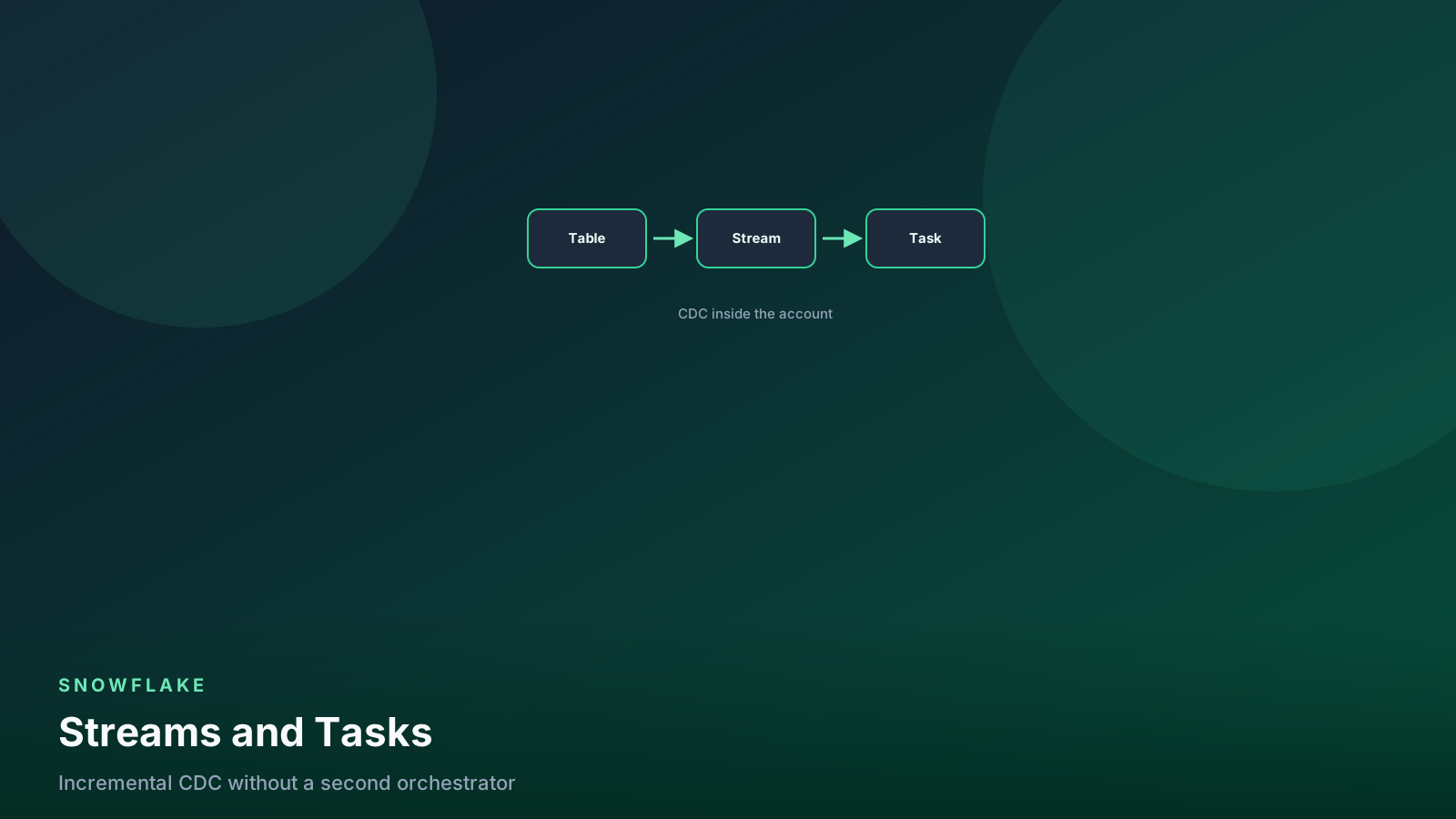
- ✓A stream is a change feed. DML that reads it in a transaction advances the offset.
- ✓Tasks schedule SQL. WHEN SYSTEM$STREAM_HAS_DATA skips empty runs.
- ✓SHOW STREAMS and stale_after tell you if the consumer died.
- ✓Dynamic Tables win when the output is a SELECT. Streams win when you need MERGE.
- ✓Airflow still owns graphs that leave Snowflake: dbt CI, APIs, sensors, human gates.
Table of contents
A stream is not a table you query for fun. It is an offset plus the rows that changed since that offset. A Task is not an orchestrator. It is a schedule (or a parent Task) that runs SQL in Snowflake.
Together they are the incremental pipeline that stays inside the
account: changes, MERGE, next offset. I use them when apply
logic is explicit and the graph is mostly Snowflake — not as a
reason to delete
Airflow
the week the first Task succeeds.
flowchart LR
  src[Source table] --> stream[Stream]
  stream --> task[Task]
  task --> merge[MERGE / INSERT]
  merge --> dest[Target table]
  merge --> off[Offset advances]
Consume in DML. SELECT-only does not move the offset.
Stream on a table
create or replace stream analytics.silver.orders_s
  on table analytics.bronze.orders;
Default is a standard stream: inserts, updates, and deletes, with
METADATA$ACTION, METADATA$ISUPDATE, and METADATA$ROW_ID.
Use append-only on insert-only landing tables. Use standard on
anything that updates in place.
The stream is stale if nobody consumes it before the underlying table’s Time Travel window forgets the old partitions. That is the same retention conversation as Time Travel. A gold table with 1-day retention and a Task that has been suspended since Friday is a Monday incident.
SHOW STREAMS is the health check I actually run:
show streams in schema analytics.silver;

select
  "name",
  "table_name",
  "stale",
  "stale_after",
  "mode"
from table(result_scan(last_query_id()));
Quoted column names because SHOW result sets are that kind of
object. If stale is true, the offset is gone. You recreate the
stream and you backfill from a watermark or a full rebuild. You
do not “catch up.” There is nothing to catch.
A stream you only SELECT from in a worksheet does not
advance. Inspect is fine. The offset moves when DML reads the
stream and the transaction commits.
-- inspection: offset stays
select
  metadata$action,
  metadata$isupdate,
  order_id,
  amount
from analytics.silver.orders_s
limit 20;
Production consume is a MERGE (or INSERT) in the Task body,
or in a stored procedure the Task calls.
The MERGE I put in git
merge into analytics.gold.orders t
using analytics.silver.orders_s s
  on t.order_id = s.order_id
when matched
  and s.metadata$action = 'DELETE'
  then delete
when matched
  and s.metadata$action = 'INSERT'
  then update set
    t.customer_id = s.customer_id,
    t.amount = s.amount,
    t.ordered_at = s.ordered_at,
    t.updated_at = current_timestamp()
when not matched
  and s.metadata$action = 'INSERT'
  then insert (
    order_id, customer_id, amount, ordered_at, updated_at
  )
  values (
    s.order_id, s.customer_id, s.amount, s.ordered_at, current_timestamp()
  );
Standard-stream updates often show as DELETE plus INSERT
(METADATA$ISUPDATE true). Test the MERGE on a
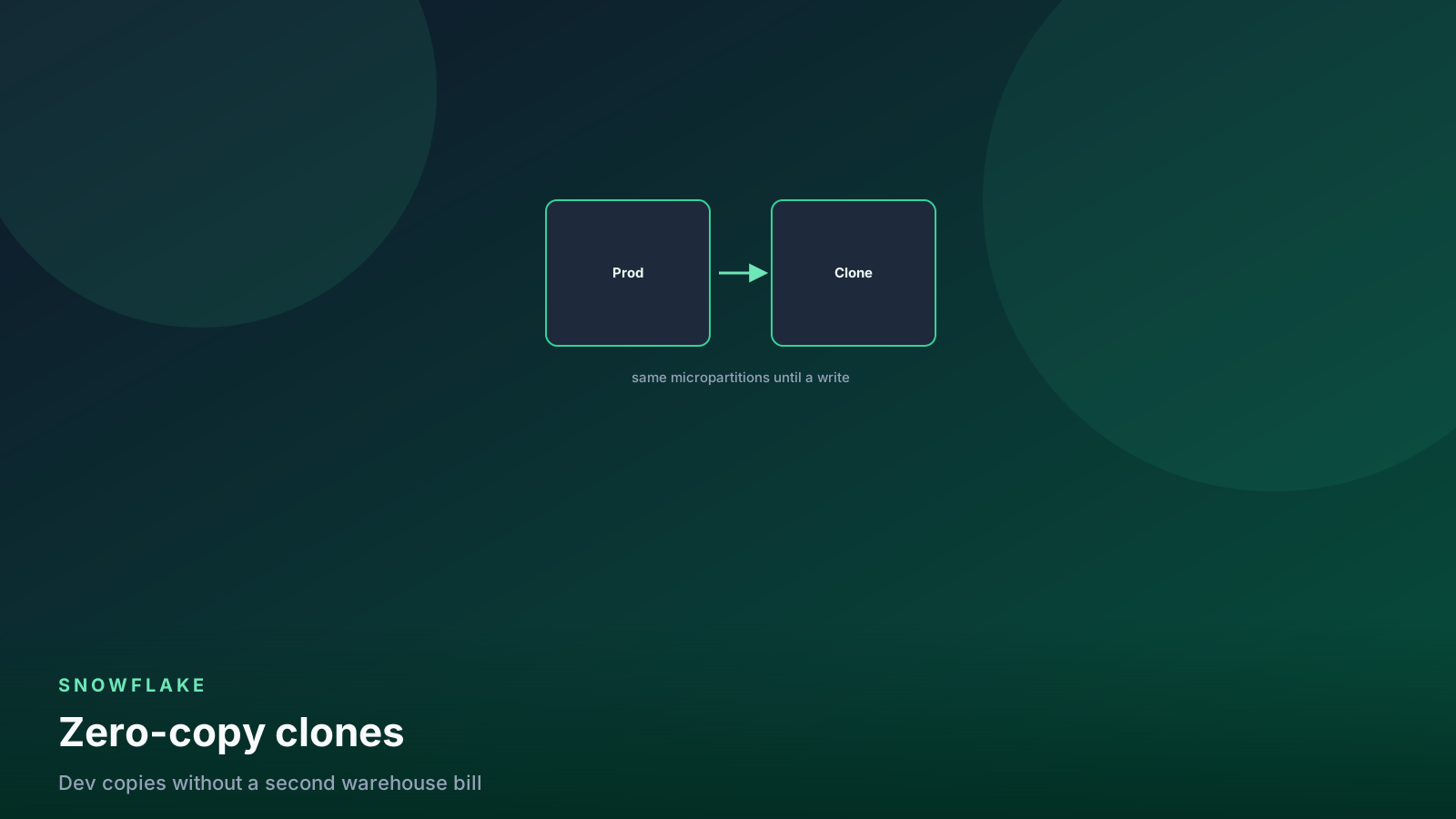
clone with a known
update before you attach the Task.
One consumer per stream. Two Tasks that both MERGE from
orders_s will race the offset. If two targets need the same
changes, create two streams on the source, or land once into a
silver table and stream off that.
Task schedule
create or replace task analytics.silver.orders_to_gold
  warehouse = transforming
  schedule = 'using cron 5 * * * * utc'
  when system$stream_has_data('analytics.silver.orders_s')
as
merge into analytics.gold.orders t
using analytics.silver.orders_s s
  on t.order_id = s.order_id
when matched and s.metadata$action = 'DELETE' then delete
when matched and s.metadata$action = 'INSERT' then update set
  t.customer_id = s.customer_id,
  t.amount = s.amount,
  t.ordered_at = s.ordered_at
when not matched and s.metadata$action = 'INSERT' then insert (
  order_id, customer_id, amount, ordered_at
) values (
  s.order_id, s.customer_id, s.amount, s.ordered_at
);
Tasks are created suspended. Resume is a separate act. That
has saved me from a half-written MERGE running at minute 5.
alter task analytics.silver.orders_to_gold resume;
execute task analytics.silver.orders_to_gold;
SYSTEM$STREAM_HAS_DATA in WHEN is the skip. Empty hours
should not wake the warehouse. If the predicate is wrong, you
will either run no-ops or skip a stream that has rows — check
it with a worksheet SELECT SYSTEM$STREAM_HAS_DATA(...)
before you trust the Task.
Serverless Tasks (no WAREHOUSE =) exist. I still name a
warehouse for anything that touches gold so
metering stays
readable. Split transforming from bi. A Task that shares
the dashboard warehouse is the Monday queue.
Task trees use AFTER:
create or replace task analytics.silver.orders_dq
  warehouse = transforming
  after analytics.silver.orders_to_gold
as
insert into analytics.ops.dq_failures
select
  'orders' as table_name,
  count(*) as dup_keys
from analytics.gold.orders
having count(*) <> count(distinct order_id);
Child Tasks run after the parent succeeds. They do not replace
dbt tests. They are a tripwire inside the account. I still want
a PR-time test on the MERGE SQL.
CRON is UTC unless you like debugging DST twice a year. Write
UTC in the schedule. Write the timezone in the Task comment.
comment on task analytics.silver.orders_to_gold is
  'Hourly :05 UTC. Consumes silver.orders_s. Warehouse transforming.';
History and failure
select
  name,
  state,
  scheduled_time,
  completed_time,
  error_code,
  error_message,
  query_id
from snowflake.account_usage.task_history
where name = 'ORDERS_TO_GOLD'
  and scheduled_time > dateadd('day', -3, current_timestamp())
order by scheduled_time desc
limit 50;
ACCOUNT_USAGE lags. INFORMATION_SCHEMA.TASK_HISTORY is the
“what failed this hour” view. Task success means the SQL ran,
not that the MERGE matched the rows you imagined.
A failed Task does not advance the stream if the DML rolled
back. A “successful” MERGE that matched zero rows does
consume the stream if it read it. Prove the USING clause on
a clone first. Suspend dead products.
alter task analytics.silver.orders_to_gold suspend;Streams vs Dynamic Tables vs dbt
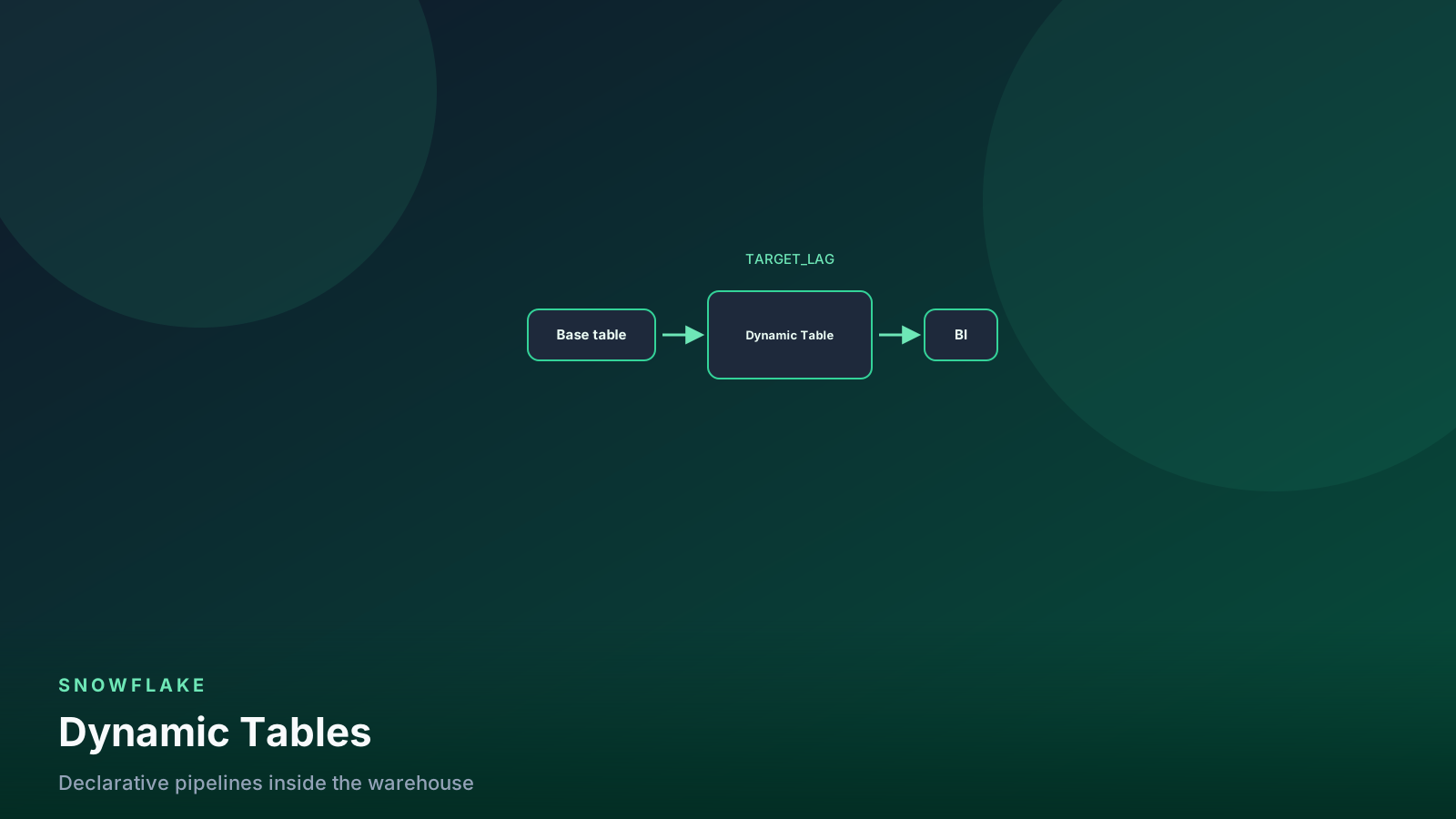
Dynamic Tables are a
declared SELECT plus TARGET_LAG. Use them when the output
is that SELECT and you want Snowflake to own incremental
apply.
Streams plus Tasks are a change feed plus a MERGE you can
read. Use them when:
- You need SCD2, a business-rule dedup, or a delete policy incremental refresh will not express.
- Two consumers need independent offsets.
- Refresh history on a Dynamic Table shows full rewrites you cannot afford.
dbt incremental models are a third option: watermark in git,
MERGE generated from a config, tests in the same PR. I still
prefer dbt on gold when CI and documentation matter more than
a Snowflake-native schedule. A Task can run CALL SYSTEM$EXECUTE_SNOWFLAKE_TASK-adjacent patterns or a stored
procedure; it will not give you dbt test on the pull request.
Do not run all three on one source without a diagram. One writer of the target. One consumer of each stream.
When Airflow still owns the graph
Snowflake Tasks see Snowflake. They do not see the S3 prefix that has not landed, the API that pages, the dbt selector for one mart, or the Slack approval on a destructive backfill.
I keep Airflow (or Dagster, or Prefect — the comparison is a hiring-and-hosting choice) when any of these are true:
- The DAG crosses systems: files land, a pipe loads, dbt runs, a quality check pages a human.
- You need backfills of a date range across many models with a UI someone else can operate.
- CI must clone, run, and drop on a pull request.
- Sensors, deferrable waits, or an external SLAs live outside the account.
- Several Snowflake accounts, or Snowflake plus a lake engine, must finish in order.
A Task tree of three MERGEs inside one database is a good
Task tree. A “platform” of forty Tasks that also need a Python
extractor is an orchestrator with extra steps.
The split I write down:
| Job | Owner |
|---|---|
| Incremental apply of one table in-account | Stream + Task |
Fresh SELECT with a lag SLA |
Dynamic Table |
| Tests, docs, PR-scoped build | dbt (often triggered by Airflow) |
| Cross-system order, sensors, human gates | Airflow (or equivalent) |
Airflow can EXECUTE TASK or just run the same MERGE. If
Airflow already owns the hour, I often keep the MERGE in dbt
or a SQL file the DAG runs, and I skip the Snowflake schedule.
Two clocks on one MERGE is how you double-consume a stream.
flowchart TD
  job[New pipeline] --> inside{Graph stays in this account?}
  inside -->|no| af[Airflow / Dagster / Prefect]
  inside -->|yes| shape{Output is a SELECT?}
  shape -->|yes| dt[Dynamic Table]
  shape -->|no| st[Stream + Task]
  st --> ci{Need PR tests and docs?}
  dt --> ci
  ci -->|yes| dbt[Keep dbt; DT or Task is the materialization]
  ci -->|no| native[Snowflake-native is enough]
Leave the account, keep the orchestrator. Stay in-account, pick SELECT vs MERGE.
The habit is the same as the first Airflow pipeline: idempotent apply, one schedule, a test before you enable it.
Load order and pruning
A stream MERGE that rewrites random keys will scatter
micro-partitions.
That is normal. If gold is a large fact filtered by date,
watch partitions_scanned after the Task has been live a
week. You may want a clustering key on the target, not a
larger Task warehouse.
Do not INSERT OVERWRITE the whole target every hour “to
keep the stream simple.” That abandons incremental apply
and pins Time Travel files.
Pitfalls
Two Tasks, one stream. The offset is a single cursor. Create two streams or serialize the consumers.
Worksheet SELECT as the “consumer.” Offset does not
move. The Task then applies a surprising batch. Inspect,
then MERGE.
Retention shorter than the longest outage. Suspended
Task + 1-day Time Travel = stale stream. Set retention for
the outage you will actually have, or alert on stale_after.
WHEN STREAM_HAS_DATA on the wrong stream name. The Task
skips forever. SHOW STREAMS and a manual EXECUTE TASK
after you fix the name.
Task success, wrong MERGE. Zero rows matched, stream
consumed. Clone, unit-test the MERGE, then resume.
Airflow and a Task both scheduled on the same consume. Double apply or a race. One clock.
Treating Tasks as a dbt replacement. No tests, no CI clone, no docs. Fine for a single operational apply. Not fine for gold marts.
CRON without a timezone. You will debug this in March
or November. Write UTC.
Checklist
- One stream per consumer. Comment the source table and the Task that reads it.
MERGEproven on a clone with insert, update, and delete.- Task created suspended.
WHEN SYSTEM$STREAM_HAS_DATA. Warehousetransforming. Cron in UTC. - Resume.
EXECUTE TASKonce. Check gold counts andSHOW STREAMS. - Alert if
staleor ifTASK_HISTORYerrors twice. - If the graph leaves Snowflake, put Airflow (or equivalent) above this, and do not also cron the same consume.
FAQ
Does SELECT from a stream mark those rows consumed?
No. DML that reads the stream in a committed transaction
advances the offset. A worksheet SELECT is inspection.
What do I do when SHOW STREAMS says stale?
Recreate the stream. Backfill the gap from a watermark or a
full rebuild. There is no replay of a forgotten offset.
Can a Task replace Airflow for dbt?
It can CALL a procedure or sit after a load. It cannot
clone-for-CI, sensor an external API, or run a selector
across repos. When the graph leaves Snowflake, keep the
orchestrator.
Stream then Dynamic Table on the same source? Only if you have two different contracts and two different targets. Two pipelines on one source without a diagram is an incident.
Should every hourly job be a Task?
No. If Airflow already triggers dbt at :05, add the model
there. A second Snowflake cron on the same MERGE is how
you consume a stream twice — or fight a lock.
What this means for data engineers
Use a stream when you need a change feed. Use a Task when
the apply is SQL in this account and the schedule is the
only trigger. Read SHOW STREAMS the way you read Task
history: stale and failed are the two ways incremental dies.
Keep Dynamic Tables for declared SELECTs. Keep dbt for
tests and PRs. Keep Airflow when the work leaves Snowflake
or needs a human-visible backfill.
One consumer, one clock, one target. Write those three names on the stream comment before you resume the Task.
Senior Data & AI Engineer · SnowPro Core & Gen AI Certified
4+ years building production data platforms on Snowflake, Databricks, AWS, and Azure. I write from hands-on experience with Medallion architectures, dbt, Airflow, PySpark, and Snowflake Cortex AI. Every tutorial on this blog reflects real pipeline decisions — not documentation rewrites.
Read more about the author →