Snowflake Dynamic Tables: TARGET_LAG, Refresh Warehouses, and When to Keep dbt
How Dynamic Tables actually refresh: TARGET_LAG, the warehouse that pays for it, streams vs DT, and why I still keep dbt for gold.
- ✓TARGET_LAG is a freshness contract. Tighter lag is more warehouse time, not a free SLA.
- ✓Give Dynamic Tables their own refresh warehouse. Do not share it with BI.
- ✓Do not replace a tested dbt project with a pile of CREATE DYNAMIC TABLE worksheets.
- ✓Streams plus Tasks still win when you need MERGE logic incremental refresh cannot express.
- ✓DOWNSTREAM lag on intermediates so only the sink’s lag drives compute.
Table of contents
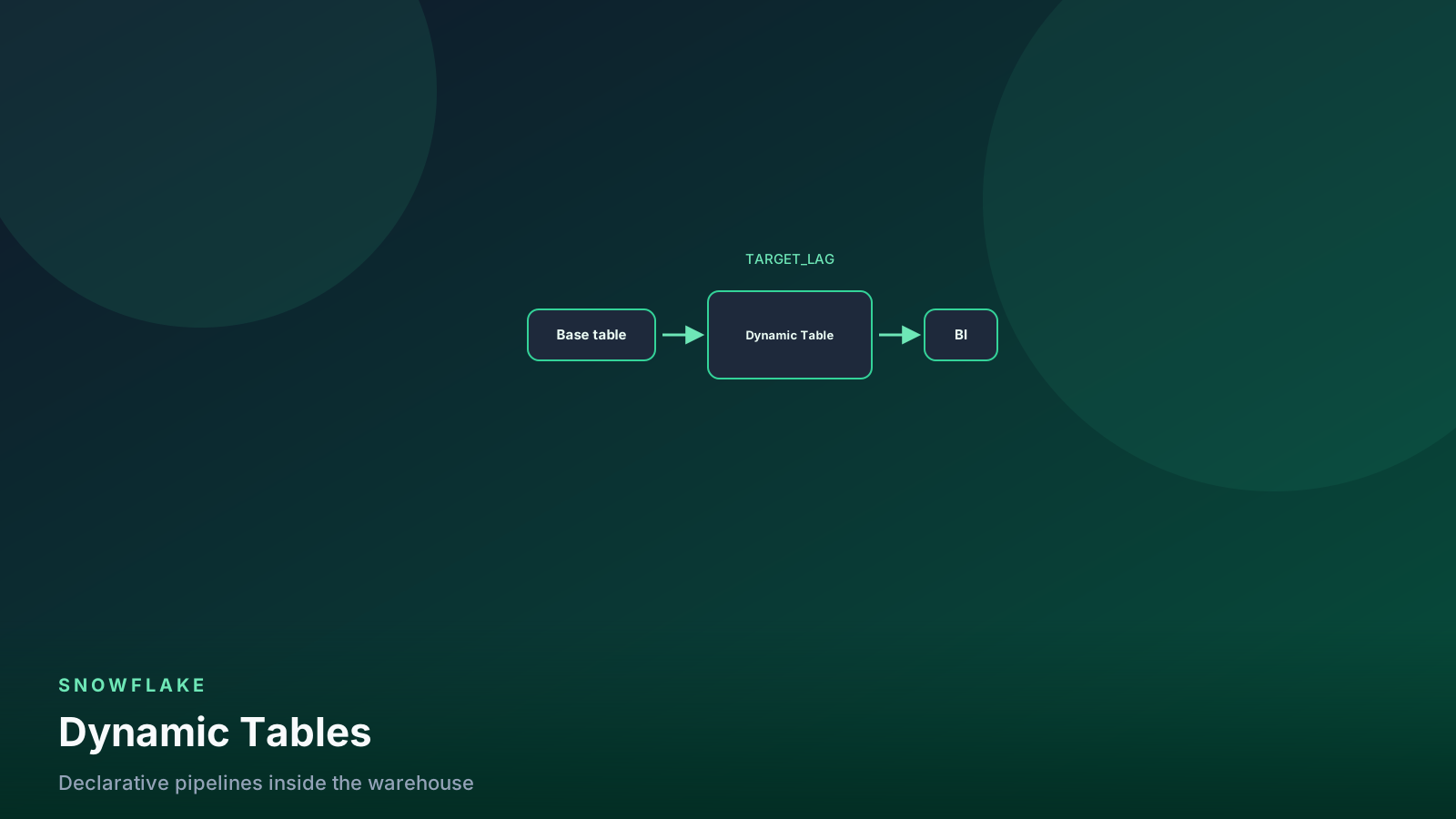
A Dynamic Table is a SELECT Snowflake agrees to keep fresh. You name
the lag, the warehouse, and the query. Snowflake decides when to
refresh and, if it can, whether that refresh is incremental.
That is a useful contract for operational silver. It is not a replacement for an orchestrator, a test suite, or a pull request. This post is the knobs I set on day one, when I still reach for streams and Tasks, and when dbt stays the owner of gold.
flowchart LR
  src[Base tables] --> dt[Dynamic Table]
  dt --> lag[TARGET_LAG]
  lag --> wh[Refresh warehouse]
  wh --> out[Downstream DT or BI]
Lag is the product. The warehouse is the bill.
What you are actually creating
A Dynamic Table is a table. Consumers SELECT it like any other
object. The difference is the refresh: Snowflake reruns (or
incrementally applies) the defining query so the table stays within
TARGET_LAG of its sources.
It is not a materialized view. A materialized view is a query-rewrite hint with a narrow SQL surface. A Dynamic Table is a pipeline object with a lag SLA, a dedicated warehouse, and a graph of upstream tables.
It is not Time Travel. You can still query a Dynamic Table with AT
the way you query a normal table, subject to retention — see
Time Travel — but the
refresh contract is “how stale may this be,” not “what did it look
like on Tuesday.”
Sketch the object before you copy this into a schema that analysts already trust:
create or replace dynamic table analytics.silver.orders_enriched
  target_lag = '15 minutes'
  warehouse = dt_refresh
  refresh_mode = auto
  initialize = on_create
  as
select
  o.order_id,
  o.customer_id,
  o.ordered_at,
  o.amount,
  c.segment,
  c.region
from analytics.bronze.orders o
join analytics.bronze.customers c
  on c.customer_id = o.customer_id;
REFRESH_MODE = AUTO lets Snowflake pick incremental when the SQL
qualifies, and full when it does not. I leave it on AUTO until a
refresh history row tells me it is doing full scans I cannot afford.
Then I either simplify the SQL or admit this is a Task.
INITIALIZE = ON_CREATE builds immediately. Use ON_SCHEDULE when
the first build is a warehouse-hour you do not want in a change
window.
Prove the object exists and is not suspended before a dashboard reads it:
show dynamic tables like 'ORDERS_ENRICHED' in schema analytics.silver;

select
  name,
  target_lag,
  scheduling_state,
  refresh_mode_actual,
  warehouse
from table(information_schema.dynamic_tables())
where name = 'ORDERS_ENRICHED';
If your INFORMATION_SCHEMA view uses different labels, DESC it
once. Read scheduling state and the actual refresh mode, not the
mode you hoped for.
TARGET_LAG is a cost knob
TARGET_LAG is the maximum time you will tolerate between a source
change and a visible result. It is not a cron. Snowflake may refresh
sooner. It will try not to be later.
Two forms matter in production:
- An interval:
'1 minute','15 minutes','1 hour','1 day'. DOWNSTREAM: refresh this table only when a downstream Dynamic Table needs new data.
Interval lag on every layer is how a three-table silver graph turns
into three warehouses that never sleep. Put the tight SLA on the
sink. Mark intermediates DOWNSTREAM.
create or replace dynamic table analytics.silver.orders_clean
  target_lag = downstream
  warehouse = dt_refresh
  as
select
  order_id,
  customer_id,
  ordered_at,
  amount
from analytics.bronze.orders
where amount >= 0;

create or replace dynamic table analytics.gold.orders_hourly
  target_lag = '30 minutes'
  warehouse = dt_refresh
  as
select
  date_trunc('hour', ordered_at) as hour_utc,
  count(*) as orders,
  sum(amount) as revenue
from analytics.silver.orders_clean
group by 1;
The gold table’s 30-minute lag is the only freshness number a human should quote. The clean table refreshes when gold does. You still pay to compute both, but you do not pay for a clean-table refresh that nobody will read for 29 minutes.
Tighter lag is not “more real-time.” It is more refresh attempts. A one-minute lag on a large join is a warehouse that is effectively always on. That is a cost conversation, not a feature conversation.
A one-minute lag on a two-terabyte join is not a larger warehouse. It is a narrower query, a stream, or an honest hour.
The warehouse that pays for refresh
Dynamic Tables do not sneak onto whatever warehouse your worksheet is using. You name a warehouse in the DDL. That warehouse runs the refresh. Credits land there.
Give Dynamic Tables their own warehouse. I call mine dt_refresh.
I do not share it with Tableau or with dbt.
create warehouse if not exists dt_refresh
  warehouse_size = 'small'
  auto_suspend = 60
  auto_resume = true
  initially_suspended = true;

alter dynamic table analytics.gold.orders_hourly
  set warehouse = dt_refresh;
Auto-suspend still matters. A 30-minute lag on a job that finishes in four minutes should sleep. A one-minute lag on a job that finishes in 50 seconds will barely suspend. That is the cost of that lag, written down in the PR, not discovered in the invoice.
Size the warehouse for the refresh, the same way you size
transforming for dbt. Start small. If a refresh misses lag because
it ran long, look at
pruning and the SQL
before you jump two sizes.
Watch the refresh, not your feelings:
select
  name,
  state,
  state_code,
  refresh_start_time,
  refresh_end_time,
  refresh_action,
  refresh_trigger,
  statistics
from snowflake.account_usage.dynamic_table_refresh_history
where name = 'ORDERS_HOURLY'
  and refresh_start_time > dateadd('day', -3, current_timestamp())
order by refresh_start_time desc
limit 50;
ACCOUNT_USAGE lags. For “is it failing right now,” use the
INFORMATION_SCHEMA table function. Suspend when the product is
dark. A forgotten Dynamic Table still wakes a warehouse.
alter dynamic table analytics.silver.orders_enriched suspend;
alter dynamic table analytics.silver.orders_enriched resume;
When not to replace dbt
dbt is a project: refs, tests, docs, CI selectors, and a PR that a human can read. A Dynamic Table is one object and a lag. Those are different jobs.
I keep dbt when any of these are true:
- Gold tables have tests that must fail the deploy (
unique,not_null, accepted values, relationships). A Dynamic Table will refresh invalid rows as happily as valid ones. - The same models need to run in CI against a clone, not only inside the prod account.
- Analysts need a documented DAG they can search, not a
SHOW DYNAMIC TABLESworksheet. - The transformation is a Type-2 dimension, a custom watermark, or
a
MERGEthat incremental refresh will not express. - More than one engine or more than one repo owns the lineage.
I use Dynamic Tables when the SQL is a straightforward projection, join, or grain change, the consumer is inside Snowflake, and the freshness number is the feature.
dbt-snowflake can materialize a model as a Dynamic Table. That is
still a dbt project. What I will not do is abandon it for twenty
CREATE DYNAMIC TABLE statements taped into a runbook.
The first dbt project structure still applies: staging stays 1:1 with sources, marts are the business grain. If a Dynamic Table is a mart, it gets tests. If it cannot get tests, it is not a mart.
Streams vs Dynamic Tables
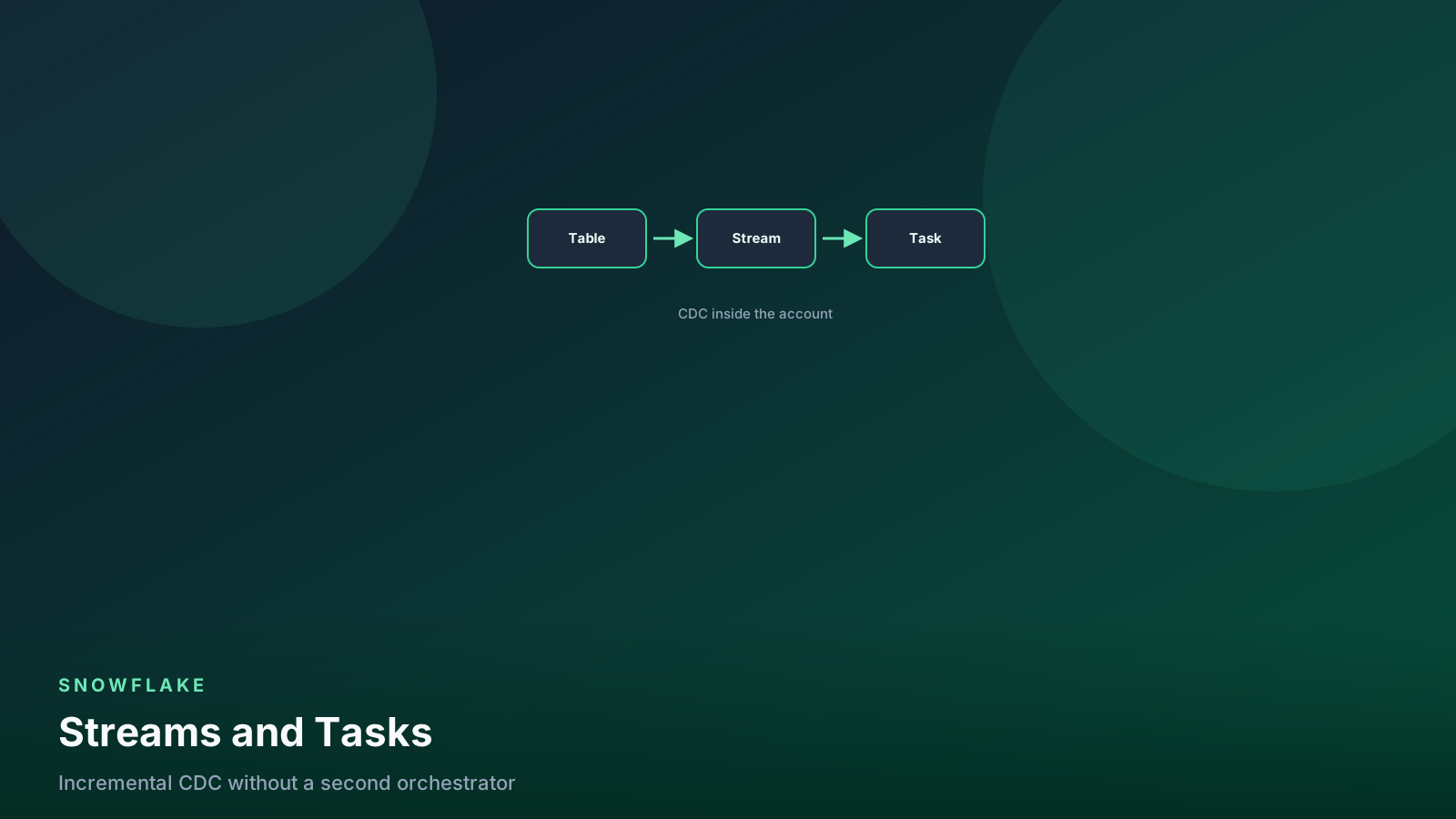
A stream is a change feed. You consume it with a MERGE or
INSERT, usually from a Task. The offset advances when that DML
commits. You own the apply logic.
A Dynamic Table is a declared result. You do not write the MERGE.
Snowflake does, if incremental refresh applies. If it cannot, it
rewrites the table.
Use a stream when:
- You need deletes, updates, and inserts applied with explicit
METADATA$ACTIONlogic. - The target is not a function of a
SELECT(dedup with a business rule, SCD2, a queue you must not replay twice). - A downstream system has to read changes, not a snapshot.
Use a Dynamic Table when:
- The output is a
SELECT. - You want Snowflake to own the schedule inside one account.
- You can live with full refresh as a fallback.
Do not stack them without a reason. A Dynamic Table on top of a stream you also consume in a Task is two pipelines on one source. Pick the contract. Write it on the table comment.
comment on dynamic table analytics.gold.orders_hourly is
  'Lag 30m on dt_refresh. Not consumed by a stream. Tests in dbt.';
Incremental refresh is a privilege, not a default
Snowflake will incremental-refresh a Dynamic Table only when the
defining SQL stays inside the supported surface. Non-deterministic
functions, some window patterns, certain UDFs, and a few join
shapes force a full refresh. REFRESH_MODE = AUTO will do that
quietly.
That is fine for a 2 GB dimension. It is not fine for a 4 TB fact
that you thought was incremental because the docs said AUTO.
After the first week I read refresh_mode_actual. Full refreshes
on a large table means rewrite the SQL or move to a stream and a
Task. Hoping AUTO gets cheaper next release is not a plan.
flowchart TD
  sql[Defining SELECT] --> mode{Incremental possible?}
  mode -->|yes| inc[Incremental refresh]
  mode -->|no| full[Full refresh]
  inc --> lag{Lag tight?}
  full --> lag
  lag -->|1 min| always[Warehouse almost always on]
  lag -->|hour plus| sleep[Warehouse can suspend]
Mode first, then lag. Tight lag on a full refresh is a credit leak.
Pitfalls
Tight lag on a wide join. '1 minute' on orders ⋈ customers
⋈ products is a warehouse that never idles. Start at 15–30
minutes. Tighten only if a consumer can name the decision that
needs the extra freshness.
Interval lag on every layer. Intermediates should be
DOWNSTREAM unless something outside the graph reads them on a
tighter SLA.
Sharing the BI warehouse. A refresh that coincides with the Monday dashboard storm will lose, and so will the CFO. Split warehouses. The cost guide is the habit; this is the object that breaks it.
Replacing dbt tests with “it refreshed.” A successful refresh
means the SQL ran. It does not mean order_id is unique.
Non-deterministic SQL. CURRENT_TIMESTAMP() in the defining
query, a UDF that hits a network, a window that incremental
refresh cannot encode. You get full refreshes and a surprise.
No suspend on dead products. Dynamic Tables do not know the app shipped. You do.
Treating DT as CDC. Downstream engines that need a change feed still want a stream (or an Iceberg snapshot contract). A Dynamic Table is a snapshot with a lag.
Checklist
Before I call a Dynamic Table production:
- Dedicated warehouse, auto-suspend 60 seconds, tagged in
ACCOUNT_USAGE. TARGET_LAGwritten as a product number, not a guess. IntermediatesDOWNSTREAM.- First-week refresh history reviewed for actual mode and missed lags.
- Tests — dbt or scheduled
SELECTs — on the keys a human would page about. - Comment on the object: warehouse, lag, who owns suspend.
- A documented alternative: if incremental never sticks, the fallback is a stream and a Task, not a larger warehouse.
FAQ
Does a shorter TARGET_LAG make the query faster? No. It makes refreshes more frequent. Runtime is warehouse size, SQL, and pruning. Lag is how often you pay that runtime.
Can I point a Dynamic Table at another Dynamic Table?
Yes. That is the graph. Put DOWNSTREAM on the upstream nodes
unless something else reads them on a tighter SLA.
Should I delete dbt if every model becomes a Dynamic Table? No. You still need tests, docs, CI, and a PR. Materializing a dbt model as a Dynamic Table is fine. Replacing the project with worksheets is how gold loses its keys.
When do streams plus Tasks beat a Dynamic Table?
When apply logic is a MERGE incremental refresh cannot express,
when you need a change feed, or when the refresh history shows
full rewrites you cannot afford.
Does auto-suspend on the refresh warehouse break the lag? Only if the resume plus runtime exceeds the lag. A 30-minute lag and a four-minute refresh is fine. A one-minute lag and a 40-second refresh will barely sleep — that is the cost of the lag, not a misconfigured suspend.
What this means for data engineers
Use Dynamic Tables for operational silver whose contract is a
SELECT and a freshness number. Name the warehouse. Write the
lag down. Read refresh history in the first week.
Keep dbt (or an equivalent test-and-PR workflow) on gold. Keep
streams and Tasks for MERGEs you must see. Keep Airflow when
the graph leaves Snowflake — that split belongs in the
streams and Tasks
post, not in a Dynamic Table DDL.
Lag is a product choice. Credits are how you pay for it. Do not confuse the two.
Senior Data & AI Engineer · SnowPro Core & Gen AI Certified
4+ years building production data platforms on Snowflake, Databricks, AWS, and Azure. I write from hands-on experience with Medallion architectures, dbt, Airflow, PySpark, and Snowflake Cortex AI. Every tutorial on this blog reflects real pipeline decisions — not documentation rewrites.
Read more about the author →