Snowflake Data Sharing: Secure Shares, Reader Accounts, and the Marketplace Without Shipping Copies
How Snowflake secure data sharing works across accounts, regions, and clouds, when to use a reader account, and the governance patterns that keep a share from leaking more than you intended.
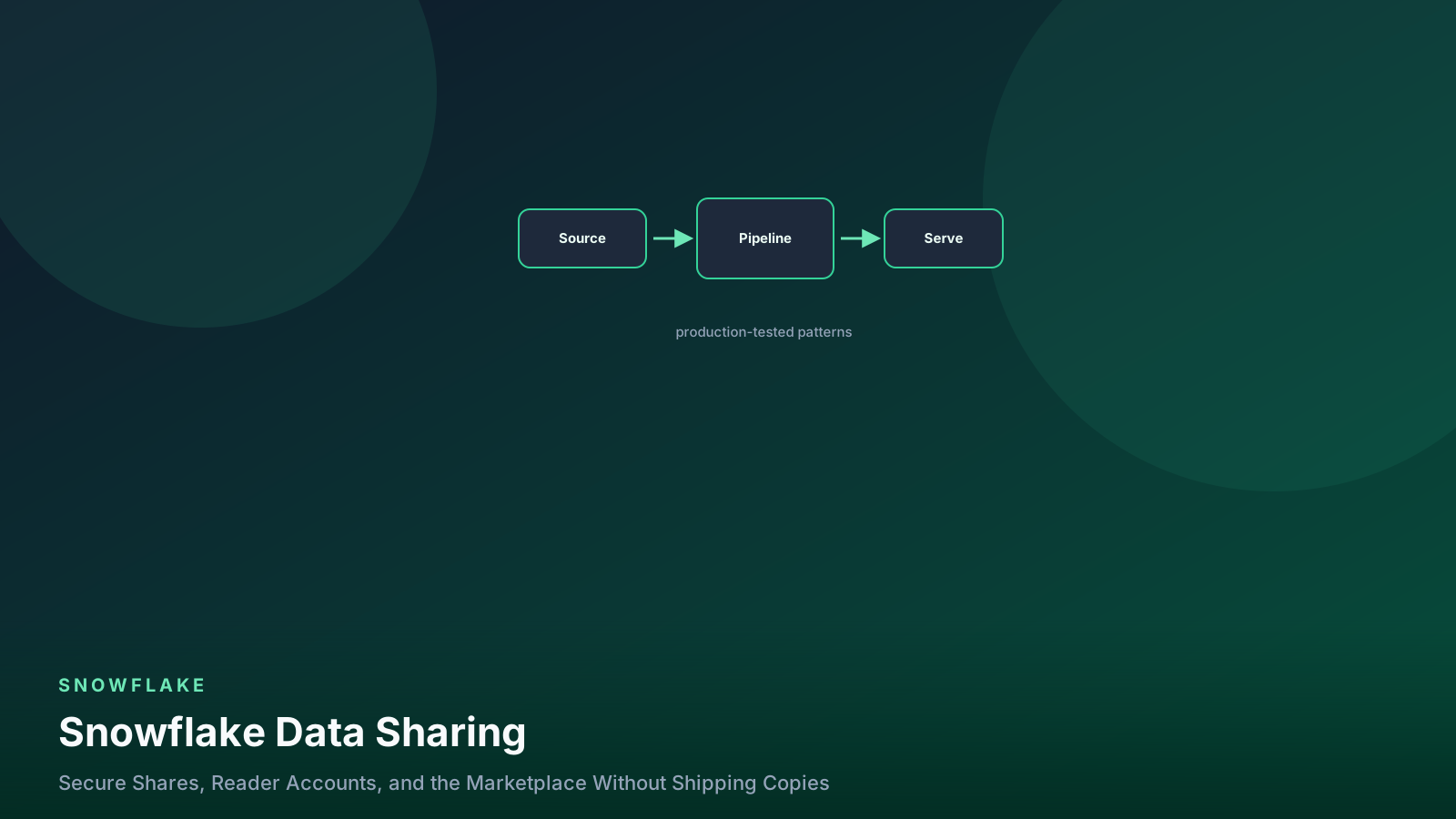
- ✓A share is metadata, not data. The consumer reads your micro-partitions directly and you keep paying storage while they pay compute.
- ✓Never share a base table. Share a secure view, because a normal view leaks its definition and can leak rows through query plans.
- ✓Cross-region and cross-cloud sharing requires replication, which turns a free share into a real storage and transfer bill.
- ✓Reader accounts let you share with people who are not on Snowflake, but you pay their compute, so put a resource monitor on it before you send the URL.
- ✓Row-level filtering by consumer account with CURRENT_ACCOUNT() is the pattern that makes one share serve many customers safely.
Table of contents
- How a share actually works
- Build the share around secure views
- One share, many customers
- Reader accounts: sharing with non-customers
- Cross-region, cross-cloud, and what it costs
- Monitoring what your consumers do
- Where teams get this wrong
- FAQ
- Does the consumer see my data in real time?
- Can the consumer copy the data out?
- Do shared objects count against my storage?
- Can I share a table that has a stream or task on it?
- What is the difference between a share and a listing?
- What this means for your pipelines
Before Snowflake sharing existed, giving a partner access to our data meant a nightly export to S3, a manifest file, a support inbox for schema changes, and a spreadsheet tracking which of nine partners had which version. The export job broke roughly monthly. Someone always had stale data. Nobody could tell you who had downloaded what.
Secure data sharing replaces all of that with a metadata pointer. You grant a consumer account access to objects in your account, and their queries read your micro-partitions directly. There is no copy, no transfer job, and no version drift — they see what you see, at the moment they query it.
I have run shares for both internal cross-account use and external customers, and the technology has never been the hard part. The hard parts are governance, cost attribution, and the handful of constraints that are not obvious until you hit them at an inconvenient time.
How a share actually works
A share is an object in the provider account that holds two things: a set of grants on objects, and a list of consumer accounts. The consumer creates a database from the share, and that database is read-only in their account.
flowchart LR
  prod["Provider account: tables and secure views"] --> share["SHARE object with grants"]
  share --> cons["Consumer account"]
  cons --> db["Read-only database from share"]
  db --> wh["Consumer's own warehouse runs the query"]
  prod -.-> storage["Provider pays storage"]
  wh -.-> compute["Consumer pays compute"]
One copy of the data, two invoices. The provider pays to store it, the consumer pays to query it.
Two consequences fall out of that diagram, and they answer most questions people have.
First, the consumer needs their own Snowflake account and their own warehouse. Sharing does not give them compute, so it costs the provider nothing beyond the storage already being paid for. If the consumer is not a Snowflake customer, you need a reader account, which is a different arrangement covered below.
Second, sharing works within a single region on a single cloud. A share from AWS us-east-1 is only visible to consumers in AWS us-east-1. Reaching anywhere else requires database replication to a secondary account in the target region, and replication is neither free nor instant. This constraint has restructured more architecture plans than anything else in this post.
Build the share around secure views
The share itself is a few statements. What matters is what you put in it.
use role accountadmin;   -- CREATE SHARE requires it; grant onward afterward

create share partner_analytics_share
  comment = 'Order and shipment summaries for logistics partners. Owner: data-platform.';

-- Usage on the containers first.
grant usage on database analytics to share partner_analytics_share;
grant usage on schema analytics.shared to share partner_analytics_share;

-- Then the objects. Note: a secure view, never the base table.
grant select on view analytics.shared.v_partner_orders to share partner_analytics_share;
grant select on view analytics.shared.v_partner_shipments to share partner_analytics_share;

-- Finally, the consumers.
alter share partner_analytics_share
  add accounts = ('AWSUS1.ACME_LOGISTICS', 'AWSUS1.GLOBEX_FREIGHT');
The reason for a secure view rather than a base table is not paranoia. A normal view’s definition is visible to anyone who can see the view, and more importantly, Snowflake’s optimizer is allowed to push predicates and reorder operations in ways that can expose information about rows the view filtered out — through error messages, through timing, through a UDF in the predicate. A secure view disables those optimizations.
create or replace secure view analytics.shared.v_partner_orders as
select
  o.order_id,
  o.ordered_at,
  o.status,
  o.destination_zip,
  o.weight_grams,
  o.partner_account          -- the discriminator column, not exposed to filters below
from analytics.gold.orders o
where o.is_partner_visible = true;
Secure views are slower than regular views, sometimes noticeably, because the optimizer gives up several rewrites. That is the price of the guarantee, and on a share it is not negotiable. Where the performance cost bites, materialize the shared view into a table with a scheduled job and share that table’s secure view instead.
One share, many customers
The pattern that makes external sharing manageable is a single secure view that filters on the consuming account. You maintain one object, and every consumer sees only their rows.
-- Mapping table: which Snowflake account belongs to which partner.
create or replace table analytics.shared.partner_account_map (
  snowflake_account varchar,   -- e.g. 'AWSUS1.ACME_LOGISTICS'
  partner_id        number,
  effective_from    date,
  effective_to      date
);

create or replace secure view analytics.shared.v_partner_orders as
select
  o.order_id,
  o.ordered_at,
  o.status,
  o.destination_zip,
  o.weight_grams
from analytics.gold.orders o
join analytics.shared.partner_account_map m
  on o.partner_id = m.partner_id
-- CURRENT_ACCOUNT() evaluates in the consumer's context at query time.
where m.snowflake_account = current_account()
  and current_date() between m.effective_from and coalesce(m.effective_to, '9999-12-31');
CURRENT_ACCOUNT() inside a shared secure view returns the
consumer’s account identifier, which is what makes this work.
Onboarding a new partner becomes an insert into the mapping table
plus one ALTER SHARE ADD ACCOUNTS. Offboarding is setting
effective_to, which takes effect on their next query.
Test this before you trust it. The mistake I have made is
forgetting that in the provider account, CURRENT_ACCOUNT()
returns the provider, so the view looks empty when you test it
locally and you “fix” it by removing the filter. Use
SIMULATED_DATA_SHARING_CONSUMER instead:
-- Test the view as a specific consumer would see it, from the provider account.
alter session set simulated_data_sharing_consumer = 'ACME_LOGISTICS';
select count(*) from analytics.shared.v_partner_orders;
alter session unset simulated_data_sharing_consumer;
For sharing inside your own organization, database roles are cleaner than a single flat grant set, since they let the consumer subdivide access. That interacts directly with your internal role hierarchy, so decide early whether consumers get one role or several.
Reader accounts: sharing with non-customers
When the consumer is not on Snowflake, you create a reader account. It is a full Snowflake account that you own, provisioned from your account, that can only read from shares you provide.
create managed account acme_reader
  admin_name = 'acme_admin',
  admin_password = '<generated, rotate immediately>',
  type = reader,
  comment = 'Reader account for ACME. Billing owner: partnerships.';

-- Returns the account locator and URL you send to the consumer.
show managed accounts;

alter share partner_analytics_share add accounts = ('<reader_locator>');
The critical detail: you pay for their compute. Every query they run bills to your account. I have watched a reader account run up four figures in a month because the consumer connected a BI tool that refreshed thirty dashboards every fifteen minutes.
So the resource monitor is not optional, and it goes on before you send anyone the login:
create resource monitor rm_acme_reader
  with credit_quota = 50
  frequency = monthly
  start_timestamp = immediately
  triggers
    on 50 percent do notify
    on 80 percent do notify
    on 100 percent do suspend
    on 110 percent do suspend_immediate;
Reader accounts are a good bridge and a poor destination. They have no ability to join your data with the consumer’s own data, which is usually what they actually want, and they leave you operating an account on someone else’s behalf. If a partnership lasts, push the consumer toward their own Snowflake account and migrate the share.
Cross-region, cross-cloud, and what it costs
This is the constraint that breaks plans. Shares do not cross regions. To serve a consumer in a different region or on a different cloud, you replicate the database to a secondary account in that region, then share from there.
-- In the primary account: allow replication to the target.
alter database analytics enable replication to accounts ('AZUREEU1.MYORG_EU');

-- In the secondary account: create the replica and refresh it.
create database analytics as replica of AWSUS1.MYORG.analytics;

-- Refresh on a schedule. This is the part that costs money.
alter database analytics refresh;

-- Automated refresh via a task, sized to your freshness requirement.
create or replace task t_refresh_analytics_replica
  warehouse = ops_wh
  schedule = 'USING CRON 0 */4 * * * UTC'
as
  alter database analytics refresh;
Now you are paying full storage in both regions, plus egress on every refresh, plus compute for the replication itself. A share that was free inside one region becomes a real line item, and the consumer’s data is only as fresh as your last refresh, which undoes one of the main benefits of sharing.
Before you build this, check whether the consumer can create an account in your region. It is often easier than the conversation suggests, and it is dramatically cheaper. When they genuinely cannot, replicate only the shared schema rather than the whole database, and set the refresh cadence to the slowest freshness the consumer will accept. Track the cost alongside the rest of your cost review.
Monitoring what your consumers do
You can see consumer activity, and you should look at it. It tells you which shared objects matter, which consumers are dormant, and whether anyone is hammering a view that should be materialized.
-- Consumer query activity against your shares.
select
  consumer_account_name,
  share_name,
  to_date(query_date) as day,
  sum(jobs_produced) as queries,
  sum(bytes_scanned) / power(1024, 3) as gb_scanned
from snowflake.data_sharing_usage.listing_consumption_daily
where query_date > dateadd('day', -30, current_date())
group by 1, 2, 3
order by day desc, gb_scanned desc;

-- What is currently in each share, and who can see it.
show shares;
describe share partner_analytics_share;
select * from table(information_schema.share_grants());
The audit habit is to diff DESCRIBE SHARE output against what
your repository says should be in the share. Shares drift the same
way grants drift, and a table that ended up in a share by accident
is a much worse problem than a table that ended up in the wrong
internal role.
Listings and the Snowflake Marketplace are the same machinery with a discovery layer and a billing integration on top. A private listing is the better default even for a single named consumer, because it gives the consumer a self-service install, versioned documentation, and usage telemetry that a raw share does not.
Where teams get this wrong
Sharing base tables. A share should expose secure views only. Base tables expose every column including the ones you forgot about, and they make future schema changes a breaking change for every consumer.
Using regular views instead of secure views. The definition is visible and the optimizer can expose filtered rows through side channels. This is the specific failure secure views exist to prevent.
Forgetting the reader account bill. You own their compute. Without a resource monitor, a consumer’s BI tool refresh schedule becomes your budget problem, and you will find out on the invoice.
Assuming a share crosses regions. It does not. Discover this during design, not during the go-live call with the customer.
Not versioning the shared interface. Consumers build against your column names. Dropping or renaming a column in a shared view breaks them with no warning. Treat shared views as a public API and apply data contract discipline to changes.
Sharing a view over a table with a masking policy and expecting the mask to behave. Policies evaluate in the consumer’s context, where your internal role names do not exist. Test the interaction explicitly; see masking and row access policies.
FAQ
Does the consumer see my data in real time?
Yes, within the same region. They query your current micro-partitions, so a committed change is visible on their next query. With cross-region replication, freshness is bounded by your refresh schedule instead.
Can the consumer copy the data out?
They can run CREATE TABLE AS SELECT in their own account, which
produces their own copy that they pay to store. Sharing controls
access, not exfiltration. If that matters, the controls are
contractual, plus row filtering and column masking to limit what
they can read in the first place.
Do shared objects count against my storage?
Yes. You store one copy and you pay for it. That is the economic point of sharing — one copy instead of one per consumer — but it does mean the provider carries the storage cost for everyone.
Can I share a table that has a stream or task on it?
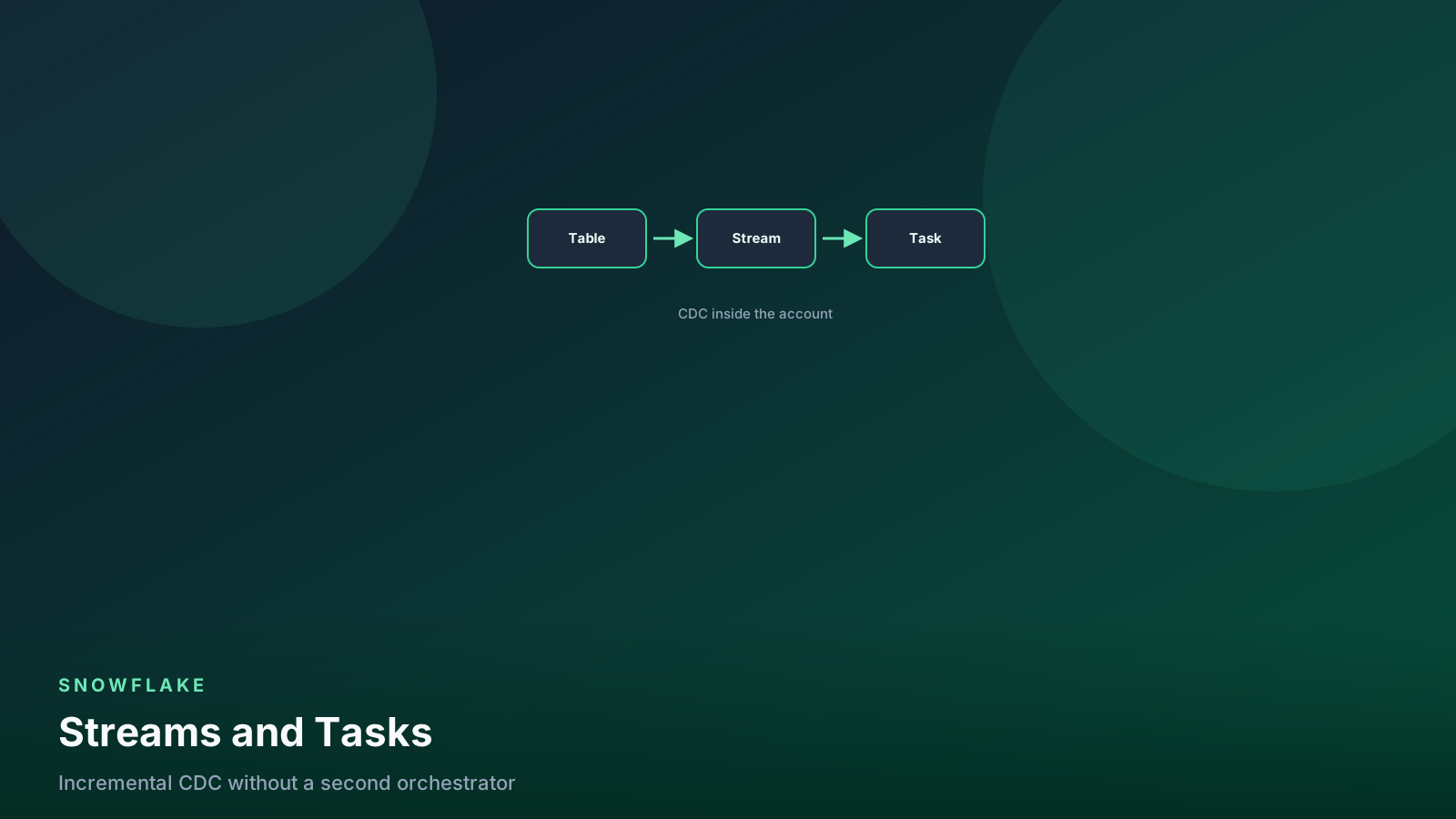
You can share the table; streams and tasks are not shareable objects and do not travel with the share. Consumers can create their own streams on shared tables in most cases, which is a reasonable way to let them build incremental pipelines. See streams and tasks for the mechanics.
What is the difference between a share and a listing?
A share is the underlying grant mechanism. A listing wraps a share with metadata, documentation, versioning, and optional monetization, and can be private to named accounts or public on the Marketplace. I use private listings by default now, even for one consumer.
What this means for your pipelines
Sharing removes an entire class of pipeline from your architecture. The export jobs, the S3 manifests, the partner-specific extracts, the schema-change coordination emails — all of that becomes a secure view and a grant. That is a genuine reduction in moving parts, and moving parts are what page you at 3 a.m.
What replaces it is an interface obligation. The moment a view is in a share, its column list is a contract with someone outside your team, and you have lost the ability to refactor freely. Build the shared layer as a deliberate, thin set of secure views in a dedicated schema, keep them separate from the marts your internal analysts use, and version them the way you would version an API. The extra layer feels redundant on day one and saves you the first time you need to restructure a gold table.
Then wire the operational pieces in before the first consumer arrives: a resource monitor on every reader account, the consumption query on a weekly schedule, and a CI check that diffs share contents against the repository. Sharing is close to maintenance-free once those are in place, which is exactly why it is worth doing them up front rather than after the first surprise.
Senior Data & AI Engineer · SnowPro Core & Gen AI Certified
4+ years building production data platforms on Snowflake, Databricks, AWS, and Azure. I write from hands-on experience with Medallion architectures, dbt, Airflow, PySpark, and Snowflake Cortex AI. Every tutorial on this blog reflects real pipeline decisions — not documentation rewrites.
Read more about the author →