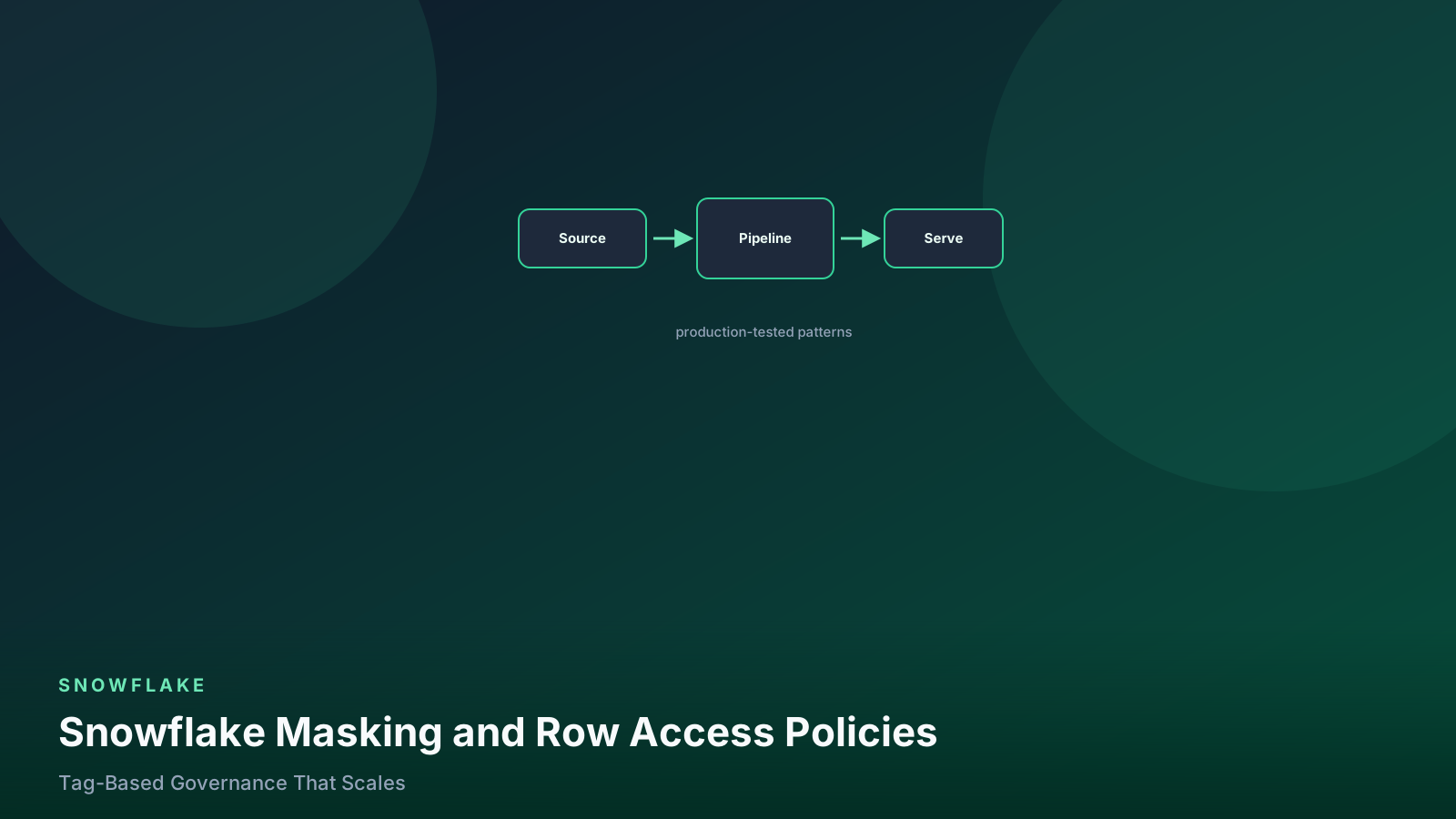
Snowflake Masking and Row Access Policies: Tag-Based Governance That Scales
How to move from per-column masking policies to tag-based masking and mapping-table row access policies, including the performance traps and the audit queries that prove coverage.
- ✓Attaching masking policies column by column does not scale past about fifty columns. Attach them to tags instead and let the tag propagate.
- ✓One policy per data type, not one per column. A masking policy signature is bound to a type, and that is the only dimension that needs to vary.
- ✓Row access policies belong in a mapping table joined inside the policy body, never in a chain of hardcoded role names.
- ✓A policy that references a mapping table adds a join to every query on that table. Keep the mapping small and clustered.
- ✓Coverage is auditable from POLICY_REFERENCES and TAG_REFERENCES. If you cannot produce that list on demand, you do not have governance, you have policies.
Table of contents
- The two policy types and where they apply
- Write one policy per data type
- Tags are what make it scale
- Row access policies with a mapping table
- What policies cost at query time
- Proving coverage
- Where teams get this wrong
- FAQ
- Do masking policies apply to the table owner?
- Can one column have two masking policies?
- How do policies interact with dbt?
- Does masking affect the query result cache?
- Can I mask inside a VARIANT column?
- What this means for your pipelines
The first masking implementation I built had 60 policies. One for
email, one for customer_email, one for contact_email, one
for email_address, and so on through every column name our
warehouse had accumulated for the same concept. It worked. It also
meant that adding a column called billing_email to a new table
protected nothing, silently, until a quarterly review found it.
That is the failure mode of column-by-column governance. It is not that it does not work — it is that its correctness depends on somebody remembering, on every new table, forever. Nobody remembers forever.
The version that scales inverts the relationship. You do not attach a policy to a column. You attach a tag to a column, and the policy to the tag. Now protection is a property of the data’s classification rather than of a person’s diligence, and coverage becomes a query you can run instead of a hope you can express.
Row access policies follow the same arc: from a CASE statement
full of role names into a join against a mapping table that the
business can maintain without a deploy.
The two policy types and where they apply
A masking policy transforms a column’s value at query time based on the querying context. The row stays; the value changes. A row access policy decides whether a row is visible at all. Both are evaluated by the optimizer as part of the query plan, on every query, for every user, including the object owner.
flowchart TD
  q["User query"] --> rap{"Row access policy on table?"}
  rap -->|"yes"| filter["Rows filtered by policy predicate"]
  rap -->|"no"| cols
  filter --> cols{"Masking policy on any selected column?"}
  cols -->|"yes"| mask["Column value transformed per policy"]
  cols -->|"no"| out["Result returned"]
  mask --> out
Rows are filtered first, then column values are transformed. Both run inside the plan, so both affect performance.
The order matters for reasoning about correctness: a row access policy can hide a row entirely, so a masked column on a hidden row is irrelevant. It also matters for performance, since a row access policy that filters aggressively reduces the rows a masking policy has to touch.
Both features require Enterprise edition or above, and both are
governed by the APPLY MASKING POLICY and APPLY ROW ACCESS POLICY privileges, which should live with a dedicated governance
role and nowhere else.
Write one policy per data type
A masking policy’s signature is tied to a specific data type, and that is genuinely the only dimension that has to vary. Everything else — which roles see what, how the value is obscured — belongs inside the policy body.
use role governance_admin;

create or replace masking policy governance.policies.mask_email
  as (val varchar) returns varchar ->
  case
    -- Full access for the roles that legitimately need it.
    when current_role() in ('FR_DATA_ENGINEER', 'FR_SUPPORT_TIER2') then val
    -- Partial reveal keeps the domain useful for analysis.
    when current_role() in ('FR_ANALYST') then
      regexp_replace(val, '^[^@]+', '****')
    else '***MASKED***'
  end;

create or replace masking policy governance.policies.mask_pii_string
  as (val varchar) returns varchar ->
  case
    when current_role() in ('FR_DATA_ENGINEER', 'FR_SUPPORT_TIER2') then val
    else '***MASKED***'
  end;

create or replace masking policy governance.policies.mask_number
  as (val number) returns number ->
  case
    when current_role() in ('FR_DATA_ENGINEER', 'FR_FINANCE') then val
    else null
  end;

create or replace masking policy governance.policies.mask_date_to_year
  as (val date) returns date ->
  case
    when current_role() in ('FR_DATA_ENGINEER') then val
    -- Coarsening beats nulling: analysts keep the age distribution.
    else date_from_parts(year(val), 1, 1)
  end;
Four policies cover the overwhelming majority of real cases. Note the coarsening approach on the date policy — nulling a birthdate destroys analytical value, while truncating it to a year preserves cohort analysis and removes the identifier. I use that instinct everywhere I can: mask the identifying precision, not the column.
Reference roles rather than users, and reference functional
roles specifically, since those are the stable layer in a
well-designed role hierarchy. A
policy that names JSMITH_ROLE is a policy that will be wrong
after the next reorg.
One more thing worth knowing: CURRENT_ROLE() returns the active
role, not the full set of roles the user holds. A user with the
right role that is not currently active gets masked data. For
inherited-role semantics, use IS_ROLE_IN_SESSION() instead,
which respects the hierarchy and is usually what people actually
meant.
Tags are what make it scale
Now attach the policies to tags rather than columns, and tag the columns instead. A masking policy set on a tag applies automatically to every column carrying that tag, including columns tagged in the future.
-- 1. Define the classification vocabulary once.
create tag if not exists governance.tags.data_classification
  allowed_values 'public', 'internal', 'pii', 'pii_email', 'financial'
  comment = 'Column-level data classification. Drives masking policy assignment.';

-- 2. Bind policies to tag values. This is the whole trick.
alter tag governance.tags.data_classification set
  masking policy governance.policies.mask_pii_string,
  masking policy governance.policies.mask_email,
  masking policy governance.policies.mask_number;
  -- One policy per data type; Snowflake picks the matching signature.

-- 3. Tag the columns. This is the only per-column work left.
alter table analytics.gold.customers modify column email
  set tag governance.tags.data_classification = 'pii_email';
alter table analytics.gold.customers modify column ssn_last4
  set tag governance.tags.data_classification = 'pii';
alter table analytics.gold.customers modify column lifetime_value_cents
  set tag governance.tags.data_classification = 'financial';
The behavior that makes this genuinely scalable is tag
propagation: when you create a new table from a tagged one — a
CREATE TABLE AS SELECT, a view, a dbt model — the classification
follows the lineage in supported cases. Your silver table’s
email column carries the tag into gold, and the mask applies
without anyone touching the new table.
Then classification discovery becomes a real workflow rather than a spreadsheet. Snowflake’s built-in classification can propose tags on columns it recognizes as sensitive:
-- Ask Snowflake what it thinks is sensitive in a schema.
call system$classify('analytics.gold.customers', {'auto_tag': false});

-- Review the proposals before accepting anything.
select *
from table(information_schema.tag_references_all_columns(
  'analytics.gold.customers', 'table'
));
I never enable auto_tag on production. The classifier is good at
finding candidates and mediocre at judgment, and an automatically
applied mask on a join key is an outage. Review, then apply.
Row access policies with a mapping table
The naive row access policy hardcodes the rules:
-- Do not do this. Every business change is a deploy.
create or replace row access policy governance.policies.rap_region_naive
  as (region varchar) returns boolean ->
  case
    when current_role() = 'FR_SALES_EMEA' and region = 'EMEA' then true
    when current_role() = 'FR_SALES_NA'   and region = 'NA'   then true
    when current_role() in ('FR_DATA_ENGINEER', 'FR_EXEC')    then true
    else false
  end;
The version that survives contact with a sales reorg joins a mapping table the business can own:
create or replace table governance.policies.role_region_map (
  role_name   varchar,
  region      varchar,
  granted_by  varchar,
  granted_at  timestamp_ntz default current_timestamp()
);

create or replace row access policy governance.policies.rap_region
  as (region varchar) returns boolean ->
  exists (
    select 1
    from governance.policies.role_region_map m
    where m.role_name = current_role()
      and m.region = rap_region.region      -- qualify to avoid ambiguity
  )
  -- Escape hatch for roles that see everything. Keep this list short.
  or current_role() in ('FR_DATA_ENGINEER', 'FR_EXEC');

-- Attach to every table with a region column.
alter table analytics.gold.orders
  add row access policy governance.policies.rap_region on (region);
alter table analytics.gold.opportunities
  add row access policy governance.policies.rap_region on (region);
Two production details that took me a while to learn. Qualify the
policy argument (rap_region.region) inside the subquery, because
an unqualified reference can bind to the mapping table’s column
and silently return every row — that is a data leak that passes
every unit test written by the person who made the mistake. And
keep the mapping table small and, if it grows past a few thousand
rows, clustered on role_name, because this subquery executes as
part of every query against every protected table.
Test policies as the roles they affect, not as yourself:
-- Governance role can impersonate for testing if granted the role.
use role fr_sales_emea;
select count(*), count(distinct region) from analytics.gold.orders;
-- Expect: only EMEA rows.

use role fr_analyst;
select email, ssn_last4 from analytics.gold.customers limit 5;
-- Expect: masked email domain visible, ssn fully masked.
What policies cost at query time
Both policy types are evaluated inside the query plan, so they are
not free. In my measurements, a masking policy with a simple
CASE on CURRENT_ROLE() is close to unmeasurable. A row access
policy joining a small mapping table typically adds a few percent.
A policy that calls a UDF, queries a large table, or uses a
correlated subquery against something unclustered can add far
more.
The interaction with pruning is the part that hurts. A row access
policy predicate is applied by the engine, but it does not
necessarily let Snowflake skip micro-partitions the way an
explicit WHERE clause would, because the policy’s selectivity is
not known at plan time. On a large fact table this can turn a
well-pruned query into a much wider scan — worth reading the
pruning guide before
you attach a policy to your biggest table.
-- Measure the policy overhead honestly: same query, protected vs unprotected.
alter session set use_cached_result = false;

-- Baseline against an unprotected clone.
create or replace table analytics.scratch.orders_noplicy
  clone analytics.gold.orders;
alter table analytics.scratch.orders_noplicy drop row access policy
  governance.policies.rap_region;

select
  query_id,
  round(total_elapsed_time / 1000, 2) as seconds,
  partitions_scanned,
  partitions_total
from table(information_schema.query_history_by_session())
where query_text ilike '%orders%'
order by start_time desc
limit 10;
If the overhead is material, the usual fixes are: shrink the mapping table, add the discriminator column to the table’s clustering key so the policy predicate prunes, or materialize per-audience secure views and skip the policy for that workload.
Proving coverage
Governance is only real if you can produce the coverage list on demand. These are the three queries I keep as saved views.
-- 1. Every policy and everywhere it is attached.
select
  policy_kind,
  policy_name,
  ref_database_name || '.' || ref_schema_name || '.' || ref_entity_name as object_name,
  ref_column_name,
  ref_entity_domain
from snowflake.account_usage.policy_references
order by policy_kind, policy_name, object_name;

-- 2. Columns that look sensitive by name but carry no classification tag.
select
  c.table_catalog, c.table_schema, c.table_name, c.column_name, c.data_type
from snowflake.account_usage.columns c
left join snowflake.account_usage.tag_references t
  on  t.object_database = c.table_catalog
  and t.object_schema   = c.table_schema
  and t.object_name     = c.table_name
  and t.column_name     = c.column_name
  and t.tag_name        = 'DATA_CLASSIFICATION'
where c.deleted is null
  and t.tag_name is null
  and (
       c.column_name ilike '%email%'
    or c.column_name ilike '%ssn%'
    or c.column_name ilike '%phone%'
    or c.column_name ilike '%address%'
    or c.column_name ilike '%birth%'
  )
order by 1, 2, 3, 4;

-- 3. Tables holding tagged PII that have no row access policy.
select distinct
  t.object_database, t.object_schema, t.object_name
from snowflake.account_usage.tag_references t
where t.tag_name = 'DATA_CLASSIFICATION'
  and t.tag_value in ('pii', 'pii_email')
  and not exists (
    select 1 from snowflake.account_usage.policy_references p
    where p.policy_kind = 'ROW_ACCESS_POLICY'
      and p.ref_entity_name = t.object_name
      and p.ref_schema_name = t.object_schema
  );
Query two is the one that earns its keep. It is a deliberately crude name-pattern search, and it has found untagged sensitive columns in every account I have run it in — usually in a schema someone created for a one-off analysis and never cleaned up. Run it weekly and treat non-empty results as a ticket, not a warning.
Where teams get this wrong
One policy per column. It works and it does not scale. Sixty policies is sixty things to change when the rule changes, and new columns are protected only if someone remembers.
Using CURRENT_ROLE() when you meant the role hierarchy. A
user whose active role is not the one named in the policy gets
masked data even though they hold the granting role.
IS_ROLE_IN_SESSION() is usually the correct function.
Unqualified column references in a row access policy subquery. The argument name can be shadowed by a mapping table column, and the policy silently permits everything. Qualify with the policy name and test with a role that should see nothing.
Attaching a policy to a huge fact table without measuring. The policy predicate may not prune. Measure against a clone before you attach it in production.
Applying masks to join keys. A masked key breaks joins in ways that are hard to diagnose, because the query succeeds and returns wrong results. Hash the key consistently instead, or exclude keys from classification entirely.
Forgetting shares and clones. A shared secure view evaluates policies in the consumer’s context, where your role names do not exist, so everything masks. A clone carries policy references with it, which is usually what you want and occasionally a surprise in dev.
FAQ
Do masking policies apply to the table owner?
Yes. Policies are enforced regardless of ownership, which is one of the main reasons they exist rather than relying on views. Only a role explicitly permitted in the policy body sees unmasked values.
Can one column have two masking policies?
No. A column supports a single masking policy, applied either directly or through a tag. If both a direct policy and a tag policy would apply, the directly attached one wins, which is a useful override mechanism and an easy source of confusion.
How do policies interact with dbt?
They live outside the model. Apply tags and policies with post-hooks or a separate governance deployment, and remember that a full-refresh recreates the table — direct policy attachments are lost, tag-based ones survive if the tag is reapplied by the same hook. This is the strongest practical argument for the tag-based approach.
Does masking affect the query result cache?
Results are cached per role context, so a masked and unmasked version of the same query do not collide. You get fewer cache hits overall on heavily masked tables, which is a small and acceptable cost.
Can I mask inside a VARIANT column?
Only at the whole-column level with a VARIANT policy signature.
Masking a specific key inside a semi-structured blob is not
supported, which is one more reason to promote sensitive keys into
real typed columns in your silver layer.
What this means for your pipelines
The practical shift is that governance stops being a step in your
deployment checklist and becomes a property of the data itself. A
column tagged pii in the silver layer arrives in gold already
classified, and the mask applies without a governance ticket. That
changes the economics of adding new models, because the safe path
becomes the default path rather than the one requiring extra work.
It also changes what you can promise. When someone asks whether
customer email is protected everywhere it appears, the answer is a
query against POLICY_REFERENCES and TAG_REFERENCES rather than
an inventory exercise. Put those queries in a dashboard, add the
untagged-sensitive-column check to your weekly review, and treat a
non-empty result the same way you treat a failed
dbt test.
Start smaller than you think you should. Four policies, one tag with five allowed values, and one high-value table. Get the propagation working end to end, measure the query overhead, then expand the tagging outward along your lineage. The teams I have seen fail at this failed by designing a forty-policy taxonomy before protecting a single column.
Senior Data & AI Engineer · SnowPro Core & Gen AI Certified
4+ years building production data platforms on Snowflake, Databricks, AWS, and Azure. I write from hands-on experience with Medallion architectures, dbt, Airflow, PySpark, and Snowflake Cortex AI. Every tutorial on this blog reflects real pipeline decisions — not documentation rewrites.
Read more about the author →