Snowpipe vs Snowpipe Streaming: Latency, Cost Per Row, and Which One You Need
A practical comparison of Snowpipe file ingestion and Snowpipe Streaming, covering real latency ranges, the credit math per million rows, and how to pick without over-engineering.
- ✓Snowpipe latency is dominated by how often you write files, not by Snowflake. One-minute batches give you roughly one-to-two-minute freshness.
- ✓Snowpipe charges a per-file overhead on top of compute, so thousands of tiny files is the most expensive way to load a small amount of data.
- ✓Snowpipe Streaming bills per client-second and per row ingested, which makes it cheaper than Snowpipe below roughly 100 KB average file size.
- ✓Streaming writes rows that are not yet in optimal micro-partitions. Automatic migration fixes that in the background and you pay for it.
- ✓Most teams asking for sub-second ingestion actually need sub-five-minute, and Snowpipe with one-minute file batching gets there for a fraction of the effort.
Table of contents
- Two different loading mechanisms
- What the latency numbers really look like
- The cost model, and where it flips
- Getting Snowpipe right
- Getting Snowpipe Streaming right
- What happens after the raw table
- Where teams get this wrong
- FAQ
- Can I use both in the same pipeline?
- Does Snowpipe Streaming work with the Kafka connector?
- Why is my pipe falling behind?
- Do I need a warehouse for Snowpipe?
- Is COPY INTO on a schedule ever the right answer?
- What this means for your pipelines
Every streaming ingestion project I have been part of started with someone saying “we need real-time.” Every one of them ended up with a freshness requirement between two and fifteen minutes once we found out what the downstream consumer actually did with the data. In two cases the consumer was a dashboard that humans looked at twice a day.
That gap matters because the architectures on either side of it are not close in cost or complexity. Snowpipe on files is nearly free to operate, has no client to run, and gets you a minute or two of latency. Snowpipe Streaming gets you single-digit seconds and requires you to run and monitor a client process, handle offset tokens, and understand a different billing model.
I have run both in production. What follows is the honest comparison — where each one’s latency actually lands, what each one costs per million rows, and the decision I make when a team asks for streaming.
Two different loading mechanisms
Snowpipe is file-based. Something writes a file to cloud storage, a notification fires, and Snowflake’s serverless ingestion service copies that file into a table. The unit of work is a file.
Snowpipe Streaming is row-based. A client using the Snowflake Ingest SDK opens a channel to a table and pushes rows directly, with no file and no stage in the path. The unit of work is a row.
flowchart TD
  src["Source system"] --> path{"Which path?"}
  path -->|"batched to files"| stage["Cloud storage stage"]
  stage --> notify["Event notification"]
  notify --> pipe["Snowpipe serverless ingest"]
  pipe --> tbl["Target table"]
  path -->|"row by row"| sdk["Ingest SDK client with channels"]
  sdk --> tbl
  tbl --> migrate["Background partition optimization for streamed rows"]
The file path has more hops but no client to operate. The streaming path is shorter and moves the operational burden to you.
The consequence people miss is that with Snowpipe, you control most of the latency. Snowflake’s part — notification to loaded — is typically well under a minute. If your data lands in the table eleven minutes after the event happened, ten of those minutes are almost certainly your producer’s batching interval.
What the latency numbers really look like
From what I have measured across a few production pipelines:
Snowpipe with files written every five minutes gives five to seven minute end-to-end freshness. Written every minute, one to two minutes. Written every fifteen seconds, you are fighting the per-file overhead and the ingest queue, and the marginal gain over one-minute batching is small.
Snowpipe Streaming lands rows in five to ten seconds typically, sometimes faster. The variance is lower too, which for some consumers matters more than the average.
So the honest framing is not “batch versus real-time.” It is “one-to-two minutes versus five-to-ten seconds.” If your requirement sits anywhere above a minute, Snowpipe is the answer and the rest of this post is mostly about tuning it.
Measure your own baseline before you choose. The lag is queryable:
-- End-to-end lag: event time in the payload vs. when Snowflake loaded it.
select
  date_trunc('hour', load_time) as hour,
  count(*) as files,
  sum(row_count) as rows_loaded,
  round(avg(datediff('second', last_load_time, load_time)), 1) as avg_pipe_seconds
from snowflake.account_usage.copy_history
where table_name = 'EVENTS_RAW'
  and last_load_time > dateadd('day', -2, current_timestamp())
group by 1
order by 1 desc;

-- The lag that actually matters, using the event timestamp in the data.
select
  date_trunc('minute', _loaded_at) as minute,
  count(*) as rows_loaded,
  round(avg(datediff('second', event_ts, _loaded_at)), 1) as avg_lag_seconds,
  round(max(datediff('second', event_ts, _loaded_at)), 1) as max_lag_seconds
from raw.events.events_raw
where _loaded_at > dateadd('hour', -6, current_timestamp())
group by 1
order by 1 desc
limit 30;
Add a _loaded_at column defaulting to CURRENT_TIMESTAMP() on
every ingestion table. It costs nothing and it is the only way to
answer “how stale is this” without guessing.
The cost model, and where it flips
This is the part worth being precise about, because the two services bill on completely different axes.
Snowpipe charges serverless compute for the actual load work, plus a fixed overhead per file processed. That overhead is small per file and enormous in aggregate if your files are small. A pipeline writing 100 KB files every second is 86,400 files a day, and the per-file charge will dominate the compute charge by a wide margin.
Snowpipe Streaming charges per client-second — for the time a channel is open and active — plus a charge per row ingested. There is no file overhead, because there are no files.
The crossover in my experience sits around 100 KB of average file size. Below that, streaming is cheaper because you stop paying per-file overhead on files that contain almost nothing. Above that, Snowpipe is cheaper because file loading amortizes well and you are not paying for an always-open channel.
Check your own file sizes first, since this single number decides the argument:
-- Average file size per pipe. The number that decides Snowpipe vs Streaming.
select
  pipe_name,
  count(*) as files,
  sum(row_count) as rows_loaded,
  round(avg(file_size) / 1024, 1) as avg_file_kb,
  round(sum(file_size) / power(1024, 3), 2) as total_gb
from snowflake.account_usage.copy_history
where last_load_time > dateadd('day', -7, current_timestamp())
  and pipe_name is not null
group by 1
order by files desc;

-- What each pipe actually cost.
select
  pipe_name,
  round(sum(credits_used), 2) as credits,
  sum(bytes_inserted) / power(1024, 3) as gb_inserted,
  sum(files_inserted) as files,
  round(sum(credits_used) / nullif(sum(files_inserted), 0) * 1000, 4) as credits_per_1k_files
from snowflake.account_usage.pipe_usage_history
where start_time > dateadd('day', -30, current_timestamp())
group by 1
order by credits desc;
If avg_file_kb comes back at 8, you have found a real problem and
the fix is either batching the producer harder or moving to
streaming. If it comes back at 40,000, your files are too large and
you are trading latency for nothing.
Getting Snowpipe right
Most teams should stay on Snowpipe and tune it. The setup is unremarkable, and the tuning is entirely about file size.
create or replace pipe raw.events.pipe_events
  auto_ingest = true
  aws_sns_topic = 'arn:aws:sns:us-east-1:123456789012:snowpipe-events'
as
copy into raw.events.events_raw (
  event_id, event_ts, account_id, event_name, payload, _loaded_at
)
from (
  select
    $1:event_id::varchar,
    $1:event_ts::timestamp_ntz,
    $1:account_id::number,
    $1:event_name::varchar,
    $1,                              -- keep the full payload as VARIANT
    current_timestamp()
  from @raw.events.stg_events
)
file_format = (type = json, strip_outer_array = true)
on_error = continue;                 -- do not let one bad file stall the pipe
Target 100 to 250 MB compressed files if you can tolerate the resulting latency, and 10 to 50 MB if you cannot. Below about 1 MB, per-file overhead starts to be a meaningful share of the bill. Configure your producer — Kinesis Firehose, a Kafka connector, an application buffer — to flush on whichever of size or time comes first.
The operational work is monitoring, and there are exactly three things to watch:
-- 1. Is the pipe healthy and is the queue draining?
select system$pipe_status('raw.events.pipe_events');
-- pendingFileCount growing over time means ingestion cannot keep up.

-- 2. What failed, and why?
select
  file_name, error_count, first_error_message, last_load_time
from snowflake.account_usage.copy_history
where pipe_name = 'PIPE_EVENTS'
  and error_count > 0
  and last_load_time > dateadd('day', -1, current_timestamp())
order by last_load_time desc;

-- 3. Files that were never loaded at all (notification lost).
alter pipe raw.events.pipe_events refresh;   -- re-scan the stage, load what is missing
That third one deserves emphasis. Cloud event notifications are
delivered at-least-once but not guaranteed, and a lost
notification means a file sits in the stage forever with no error
anywhere. Run a scheduled ALTER PIPE ... REFRESH — daily is
usually enough — as a safety net. I have caught silent data gaps
this way more than once.
Getting Snowpipe Streaming right
When you genuinely need seconds, the SDK model is straightforward but has two concepts you must get right: channels and offset tokens.
A channel is a logical connection from one client to one table. Channels are the unit of parallelism and the unit of ordering — a single channel preserves order, multiple channels do not have a global order between them. One channel per source partition is the usual mapping, which lines up neatly with Kafka partitions.
The offset token is how you get exactly-once. You attach a monotonically increasing token to each batch, and on reconnect you ask the channel what it last committed and resume from there.
from snowflake.ingest.streaming import SnowflakeStreamingIngestClientFactory
import json

client = SnowflakeStreamingIngestClientFactory.builder("events_client") \
    .set_properties(connection_properties) \
    .build()

# One channel per source partition keeps ordering intact within a partition.
channel = client.open_channel(
    channel_name=f"events_p{partition_id}",
    db_name="RAW",
    schema_name="EVENTS",
    table_name="EVENTS_RAW",
)

# Resume from the last committed offset, not from zero.
last_committed = channel.get_latest_committed_offset_token()
start_offset = int(last_committed) + 1 if last_committed else 0

for batch in read_source(from_offset=start_offset):
    rows = [
        {
            "EVENT_ID": r["id"],
            "EVENT_TS": r["ts"],
            "ACCOUNT_ID": r["account_id"],
            "EVENT_NAME": r["name"],
            "PAYLOAD": json.dumps(r),
        }
        for r in batch
    ]
    # Offset token is the exactly-once mechanism. Make it monotonic per channel.
    response = channel.insert_rows(rows, offset_token=str(batch.last_offset))
    if response.has_errors():
        # Do not advance your source offset. Log, alert, and retry the batch.
        handle_errors(response.get_insert_errors())
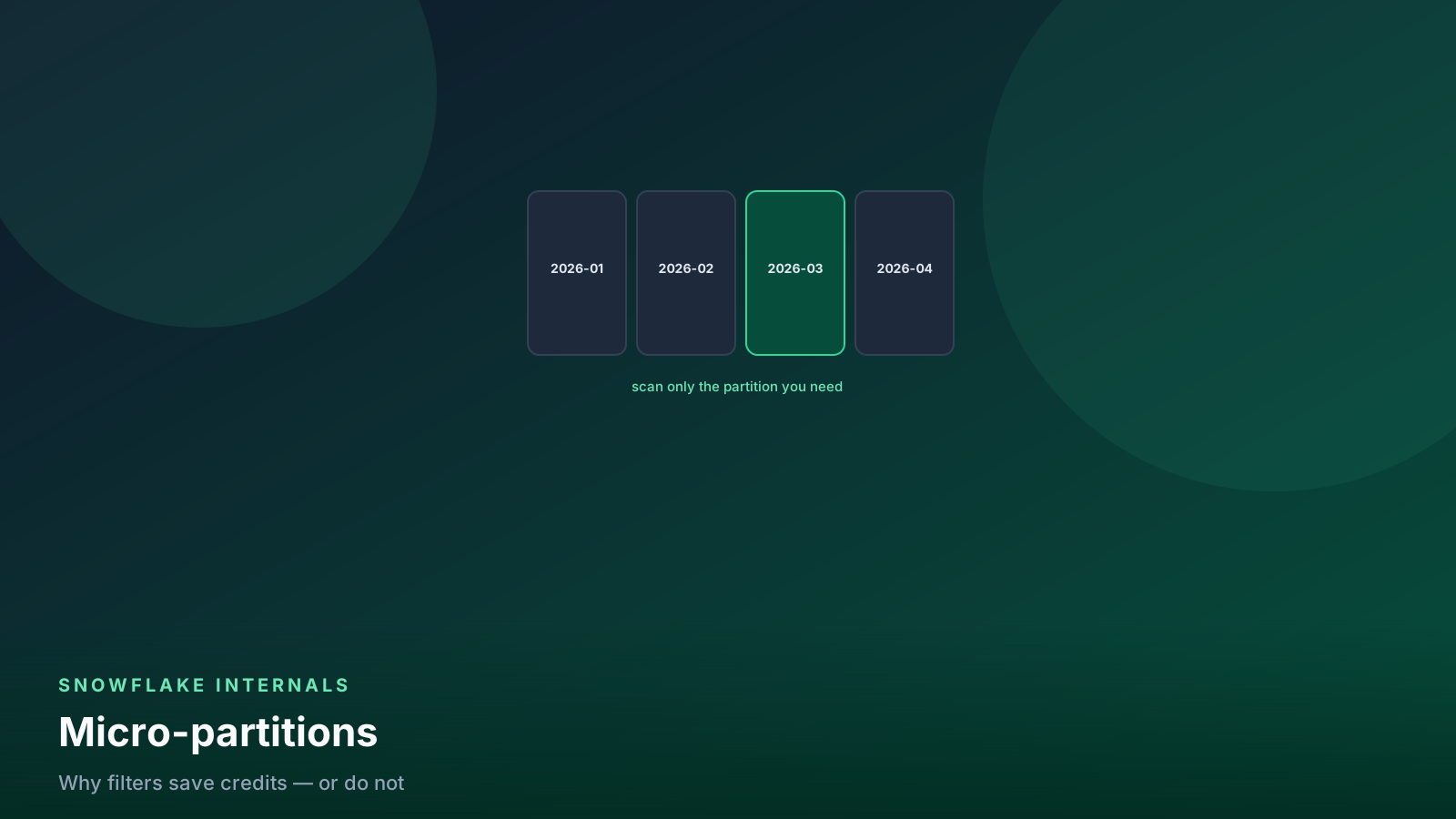
Two operational realities. Rows arriving through streaming are initially written in a form that is not optimally partitioned; Snowflake migrates them into standard micro-partitions in the background, and that migration bills as serverless compute. This is normal, and it means a freshly streamed table can prune poorly for a short window — relevant if you query it immediately, and covered in the pruning guide.
And the client is yours to operate. It needs a home, health checks, alerting on channel errors, and a restart story that resumes from committed offsets rather than replaying everything. That is real work that Snowpipe does not ask of you.
What happens after the raw table
Ingestion is not the pipeline. Whichever mechanism you choose, the raw table needs to become something usable, and this is where freshness is usually lost anyway.
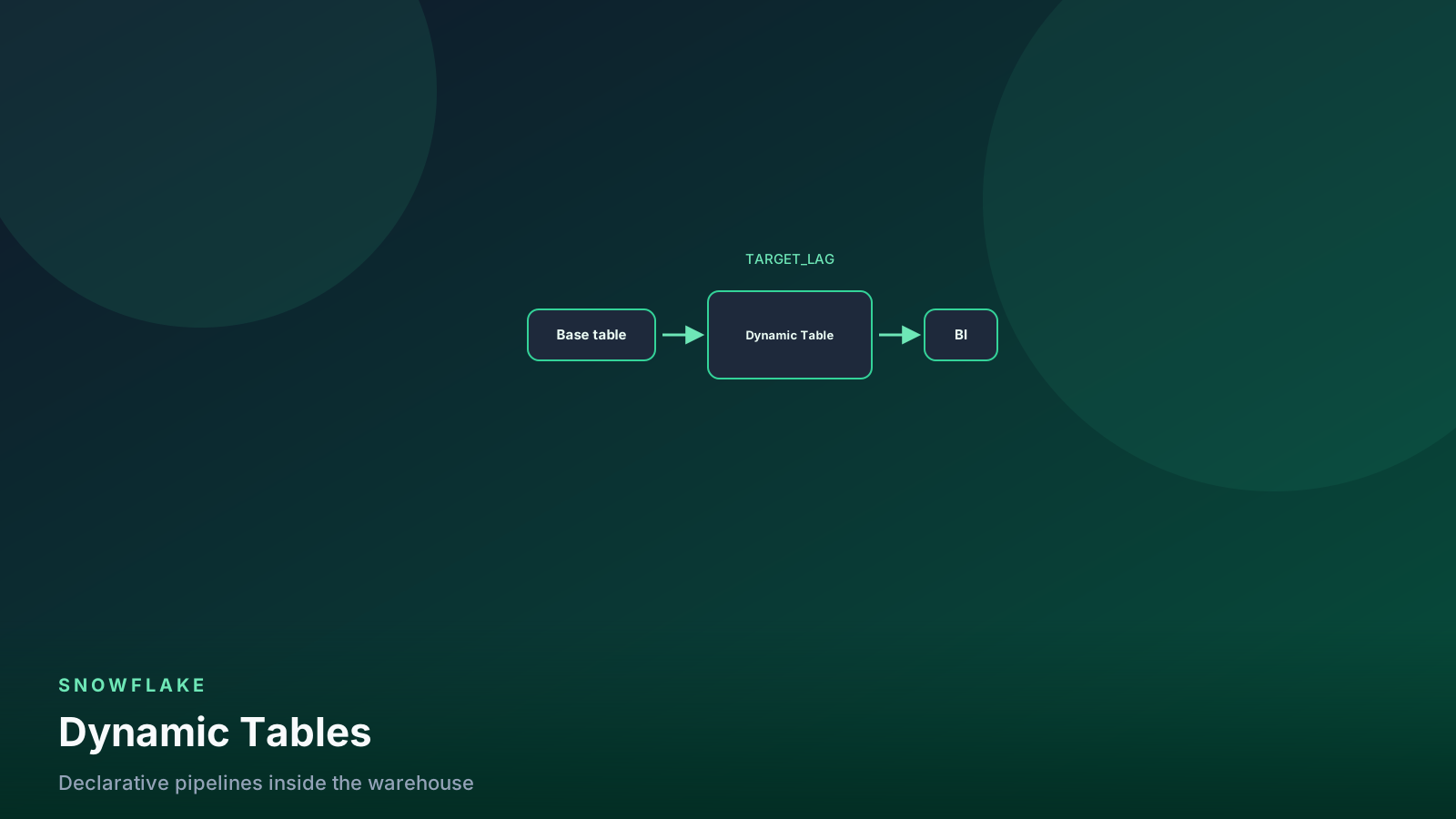
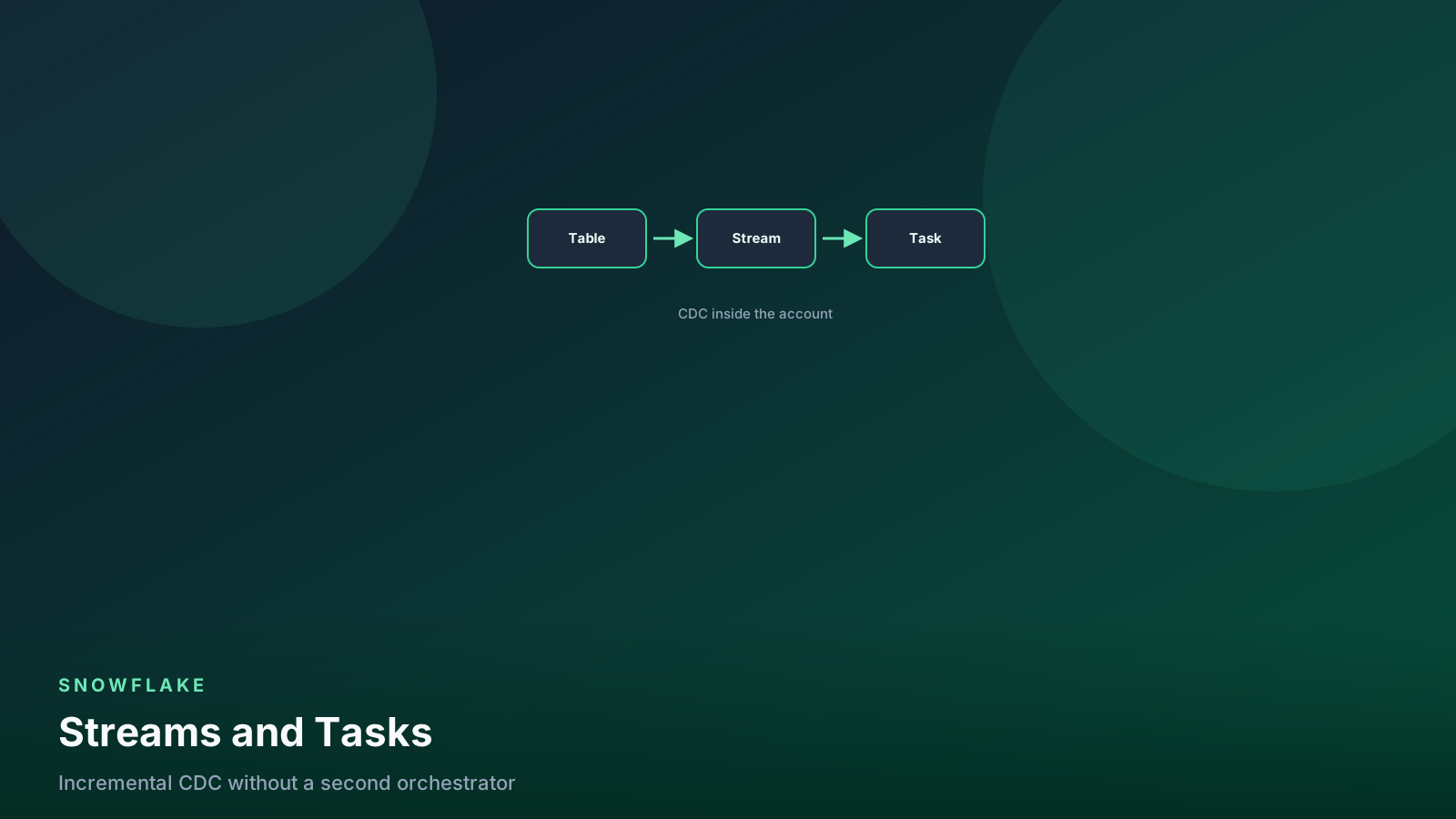
The pattern I use is a stream on the raw table plus a task, or a dynamic table if the transformation is expressible declaratively:
-- Option A: stream plus task, for full control over the merge.
create or replace stream raw.events.str_events_raw on table raw.events.events_raw;

create or replace task silver.build_events
  warehouse = ingest_wh
  schedule = '1 minute'
  when system$stream_has_data('raw.events.str_events_raw')
as
merge into analytics.silver.events t
using (
  select
    event_id,
    event_ts,
    account_id,
    event_name,
    payload:user_id::number as user_id     -- promote filter keys out of the VARIANT
  from raw.events.str_events_raw
  where metadata$action = 'INSERT'
) s
on t.event_id = s.event_id
when not matched then insert (event_id, event_ts, account_id, event_name, user_id)
  values (s.event_id, s.event_ts, s.account_id, s.event_name, s.user_id);
-- Option B: dynamic table, when the logic is a straightforward transform.
create or replace dynamic table analytics.silver.events
target_lag = '2 minutes'
warehouse = ingest_wh
as
select
event_id,
event_ts,
account_id,
event_name,
payload:user_id::number as user_id
from raw.events.events_raw;Both are covered in more depth in streams and tasks and the dynamic tables guide. The point here is the arithmetic: if you stream rows in at five-second latency and then run a one-minute task, your actual end-to-end freshness is about a minute. Paying for streaming ingestion and then batching downstream is one of the most common ways teams spend money for no freshness gain at all.
Where teams get this wrong
Optimizing ingestion latency while the downstream runs every fifteen minutes. Measure the whole chain. The slowest link sets your freshness, and it is rarely the ingest.
Thousands of tiny files. Per-file overhead is real. A producer flushing every second at low volume is the most expensive way to load a small amount of data. Batch to at least a few MB, or switch to streaming.
No ALTER PIPE REFRESH safety net. A dropped notification
produces a silent, permanent gap with no error anywhere. Schedule
a refresh and reconcile source counts against loaded counts.
Reusing offset tokens or making them non-monotonic across a channel. Exactly-once depends on the token being strictly increasing per channel. Get this wrong and you get duplicates or silently skipped batches.
Choosing streaming for a nightly-consumed table. I have seen a streaming pipeline built for a table that fed a report generated at 6 a.m. The batch load was replaced by a client process someone now has to keep alive, for no user-visible benefit.
Ignoring the background migration cost of streamed rows. It is a serverless line item that grows with your streamed volume. Watch it in your cost review alongside clustering and Snowpipe credits.
FAQ
Can I use both in the same pipeline?
Yes, and it is a reasonable pattern. Stream the small number of tables with a genuine seconds-level requirement, and use Snowpipe for everything else. They can even write to different tables that a downstream model unions.
Does Snowpipe Streaming work with the Kafka connector?
Yes. The Snowflake Kafka connector can run in Snowpipe Streaming mode, which is usually the right choice if you are already on Kafka — it handles channels and offsets for you, mapping Kafka partitions to channels. That removes most of the client operational burden that otherwise argues against streaming.
Why is my pipe falling behind?
Check pendingFileCount from SYSTEM$PIPE_STATUS. If it grows
steadily, the arrival rate exceeds the ingest rate, which is
almost always caused by too many small files rather than too much
data. Consolidating files fixes it far more often than anything
else.
Do I need a warehouse for Snowpipe?
No. Snowpipe uses Snowflake-managed serverless compute billed separately from your warehouses, which is why it does not appear in warehouse metering. You do need a warehouse for whatever transforms the raw table afterward.
Is COPY INTO on a schedule ever the right answer?
Sometimes, yes. For predictable hourly or daily batches with large
files, a scheduled COPY INTO on a small warehouse can cost less
than Snowpipe because you skip the per-file overhead and control
the compute directly. It is worth pricing when files are large and
arrival times are predictable.
What this means for your pipelines
Start by measuring the freshness you actually deliver today and the freshness the consumer actually needs. Those two numbers, plus your average file size, decide this entire question, and I have never seen a team regret gathering them before choosing an architecture.
For the large majority of pipelines, Snowpipe with a producer
batching on a one-minute window is the right answer. It gives you
one-to-two minute freshness, no client to operate, and a cost
profile that scales sensibly with volume. Add the _loaded_at
column, schedule a daily ALTER PIPE REFRESH, watch file size in
COPY_HISTORY, and it will run for years without attention.
Reach for Snowpipe Streaming when something downstream genuinely acts on data within seconds — fraud scoring, operational alerting, a live-serving feature store — or when your file sizes are stuck below about 100 KB for reasons you cannot change. When you do, budget for the client as a real service with real monitoring, and make sure the entire chain from ingestion to the serving table is built for seconds. Otherwise you have bought a fast front door into a building with a slow elevator.
Senior Data & AI Engineer · SnowPro Core & Gen AI Certified
4+ years building production data platforms on Snowflake, Databricks, AWS, and Azure. I write from hands-on experience with Medallion architectures, dbt, Airflow, PySpark, and Snowflake Cortex AI. Every tutorial on this blog reflects real pipeline decisions — not documentation rewrites.
Read more about the author →